
Misuse gallery
Never do this
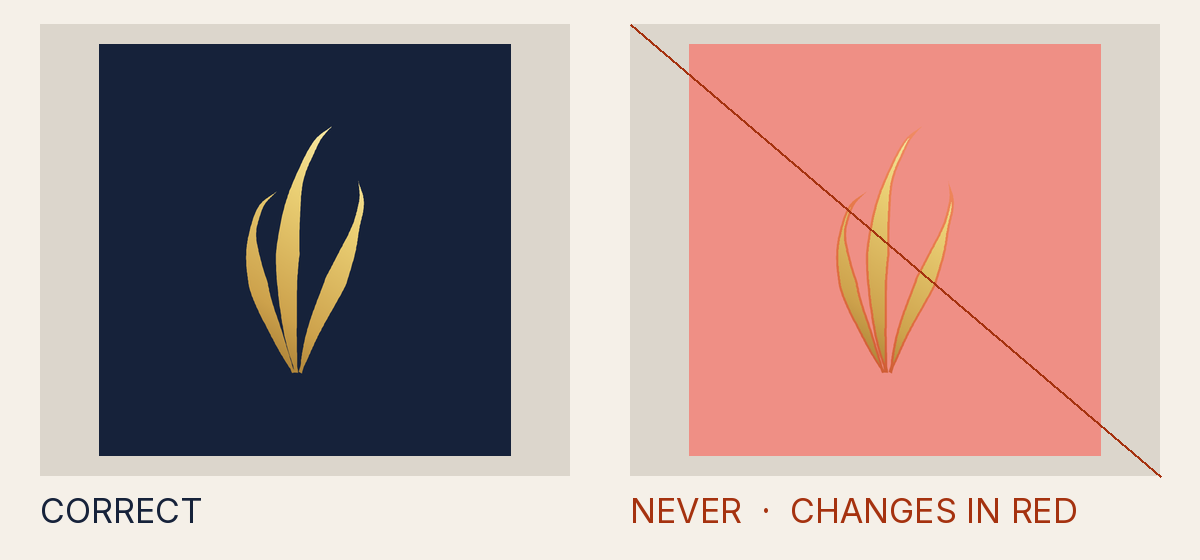
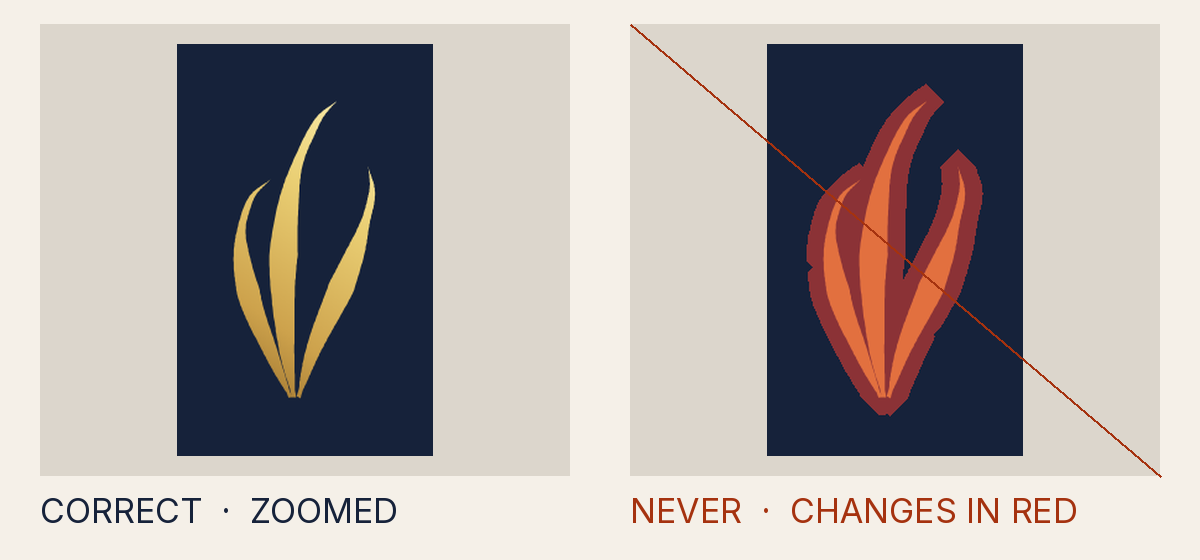
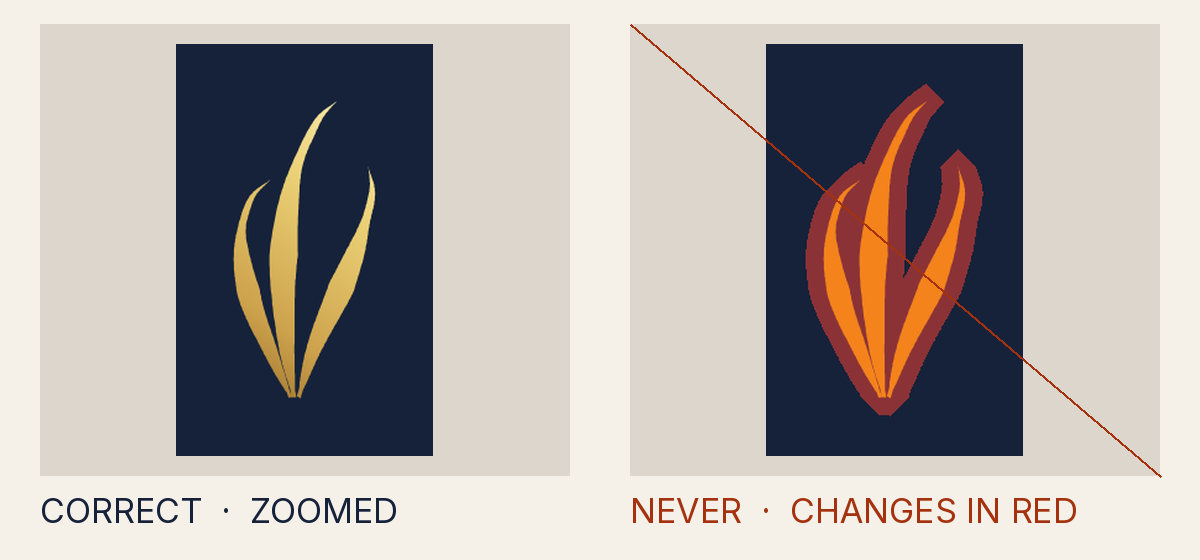
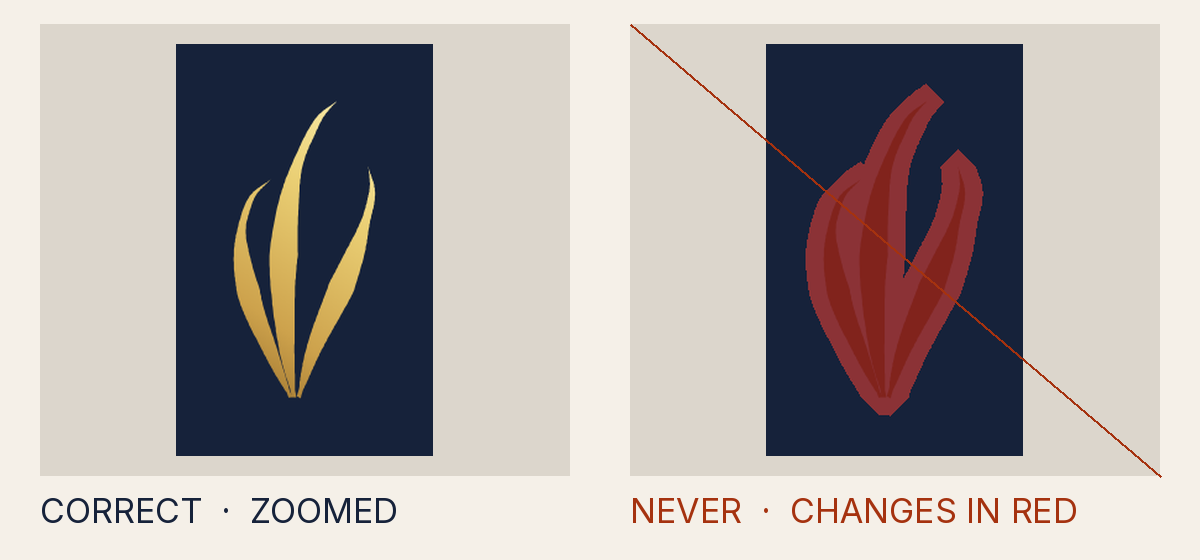
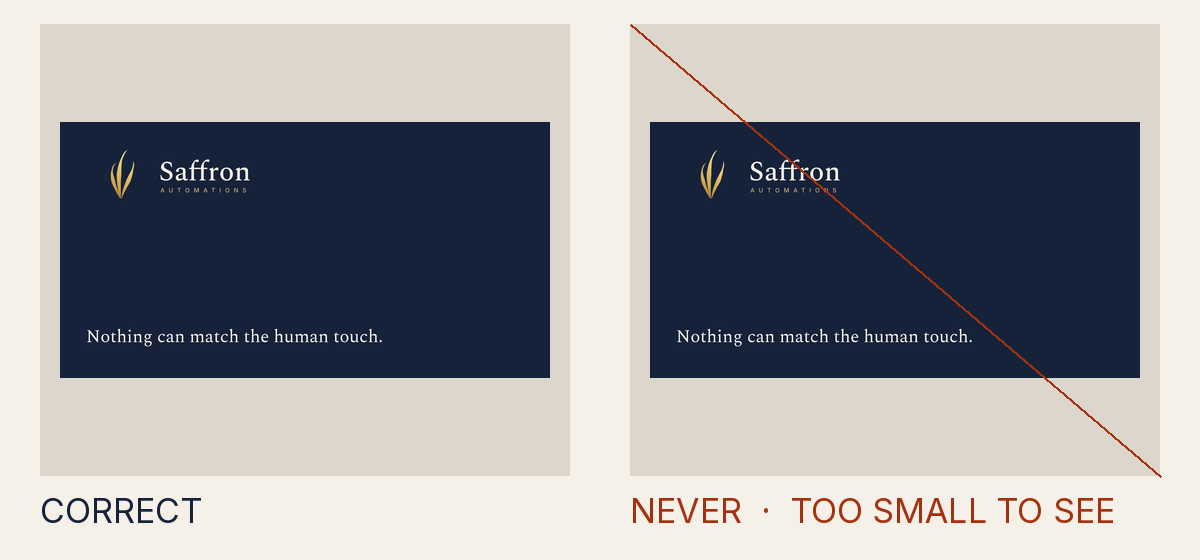
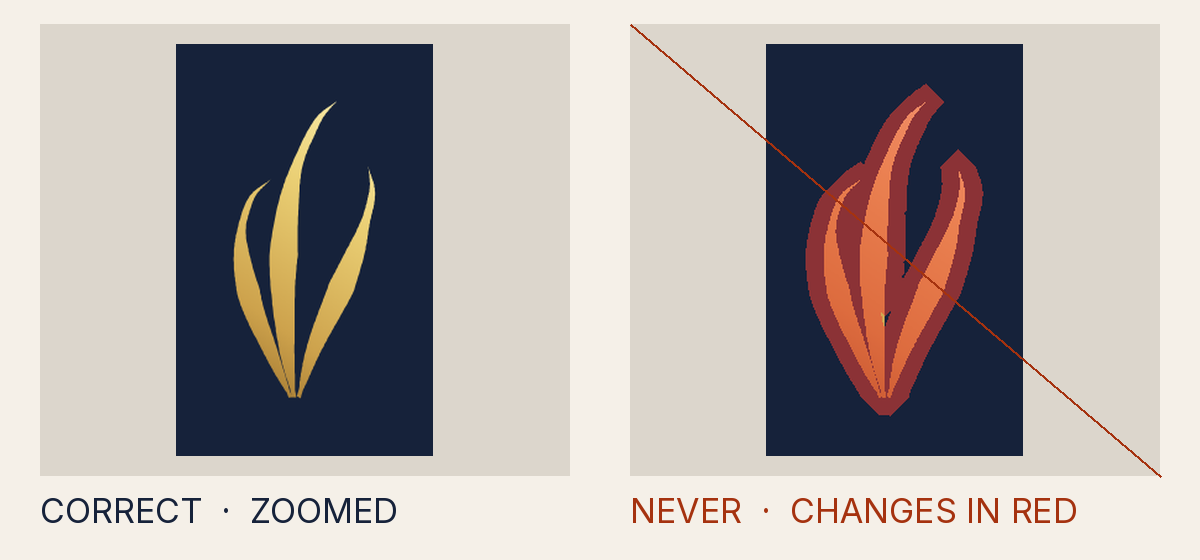
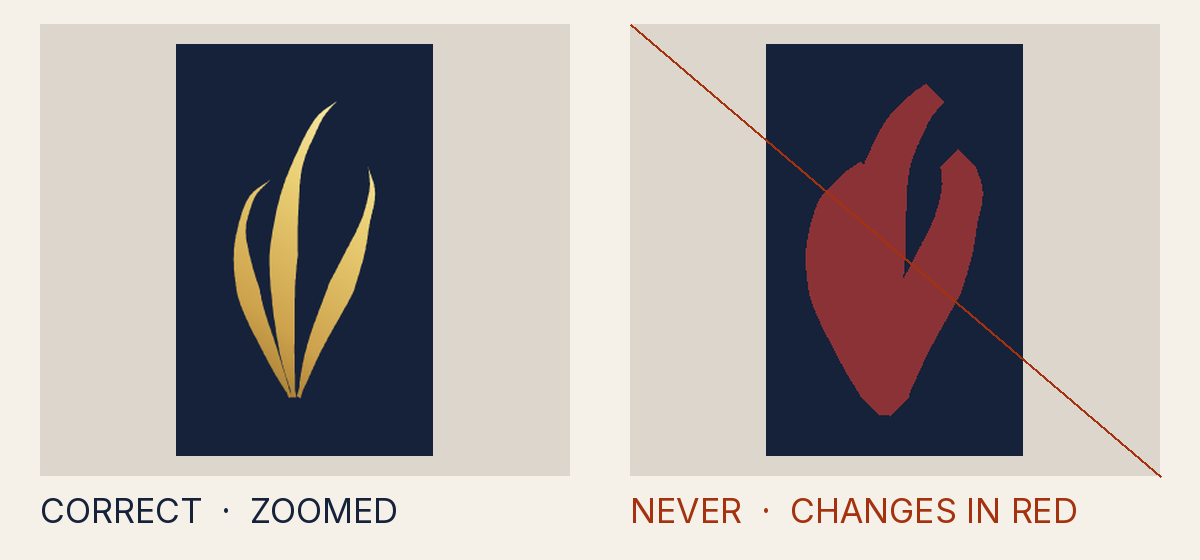
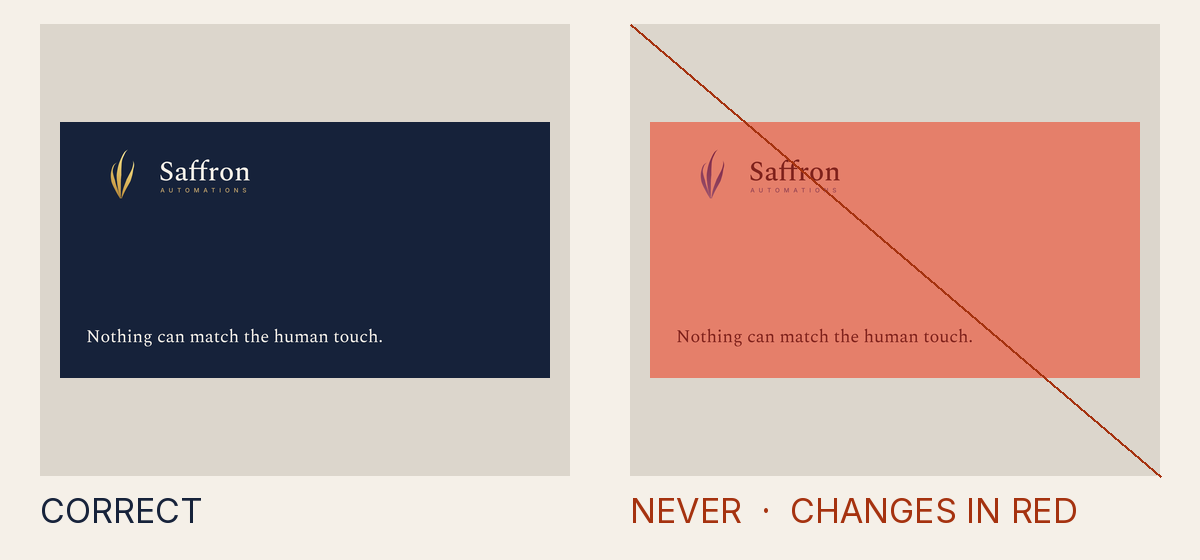
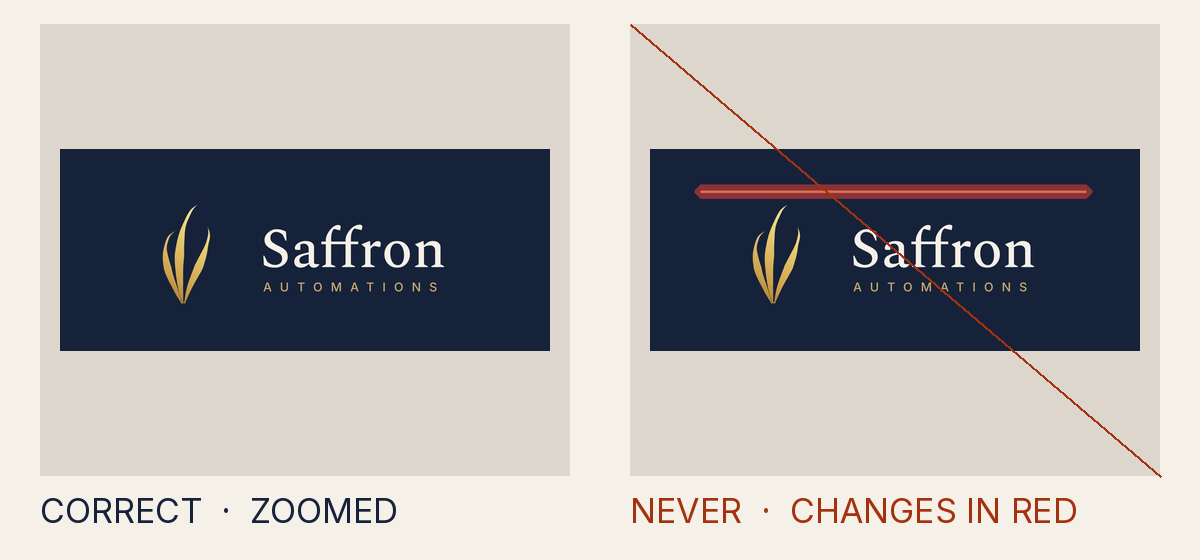
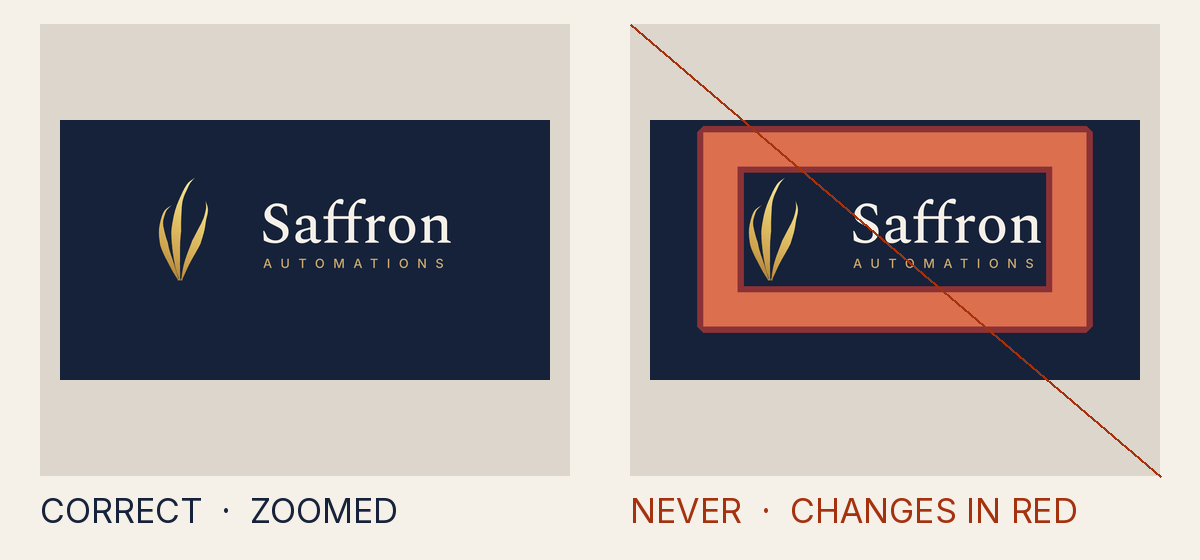
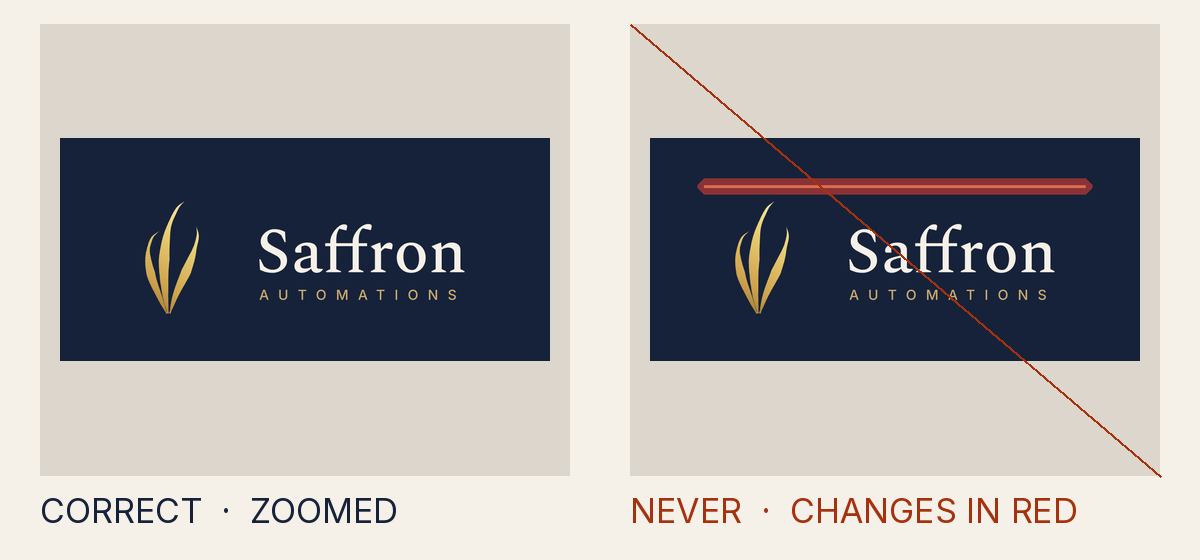
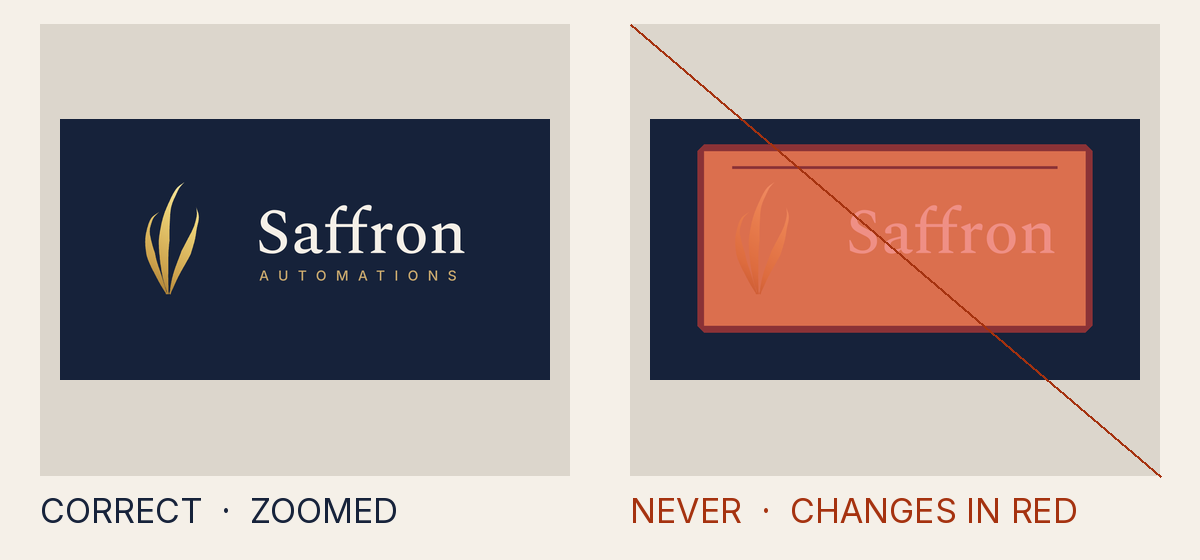
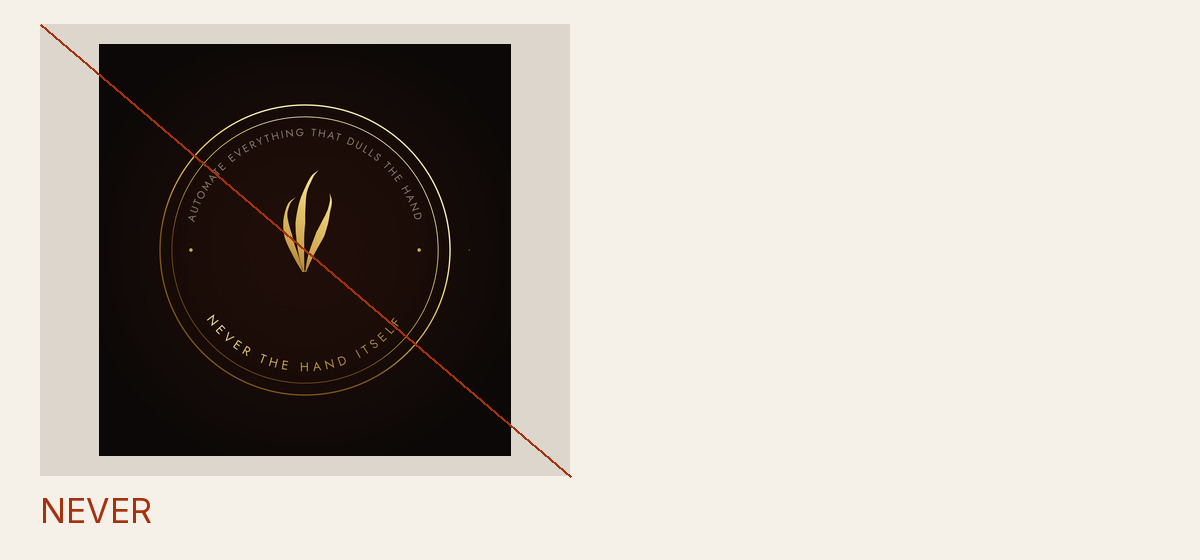
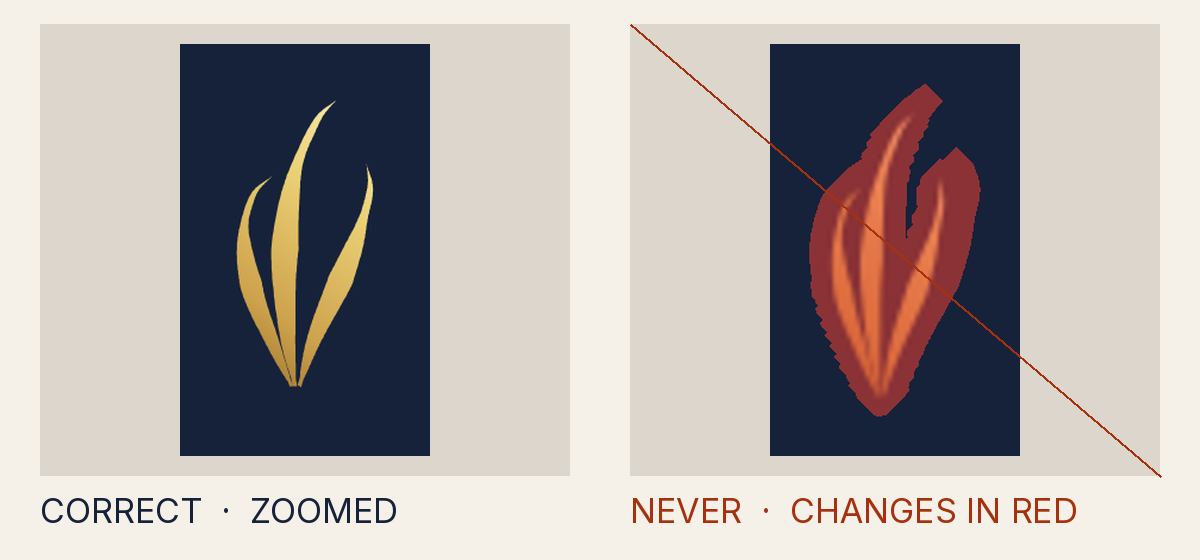
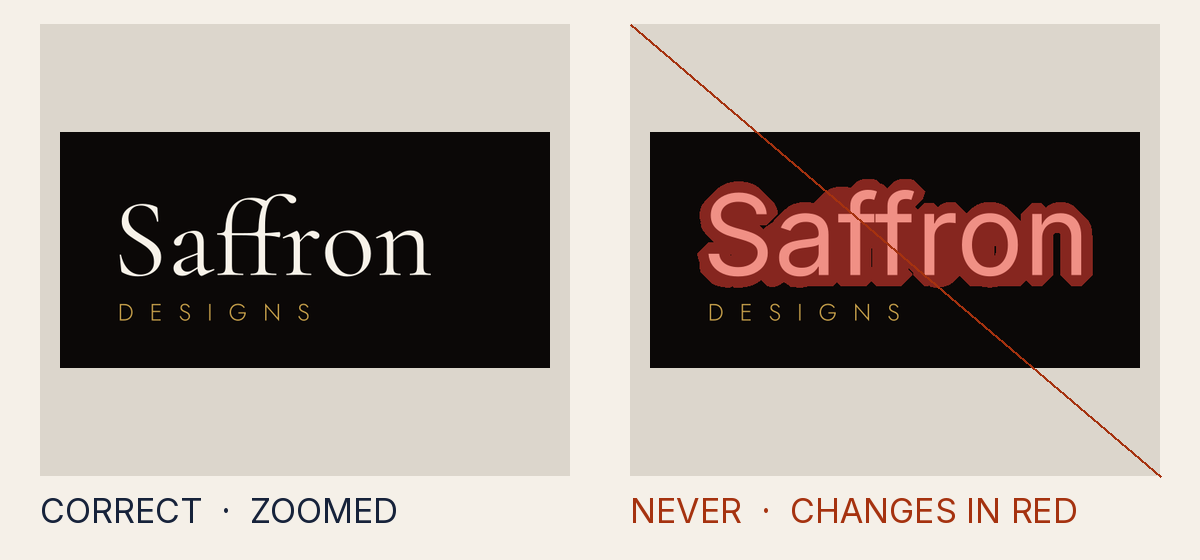
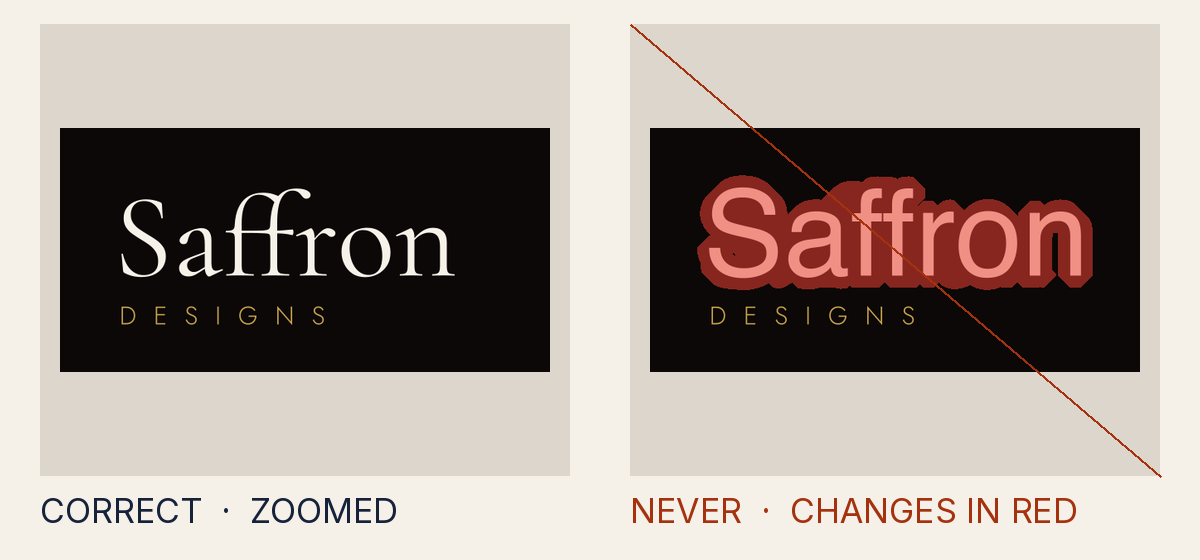
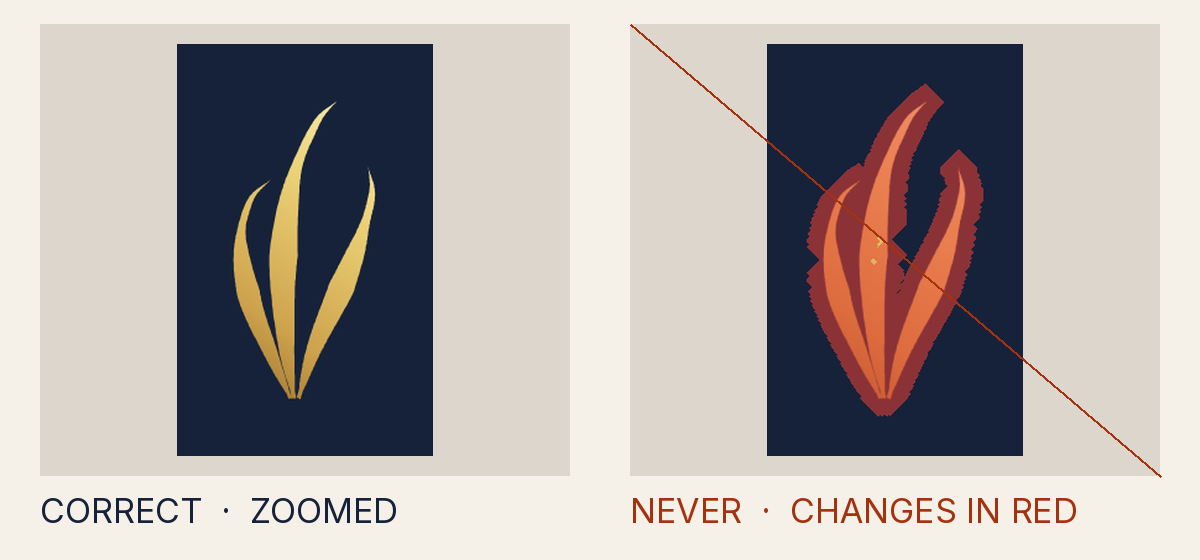
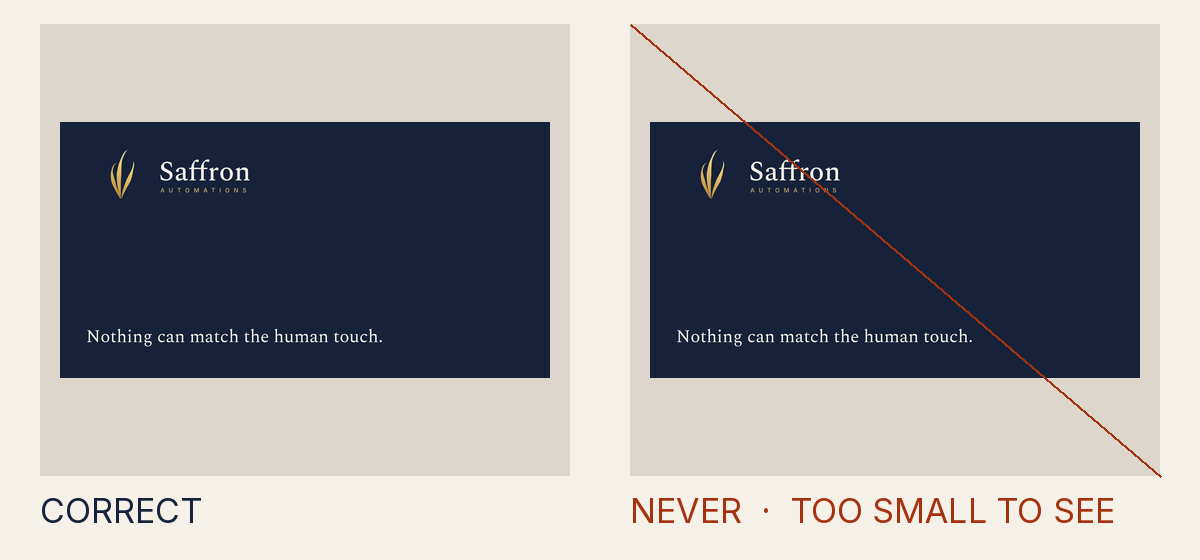
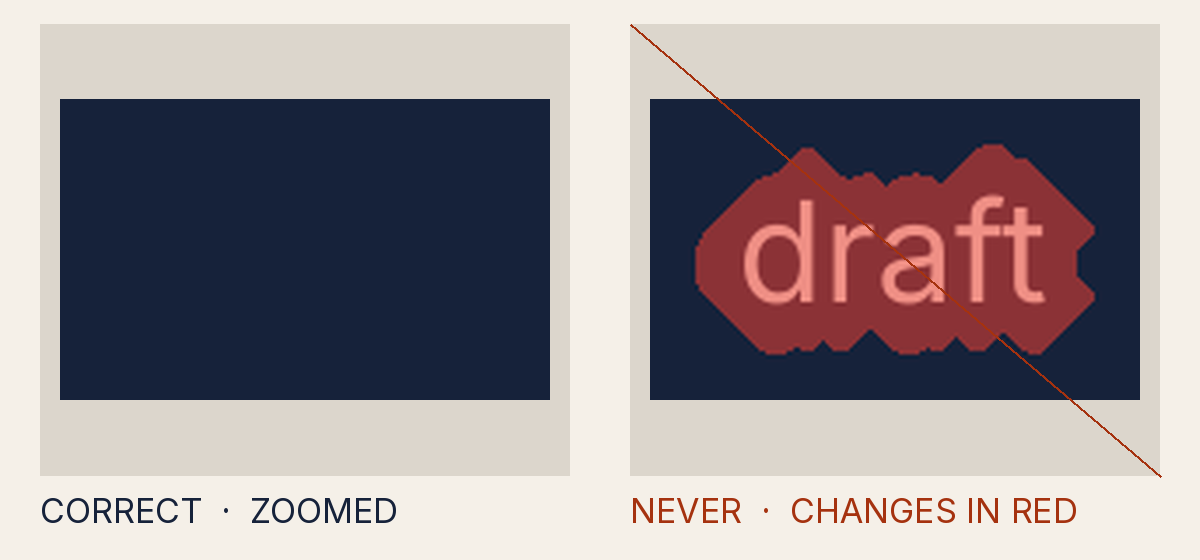
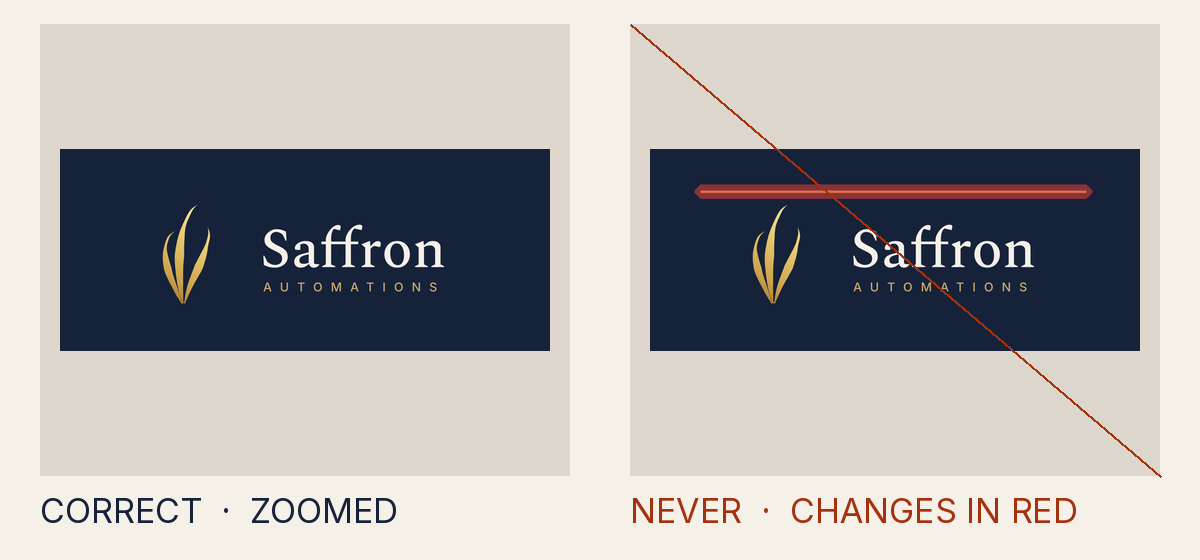
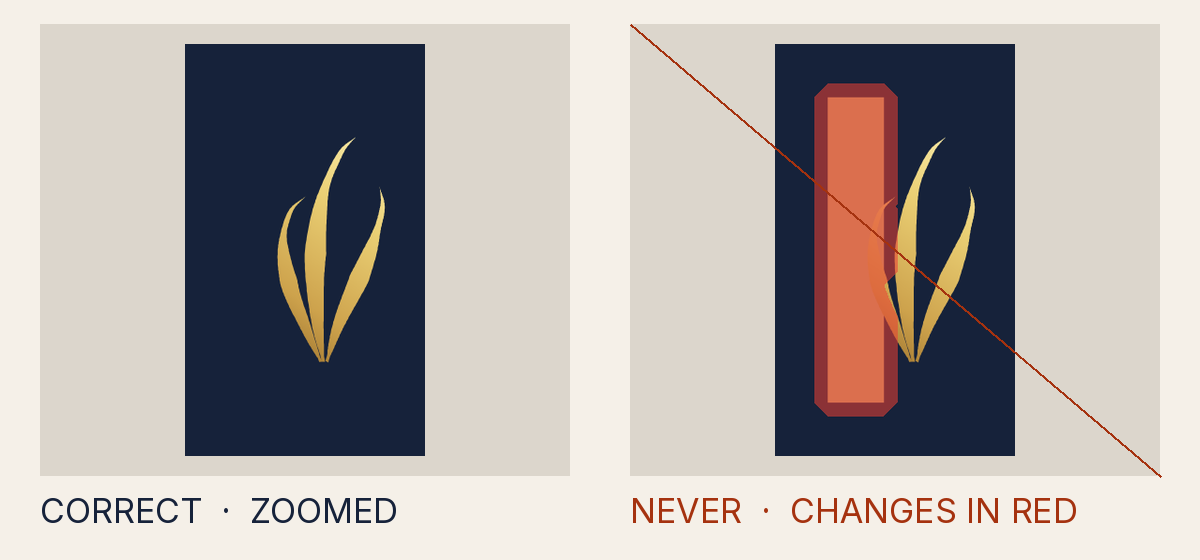
Each example puts the correct file beside a changed one, with every altered pixel marked in red. Some changes are too small to see, and they are still not allowed. Every logo image and PDF in the Logo Studio and the kits passes the same machine check before it is published, except the Never do this plates, icon containers (.ico, .icns), sticker cut paths, portrait photographs, the clear-space evidence sheet and the small previews inside Office templates; the release page lists each of them with its reason. The pictures on this page come from that check: the file behind each one is rejected by the gate for the rule its caption names, so this page always matches the rules.
Get the approved files What is still awaiting approval
The mistakes people actually make
- Stretched one percent wider
- Flipped left to right
- Tilted one degree
- Drop shadow added
- Glow added
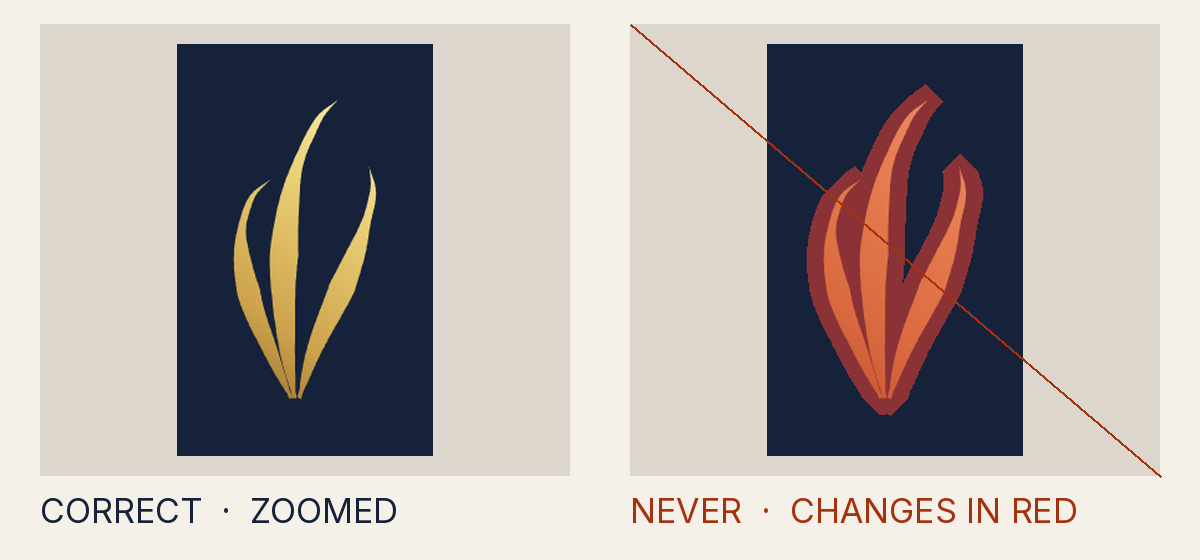
- Outline added
- Thread finish on a corporate ground
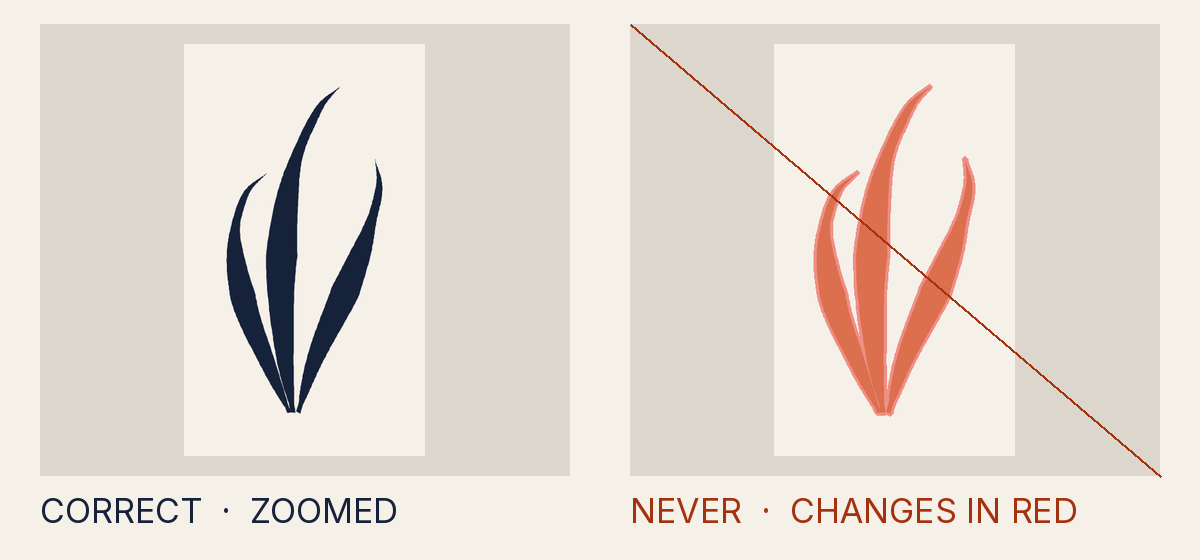
- Gold foil on ivory: the light tips vanish (1.02:1)
- Browser "gold" instead of Saffron gold
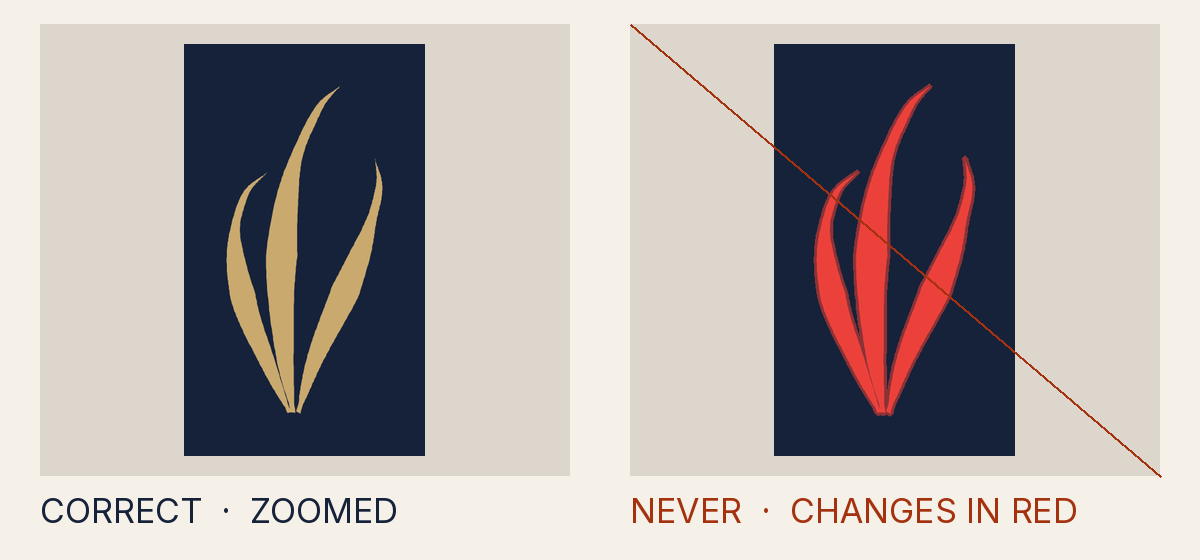
- Status colour as mark paint
All 138 examples follow, by kind; each has its own address to share.
Stretching, turning and redrawing
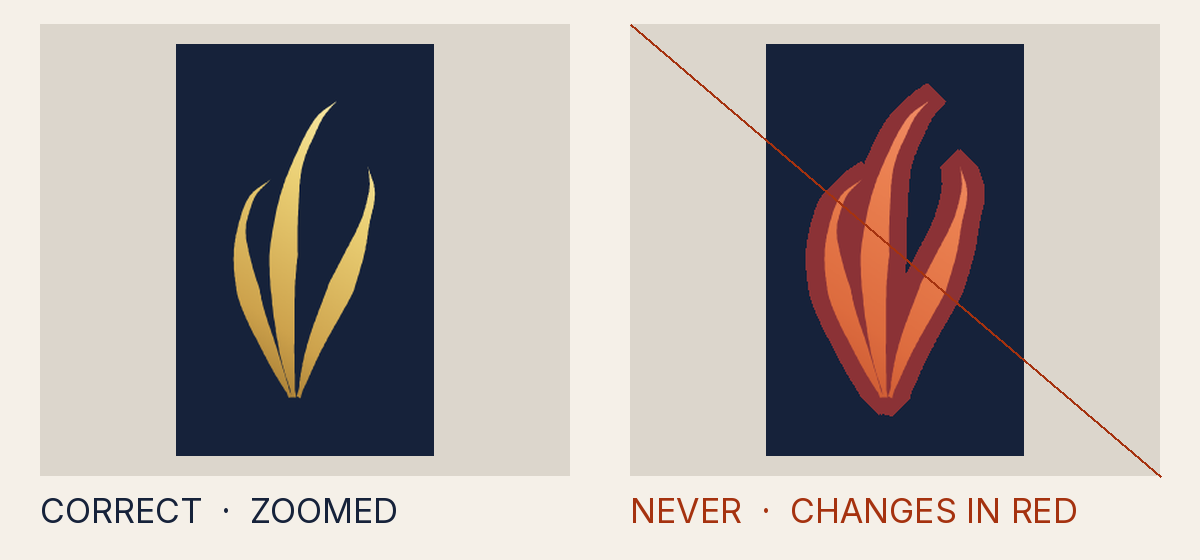
Why it is not allowed
- Measured
- sx 1.24, sy 1.23, aspect error 0.01
- How to fix it
- Place the mark with translate() and one uniform scale() only; remove rotate/skew/mirror/non-uniform scale and preserveAspectRatio="none" from every ancestor.
- Rule
- The mark is not placed with one even scale
INV-2.non_uniform - Source
tests/attack-corpus/04-hscale-101pct.svg
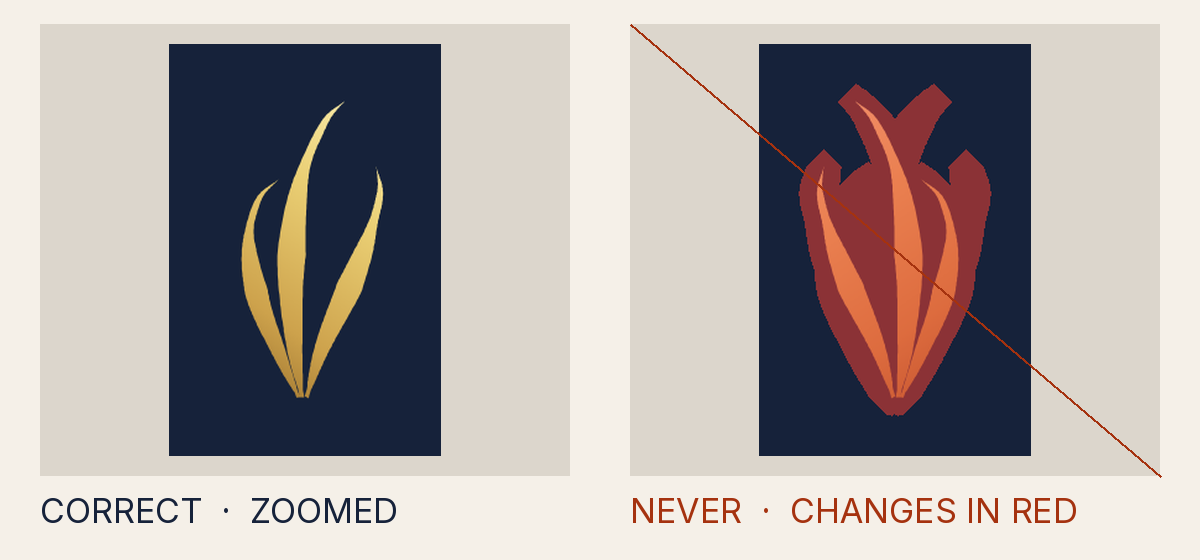
Why it is not allowed
- Measured
- -1.23, 0, 0, 1.23, 211.4, 58.4
- How to fix it
- Place the mark with translate() and one uniform scale() only; remove rotate/skew/mirror/non-uniform scale and preserveAspectRatio="none" from every ancestor.
- Rule
- The mark is not placed with one even scale
INV-2.mirror - Source
tests/attack-corpus/05-mirror.svg
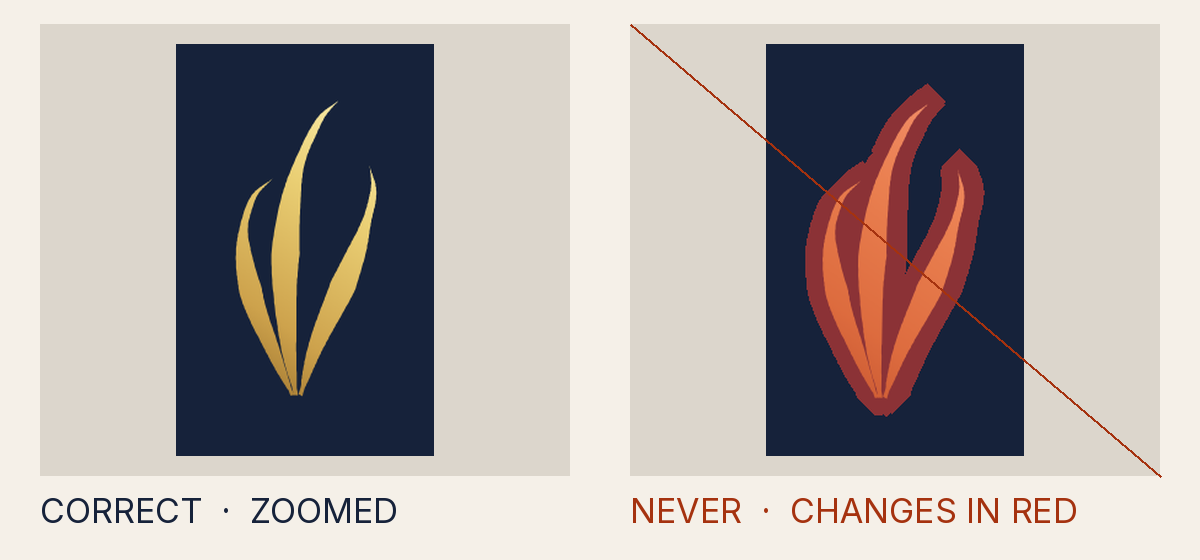
Why it is not allowed
- Measured
- rotation deg 1, shear 0
- How to fix it
- Place the mark with translate() and one uniform scale() only; remove rotate/skew/mirror/non-uniform scale and preserveAspectRatio="none" from every ancestor.
- Rule
- The mark is not placed with one even scale
INV-2.rotation_skew - Source
tests/attack-corpus/02-rotate-1deg.svg
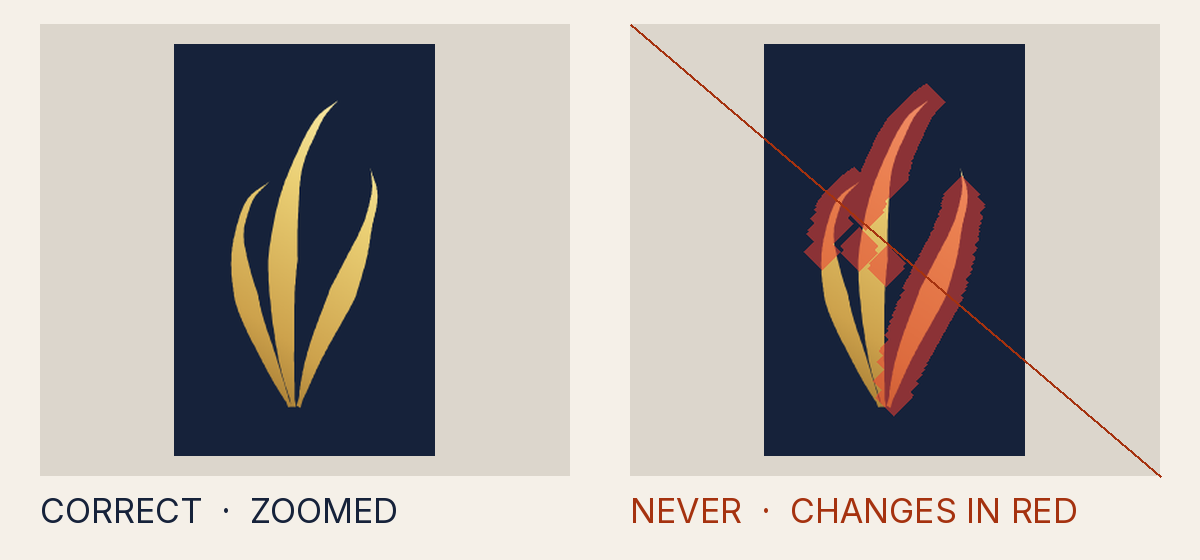
Why it is not allowed
- Measured
- 0
- How to fix it
- Reference the canon <symbol> (three canon paths, verbatim, canon order) with <use>; never edit, trace, rasterise or re-type the path data.
- Rule
- The drawing is not the canon drawing
INV-1.count_mismatch - Source
tests/attack-corpus/34-auto-traced-mark.svg
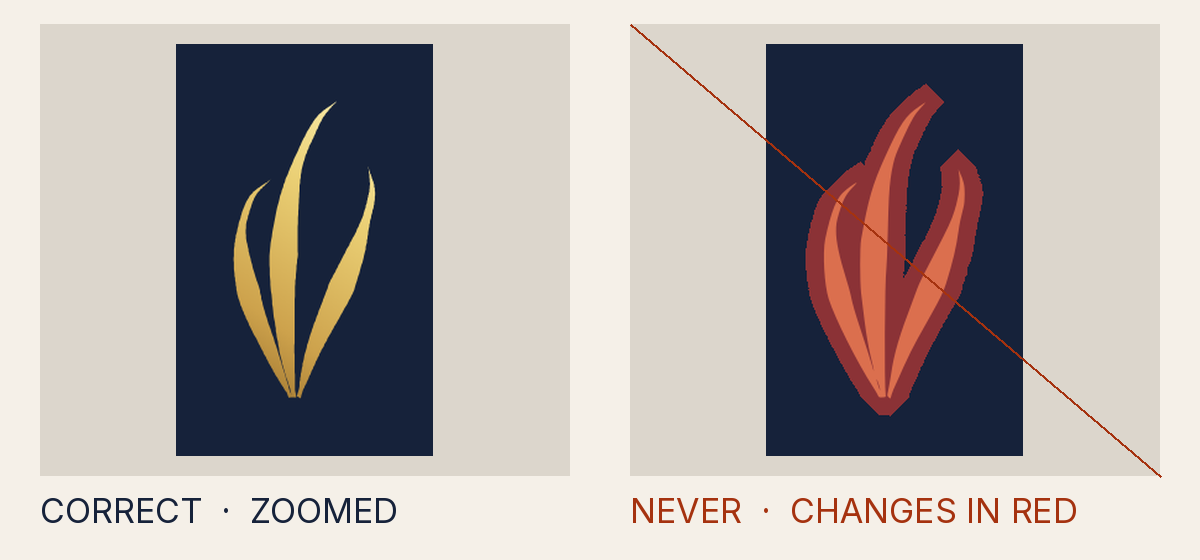
Why it is not allowed
- Measured
- 0
- How to fix it
- Reference the canon <symbol> (three canon paths, verbatim, canon order) with <use>; never edit, trace, rasterise or re-type the path data.
- Rule
- The drawing is not the canon drawing
INV-1.count_mismatch - Source
tests/attack-corpus/38-auto-traced-mark-potrace.svg
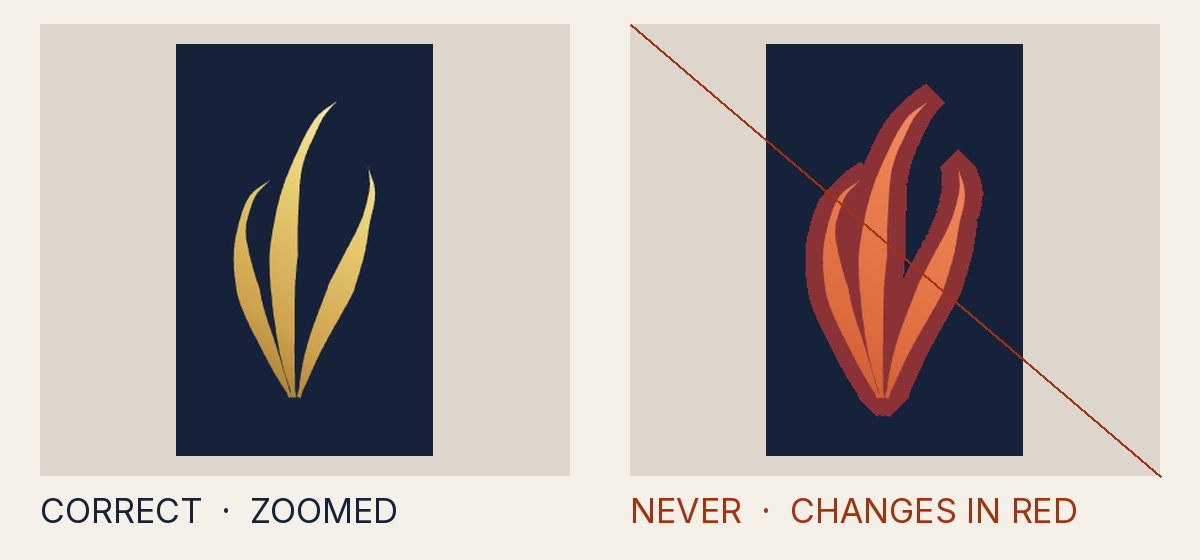
Why it is not allowed
- Measured
- rotation deg 0.5, shear 0
- How to fix it
- Place the mark with translate() and one uniform scale() only; remove rotate/skew/mirror/non-uniform scale and preserveAspectRatio="none" from every ancestor.
- Rule
- The mark is not placed with one even scale
INV-2.rotation_skew - Source
tests/attack-corpus/01-rotate-0.5deg.svg
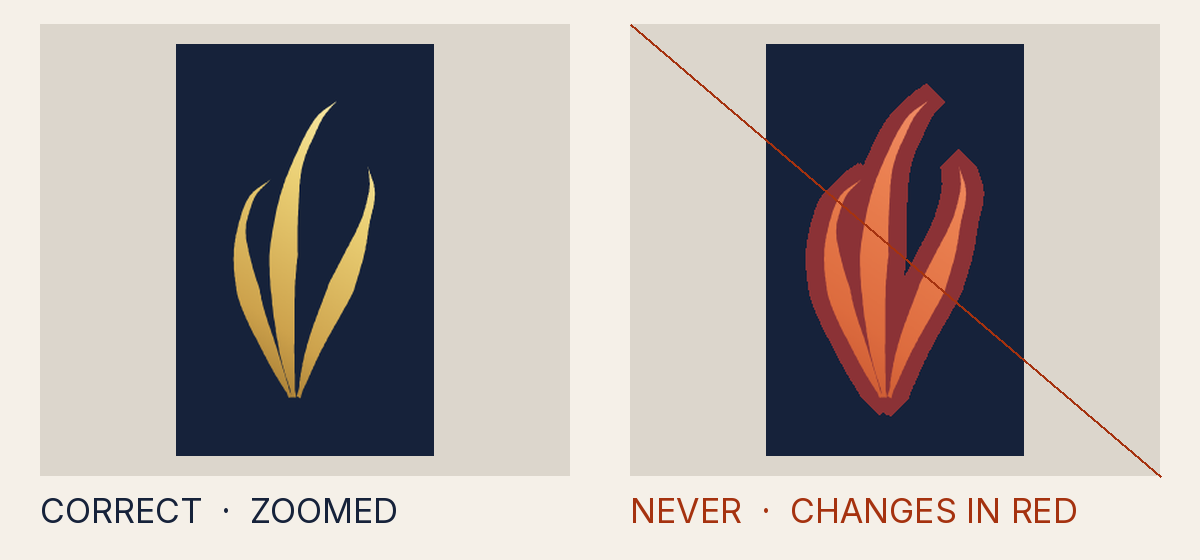
Why it is not allowed
- Measured
- sx 1.24, sy 1.23, aspect error 0
- How to fix it
- Place the mark with translate() and one uniform scale() only; remove rotate/skew/mirror/non-uniform scale and preserveAspectRatio="none" from every ancestor.
- Rule
- The mark is not placed with one even scale
INV-2.non_uniform - Source
tests/attack-corpus/03-hscale-100.5pct.svg
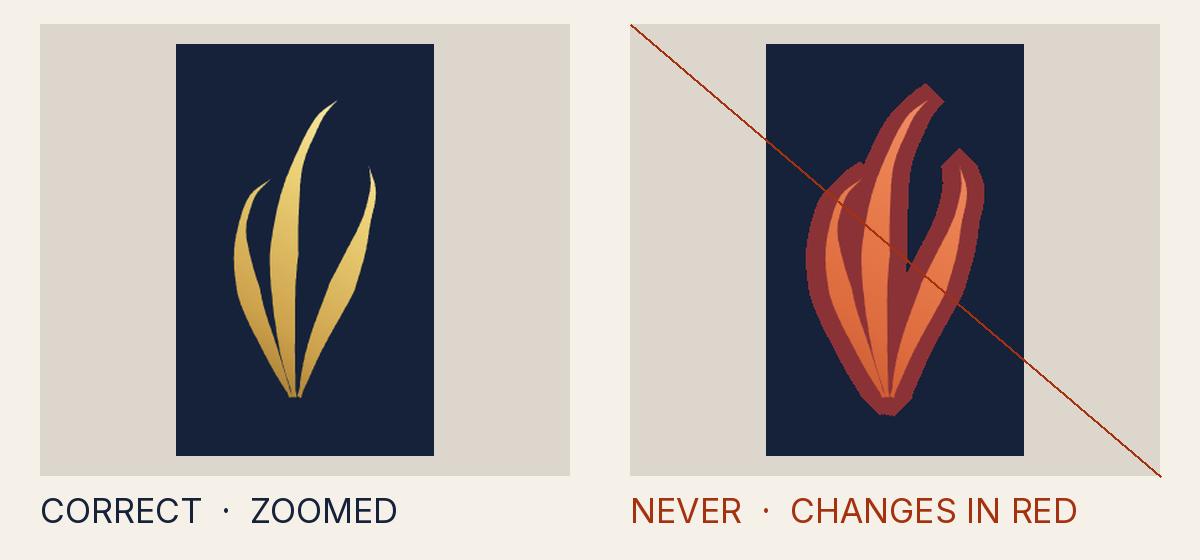
Why it is not allowed
- Measured
- rotation deg 0, shear 0.01
- How to fix it
- Place the mark with translate() and one uniform scale() only; remove rotate/skew/mirror/non-uniform scale and preserveAspectRatio="none" from every ancestor.
- Rule
- The mark is not placed with one even scale
INV-2.rotation_skew - Source
tests/attack-corpus/06-skew-0.5deg.svg
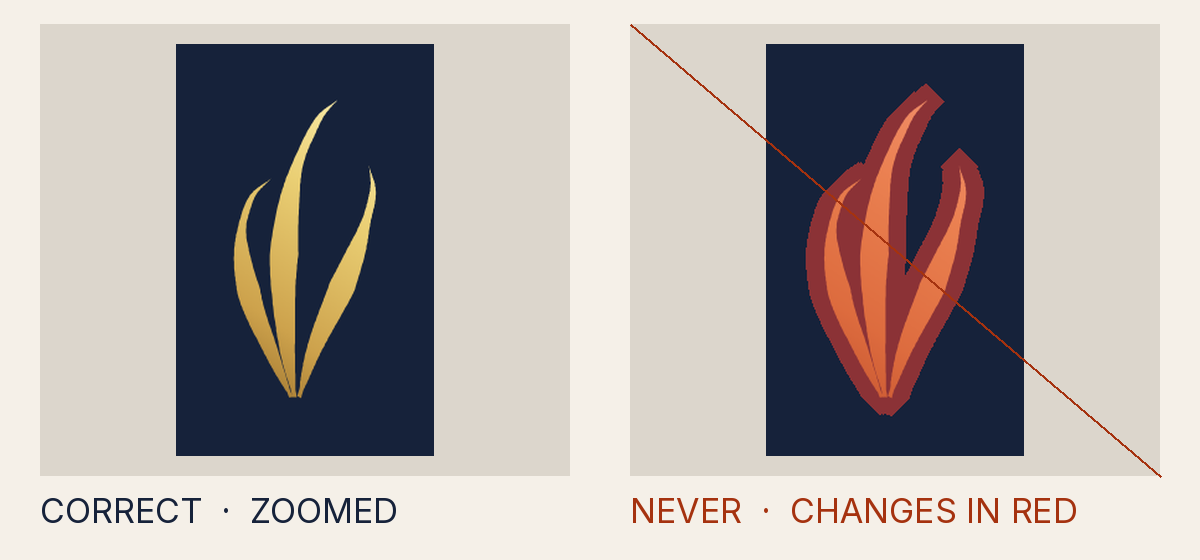
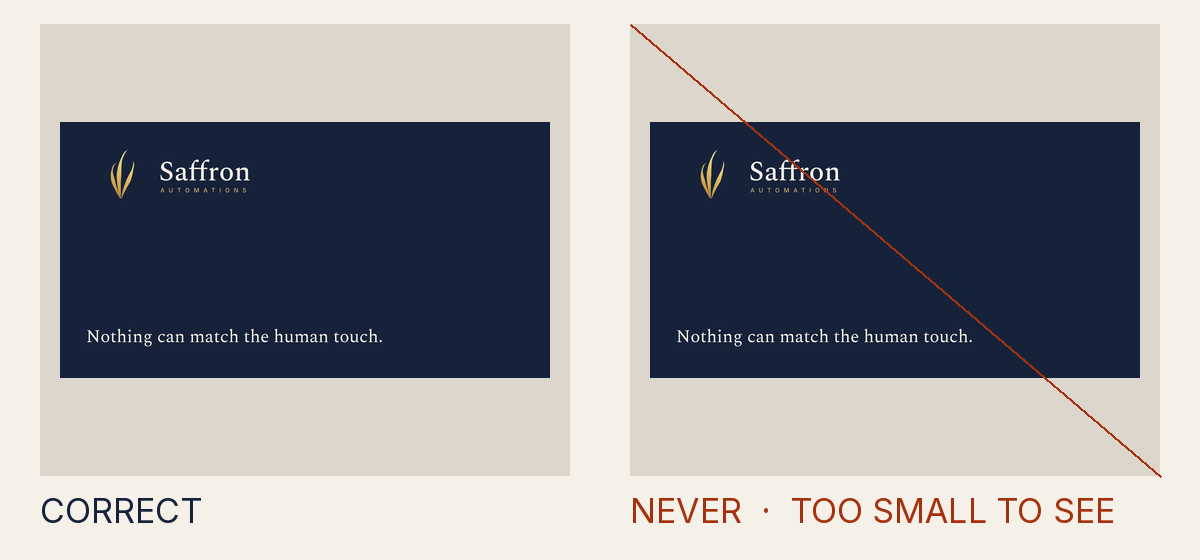
Why it is not allowed
- Measured
- a CSS transform on the mark (transform:rotate(1deg))
- How to fix it
- Place the mark with translate() and one uniform scale() only; remove rotate/skew/mirror/non-uniform scale and preserveAspectRatio="none" from every ancestor.
- Rule
- The mark is not placed with one even scale
INV-2.css_transform - Source
tests/attack-corpus/08-css-transform.svg
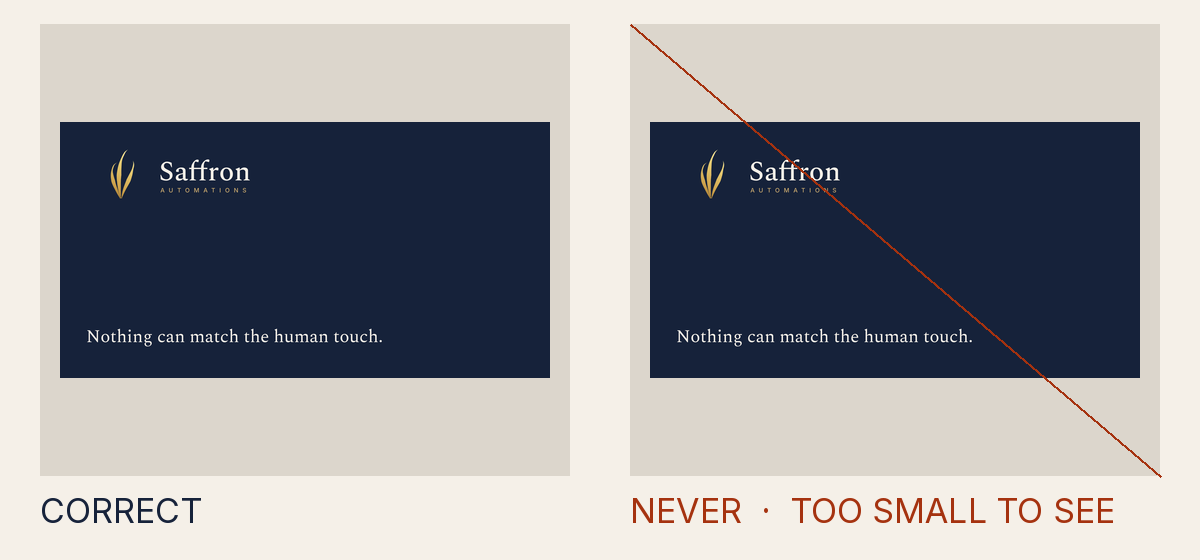
Why it is not allowed
- Measured
- one number of the canon drawing changed
- How to fix it
- Reference the canon <symbol> (three canon paths, verbatim, canon order) with <use>; never edit, trace, rasterise or re-type the path data.
- Rule
- The drawing is not the canon drawing
INV-1.path_altered - Source
tests/attack-corpus/09-node-nudge-0.01.svg
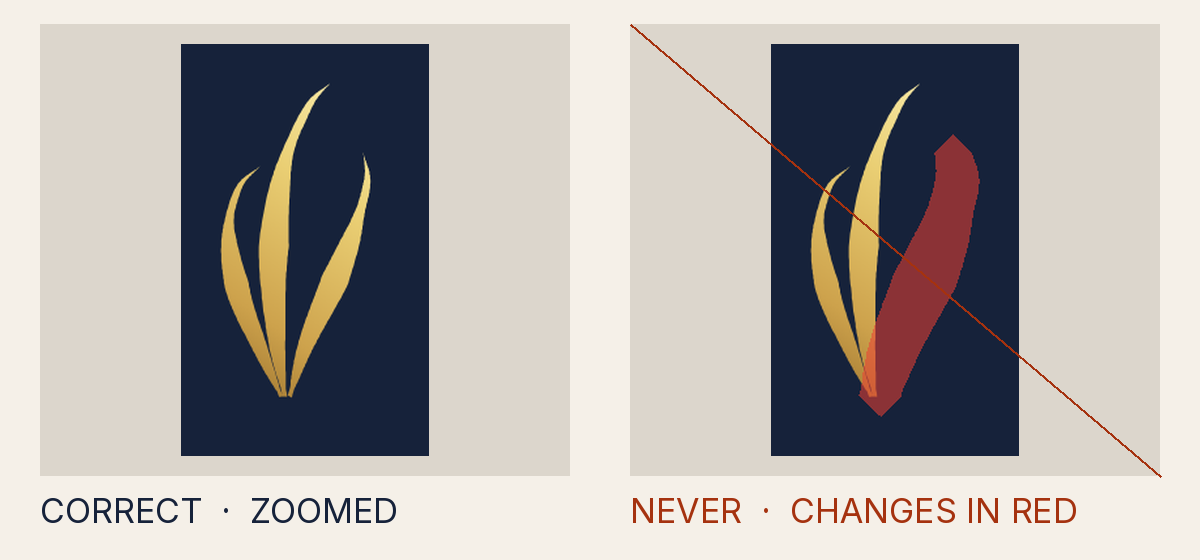
Why it is not allowed
- Measured
- 0, 1
- How to fix it
- Reference the canon <symbol> (three canon paths, verbatim, canon order) with <use>; never edit, trace, rasterise or re-type the path data.
- Rule
- The drawing is not the canon drawing
INV-1.path_missing - Source
tests/attack-corpus/10-path-removed.svg
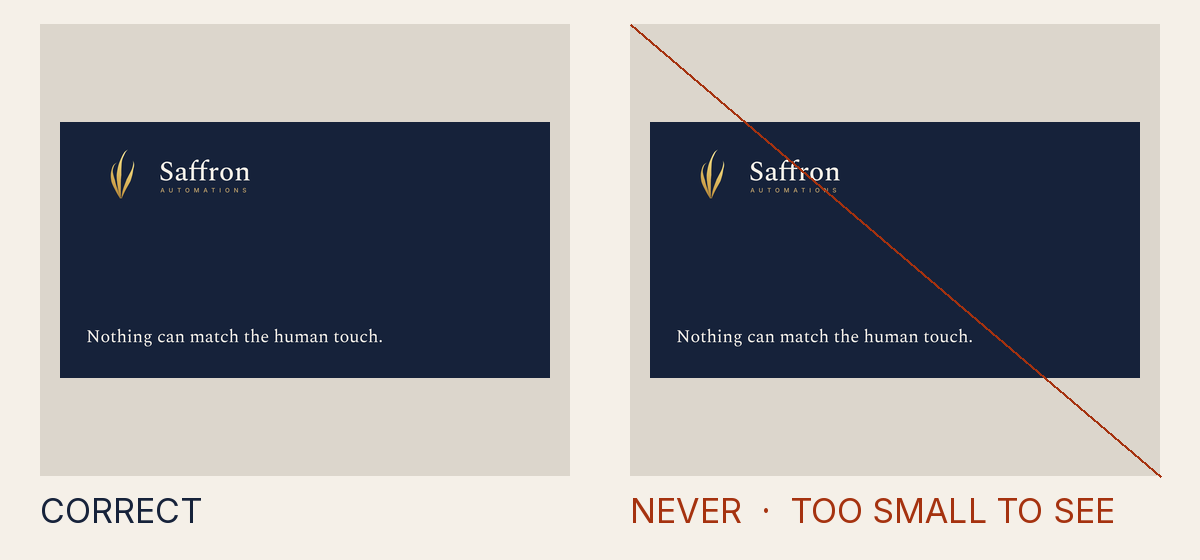
Why it is not allowed
- Measured
- 1, 0, 2
- How to fix it
- Reference the canon <symbol> (three canon paths, verbatim, canon order) with <use>; never edit, trace, rasterise or re-type the path data.
- Rule
- The drawing is not the canon drawing
INV-1.path_order - Source
tests/attack-corpus/11-path-order-swapped.svg
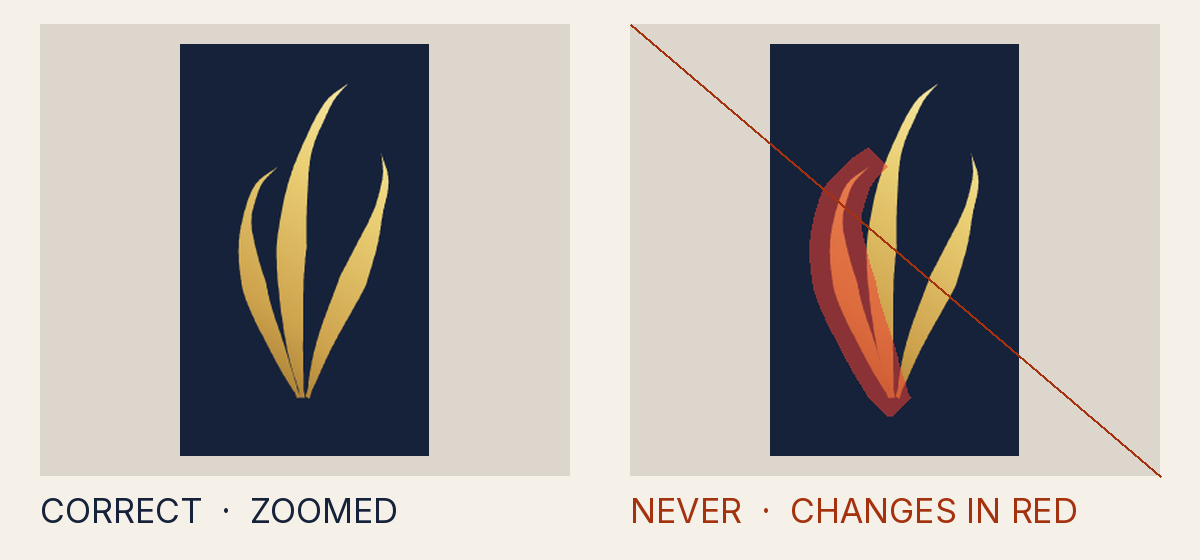
Why it is not allowed
- Measured
- a transform on one canon path (translate(0.4 0))
- How to fix it
- Place the mark with translate() and one uniform scale() only; remove rotate/skew/mirror/non-uniform scale and preserveAspectRatio="none" from every ancestor.
- Rule
- The mark is not placed with one even scale
INV-2.path_transform - Source
tests/attack-corpus/12-path-level-transform.svg
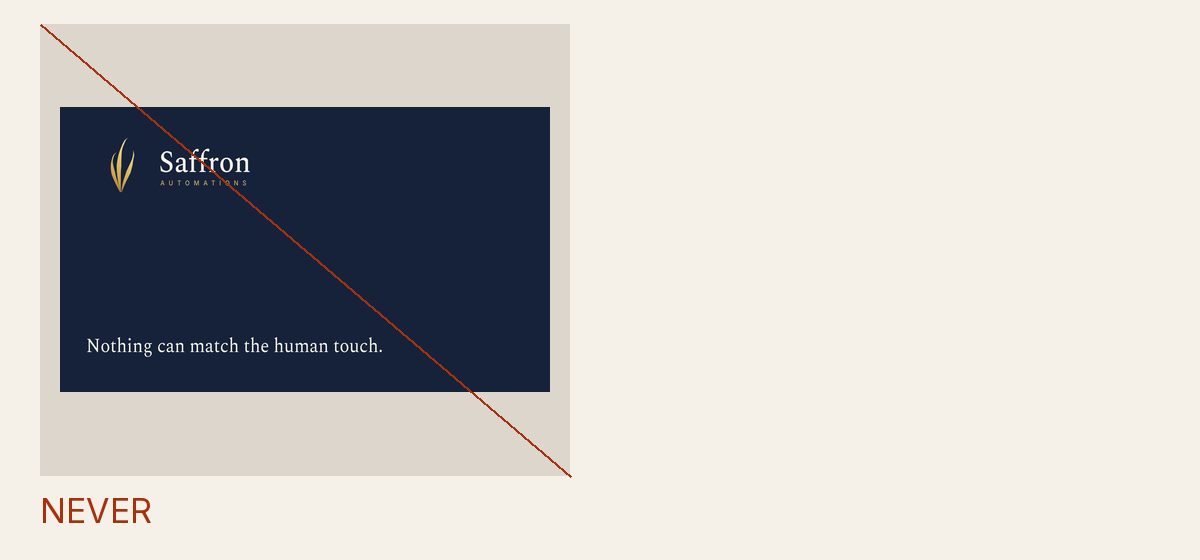
Why it is not allowed
- Measured
- none
- How to fix it
- Place the mark with translate() and one uniform scale() only; remove rotate/skew/mirror/non-uniform scale and preserveAspectRatio="none" from every ancestor.
- Rule
- The mark is not placed with one even scale
INV-2.par_none - Source
tests/attack-corpus/28-par-none-root.svg
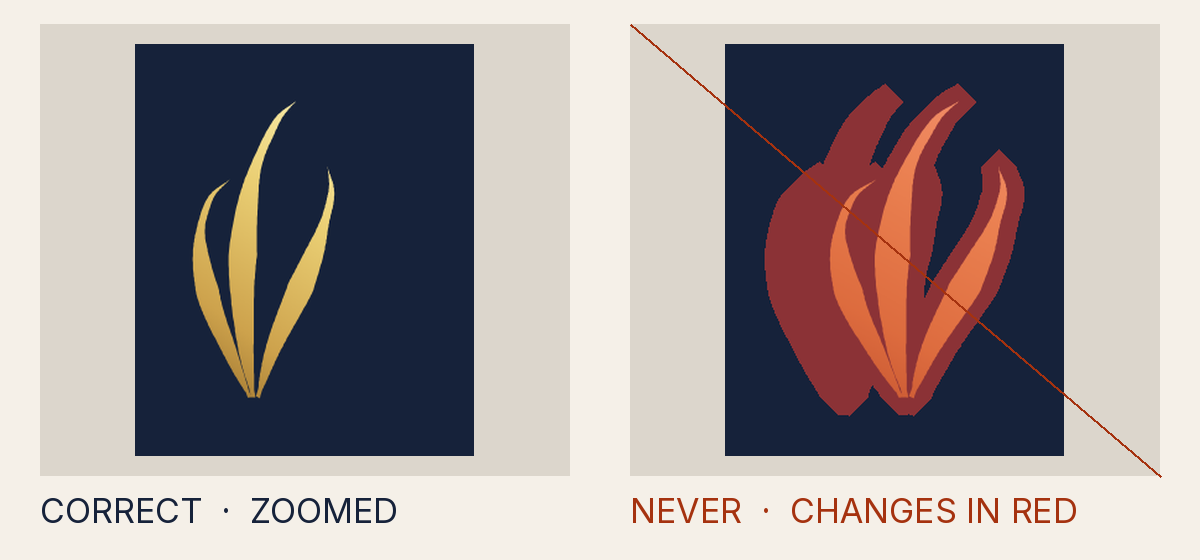
Why it is not allowed
- How to fix it
- Place the mark with translate() and one uniform scale() only; remove rotate/skew/mirror/non-uniform scale and preserveAspectRatio="none" from every ancestor.
- Rule
- The mark is not placed with one even scale
INV-2.par_none - Source
tests/attack-corpus/29-nested-nonuniform-viewbox.svg
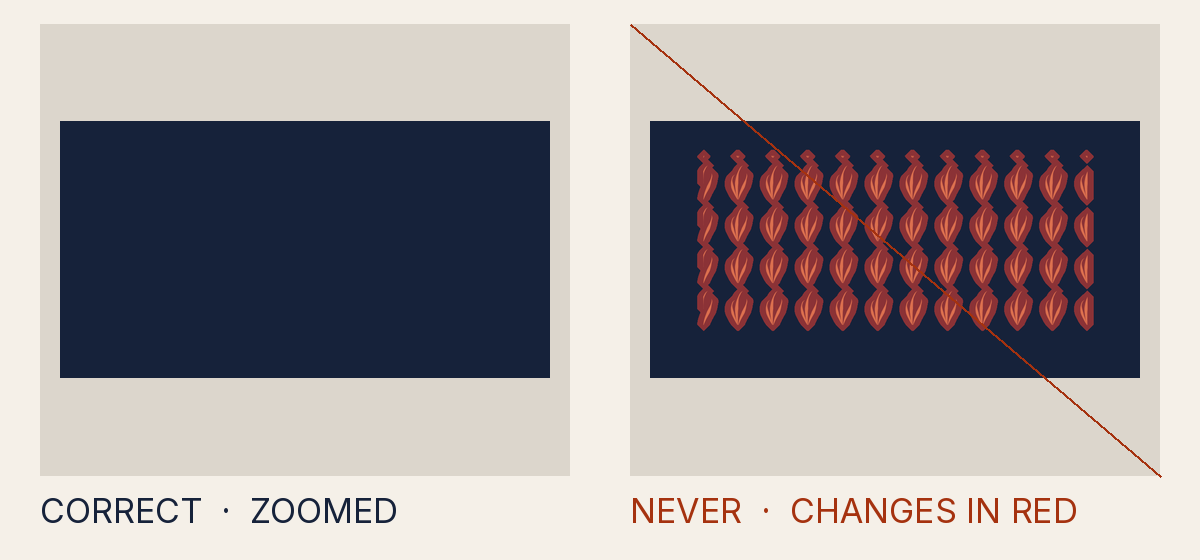
Why it is not allowed
- How to fix it
- Reference the canon <symbol> (three canon paths, verbatim, canon order) with <use>; never edit, trace, rasterise or re-type the path data.
- Rule
- The drawing is not the canon drawing
INV-1.mark_in_paint_server - Source
tests/attack-corpus/36-mark-as-pattern-texture.svg
Why it is not allowed
- Measured
- 1
- How to fix it
- Reference the canon <symbol> (three canon paths, verbatim, canon order) with <use>; never edit, trace, rasterise or re-type the path data.
- Rule
- The drawing is not the canon drawing
INV-1.count_mismatch - Source
tests/attack-corpus/87-mark-count-lie.svg
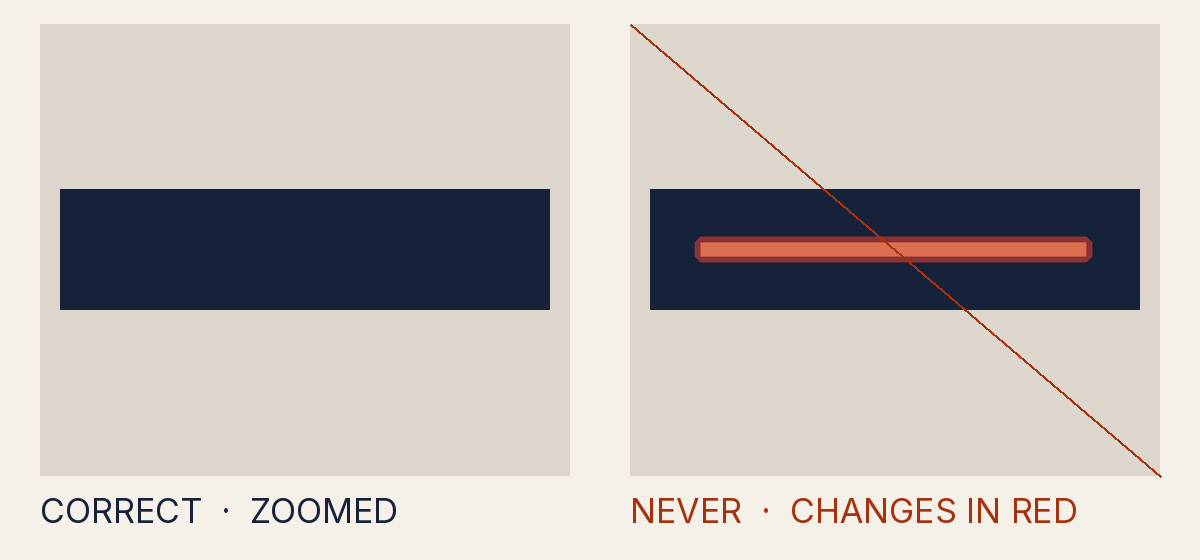
Why it is not allowed
- Measured
- transform-origin, a pivot the gate does not render
- How to fix it
- Remove transform-origin and transform-box; place shapes with translate() and scale() only.
- Rule
- A transform pivots around a point the gate does not render
INV-2.transform_origin - Source
tests/attack-corpus/105-transform-origin-moves-a-bar-onto-the-lockup.svg
Colour and effects
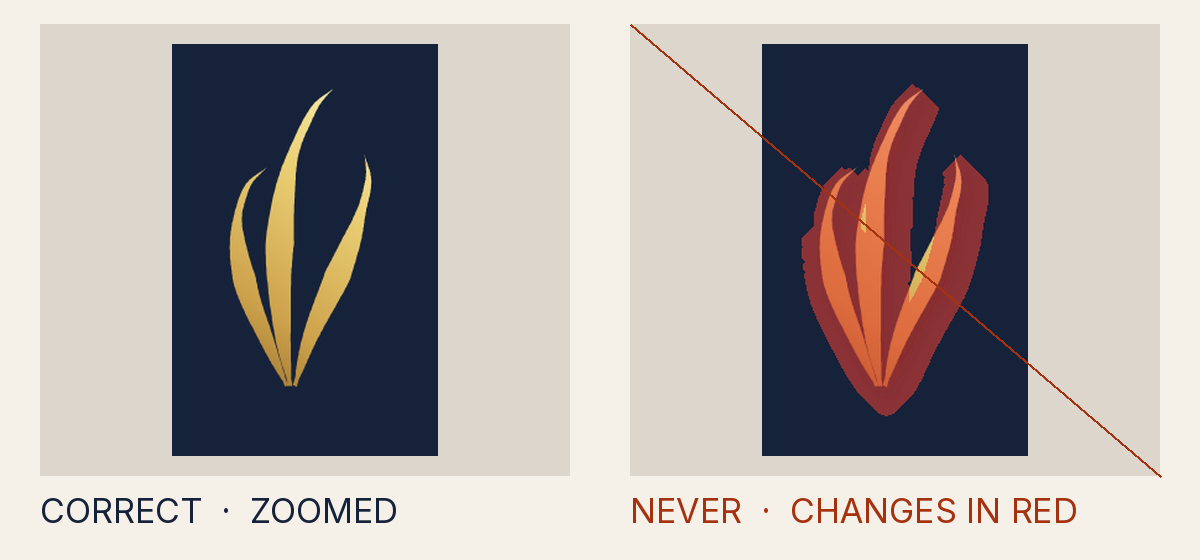
Why it is not allowed
- Measured
- a filter on the mark (url(#sh))
- How to fix it
- Paint the mark with the canon foil or thread gradient, or one sanctioned solid token of the owning palette; remove stroke, filter, blend, opacity, clip, mask and pattern from the mark chain.
- Rule
- The mark is not painted in its canon colours
INV-3.filter - Source
tests/attack-corpus/14-drop-shadow.svg
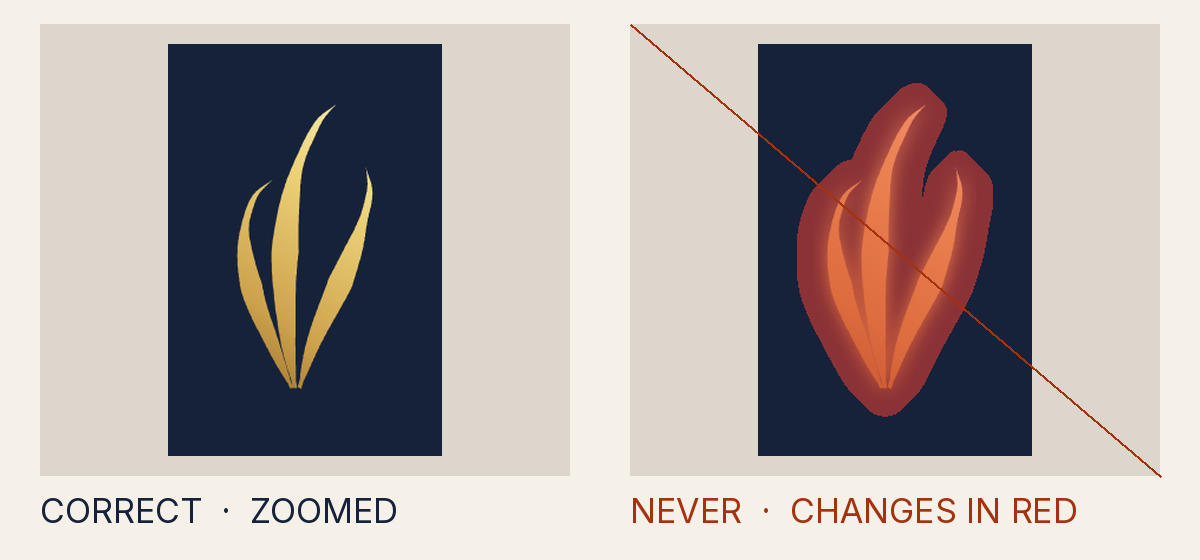
Why it is not allowed
- Measured
- a filter on the mark (url(#gl))
- How to fix it
- Paint the mark with the canon foil or thread gradient, or one sanctioned solid token of the owning palette; remove stroke, filter, blend, opacity, clip, mask and pattern from the mark chain.
- Rule
- The mark is not painted in its canon colours
INV-3.filter - Source
tests/attack-corpus/15-outer-glow.svg
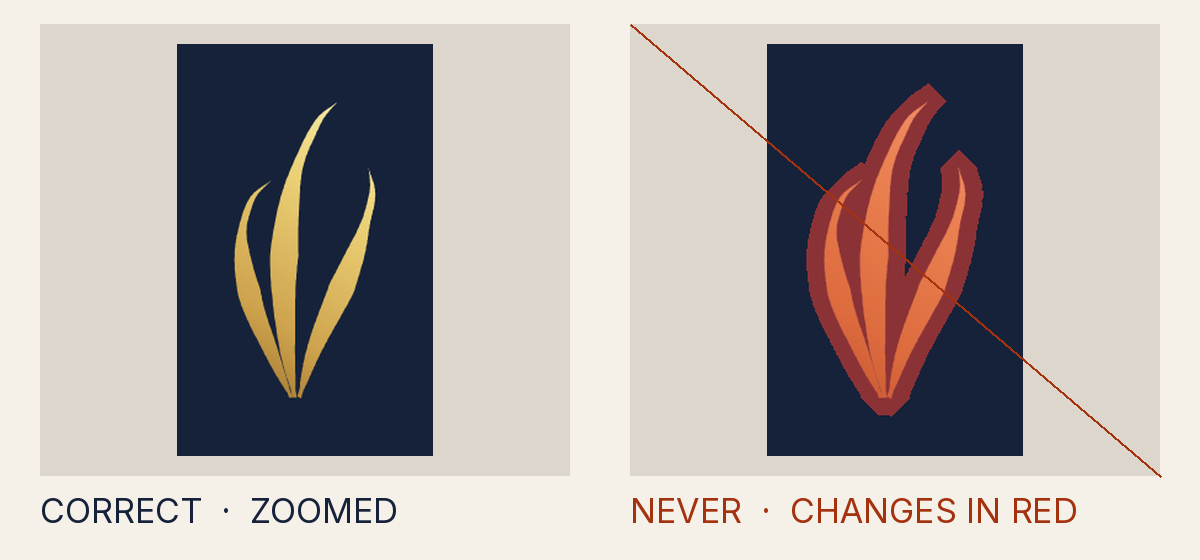
Why it is not allowed
- Measured
- #C9A96E
- How to fix it
- Paint the mark with the canon foil or thread gradient, or one sanctioned solid token of the owning palette; remove stroke, filter, blend, opacity, clip, mask and pattern from the mark chain.
- Rule
- The mark is not painted in its canon colours
INV-3.stroke - Source
tests/attack-corpus/13-stroke-0.1.svg
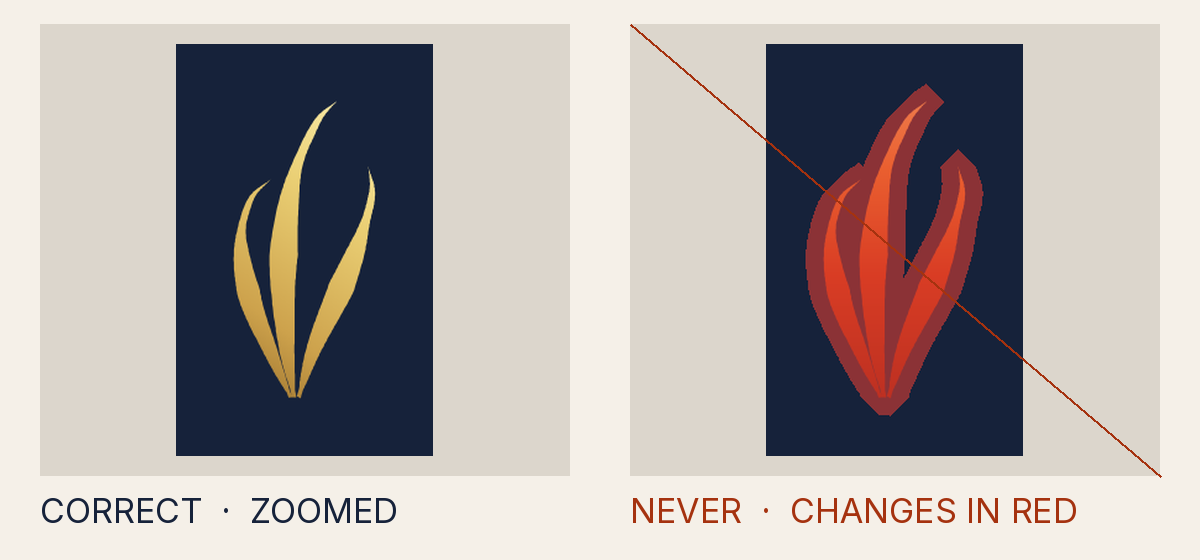
Why it is not allowed
- Measured
- thread
- How to fix it
- Paint the mark with the canon foil or thread gradient, or one sanctioned solid token of the owning palette; remove stroke, filter, blend, opacity, clip, mask and pattern from the mark chain.
- Rule
- The mark is not painted in its canon colours
INV-3.finish_not_for_palette - Source
tests/attack-corpus/23-thread-on-corporate-ground.svg
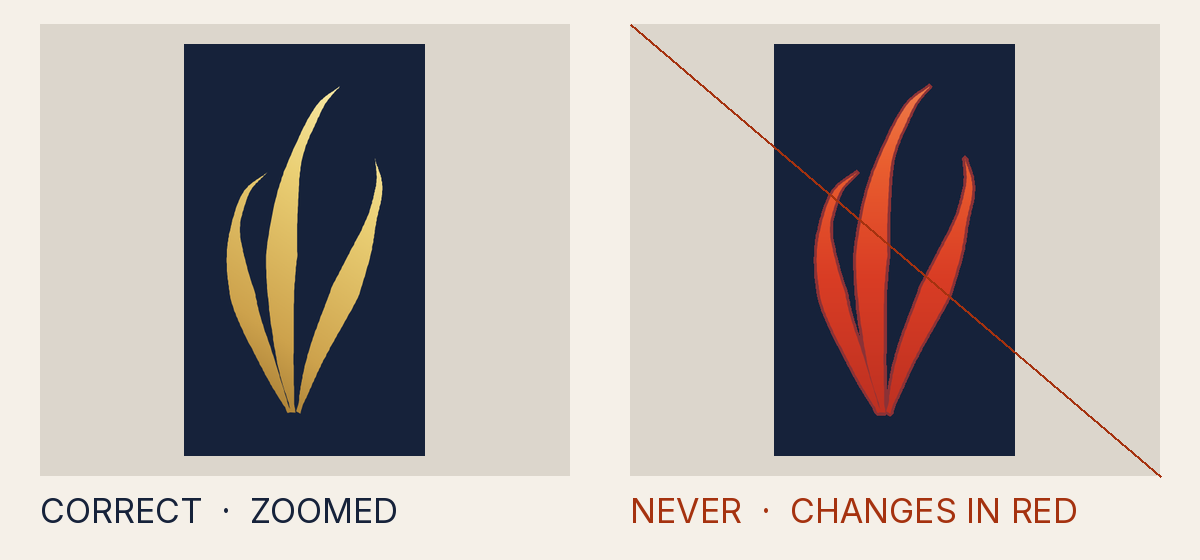
Why it is not allowed
- Measured
- thread
- How to fix it
- Paint the mark with the canon foil or thread gradient, or one sanctioned solid token of the owning palette; remove stroke, filter, blend, opacity, clip, mask and pattern from the mark chain.
- Rule
- The mark is not painted in its canon colours
INV-3.finish_not_for_palette - Source
dist/logo/misuse/forbidden-thread-on-corporate.source.svg
Why it is not allowed
- Measured
- 1.024
- How to fix it
- Paint the mark with the canon foil or thread gradient, or one sanctioned solid token of the owning palette; remove stroke, filter, blend, opacity, clip, mask and pattern from the mark chain.
- Rule
- The mark is not painted in its canon colours
INV-3.contrast - Source
dist/logo/misuse/forbidden-foil-on-ivory.source.svg
Why it is not allowed
- Measured
- #D8AC4E
- How to fix it
- Paint the mark with the canon foil or thread gradient, or one sanctioned solid token of the owning palette; remove stroke, filter, blend, opacity, clip, mask and pattern from the mark chain.
- Rule
- The mark is not painted in its canon colours
INV-3.off_palette - Source
tests/attack-corpus/25-off-palette-hex-D8AC4E.svg
Why it is not allowed
- Measured
- #FFD700
- How to fix it
- Paint the mark with the canon foil or thread gradient, or one sanctioned solid token of the owning palette; remove stroke, filter, blend, opacity, clip, mask and pattern from the mark chain.
- Rule
- The mark is not painted in its canon colours
INV-3.off_palette - Source
tests/attack-corpus/27-named-colour-gold.svg
Why it is not allowed
- Measured
- #000000
- How to fix it
- Paint the mark with the canon foil or thread gradient, or one sanctioned solid token of the owning palette; remove stroke, filter, blend, opacity, clip, mask and pattern from the mark chain.
- Rule
- The mark is not painted in its canon colours
INV-3.off_palette - Source
tests/attack-corpus/24-black-000000-fill.svg
Why it is not allowed
- Measured
- danger
- How to fix it
- Paint the mark with the canon foil or thread gradient, or one sanctioned solid token of the owning palette; remove stroke, filter, blend, opacity, clip, mask and pattern from the mark chain.
- Rule
- The mark is not painted in its canon colours
INV-3.token_not_for_mark - Source
dist/logo/misuse/forbidden-status-colour.source.svg
Why it is not allowed
- Measured
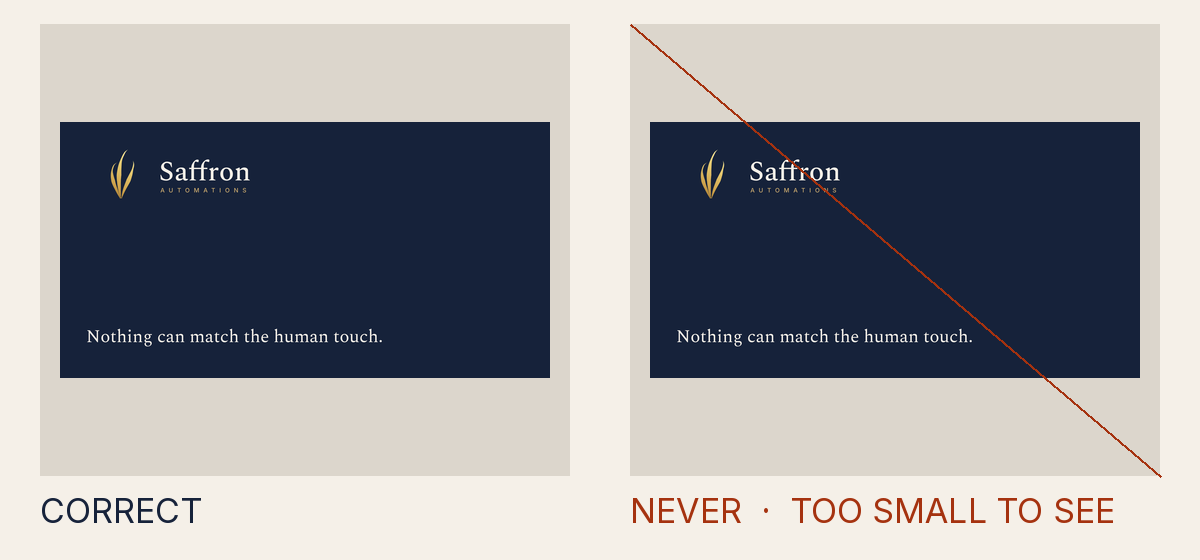
- 1.973
- How to fix it
- Paint the mark with the canon foil or thread gradient, or one sanctioned solid token of the owning palette; remove stroke, filter, blend, opacity, clip, mask and pattern from the mark chain.
- Rule
- The mark is not painted in its canon colours
INV-3.contrast - Source
dist/logo/misuse/forbidden-low-contrast-solid.source.svg
Why it is not allowed
- Measured
- a filter on the mark (url(#bl))
- How to fix it
- Paint the mark with the canon foil or thread gradient, or one sanctioned solid token of the owning palette; remove stroke, filter, blend, opacity, clip, mask and pattern from the mark chain.
- Rule
- The mark is not painted in its canon colours
INV-3.filter - Source
tests/attack-corpus/16-blur-0.2.svg
Why it is not allowed
- Measured
- 0.95
- How to fix it
- Paint the mark with the canon foil or thread gradient, or one sanctioned solid token of the owning palette; remove stroke, filter, blend, opacity, clip, mask and pattern from the mark chain.
- Rule
- The mark is not painted in its canon colours
INV-3.opacity - Source
tests/attack-corpus/17-opacity-0.95.svg
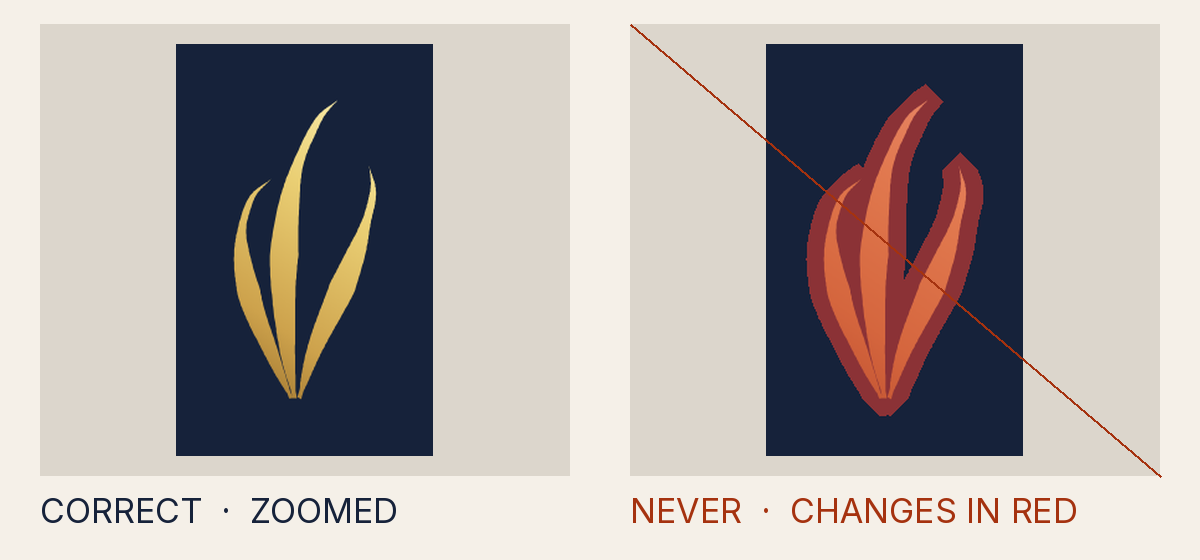
Why it is not allowed
- Measured
- 0.9
- How to fix it
- Paint the mark with the canon foil or thread gradient, or one sanctioned solid token of the owning palette; remove stroke, filter, blend, opacity, clip, mask and pattern from the mark chain.
- Rule
- The mark is not painted in its canon colours
INV-3.opacity - Source
tests/attack-corpus/18-fill-opacity-0.9.svg
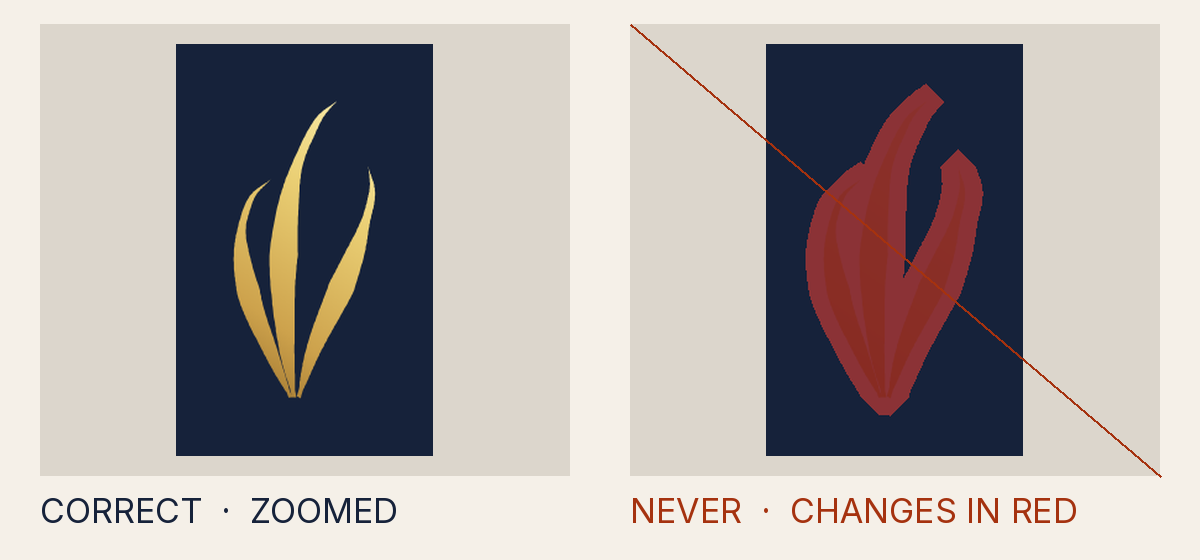
Why it is not allowed
- Measured
- blend mode "multiply"
- How to fix it
- Remove the blend layer: no blend modes or isolation anywhere in the file.
- Rule
- The mark is not painted in its canon colours
INV-3.blend - Source
tests/attack-corpus/19-multiply-blend.svg
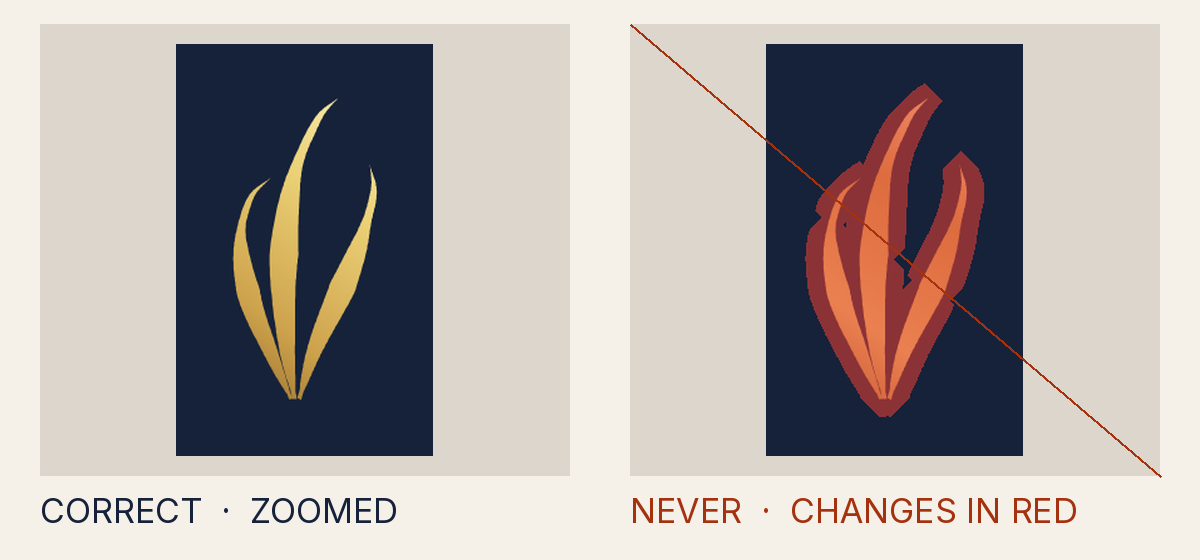
Why it is not allowed
- Measured
- the colour stops differ from the canon foil
- How to fix it
- Paint the mark with the canon foil or thread gradient, or one sanctioned solid token of the owning palette; remove stroke, filter, blend, opacity, clip, mask and pattern from the mark chain.
- Rule
- The mark is not painted in its canon colours
INV-3.gradient_altered - Source
tests/attack-corpus/20-gradient-stop-swapped.svg
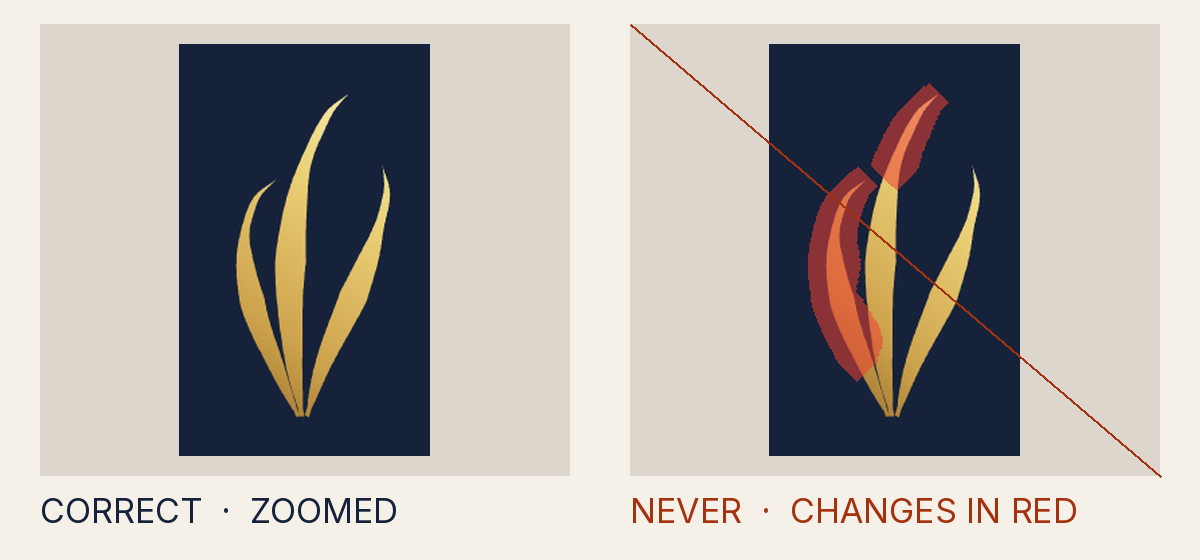
Why it is not allowed
- Measured
- the gradient direction differs from the canon foil
- How to fix it
- Paint the mark with the canon foil or thread gradient, or one sanctioned solid token of the owning palette; remove stroke, filter, blend, opacity, clip, mask and pattern from the mark chain.
- Rule
- The mark is not painted in its canon colours
INV-3.gradient_altered - Source
tests/attack-corpus/21-gradient-angle-rotated.svg
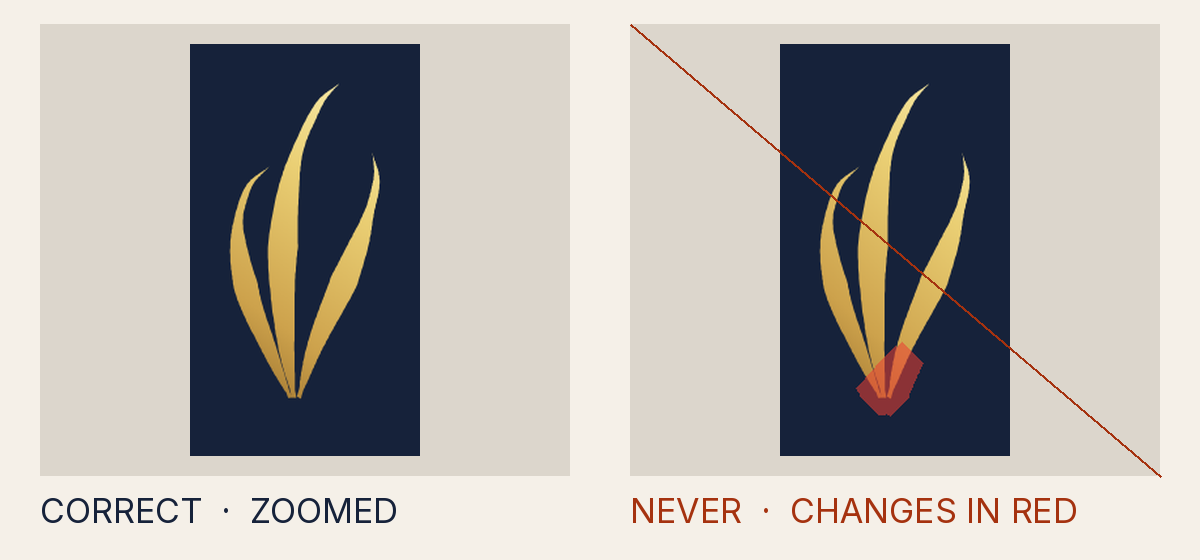
Why it is not allowed
- Measured
- a gradient transform (rotate(8 50 60)), where the canon gradient has none
- How to fix it
- Paint the mark with the canon foil or thread gradient, or one sanctioned solid token of the owning palette; remove stroke, filter, blend, opacity, clip, mask and pattern from the mark chain.
- Rule
- The mark is not painted in its canon colours
INV-3.gradient_altered - Source
tests/attack-corpus/22-gradient-transform.svg
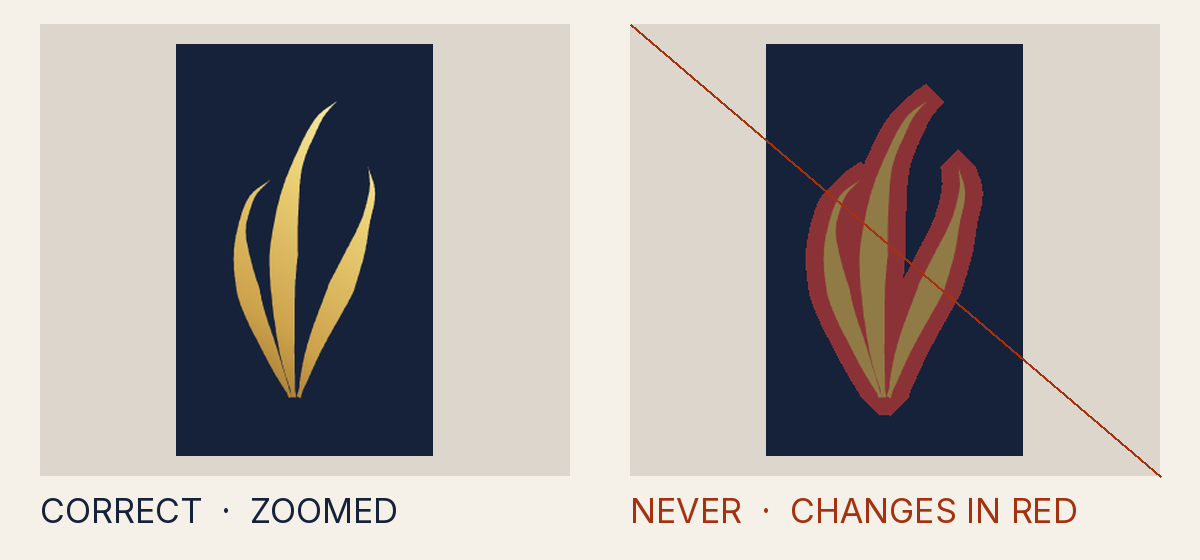
Why it is not allowed
- Measured
- success
- How to fix it
- Paint the mark with the canon foil or thread gradient, or one sanctioned solid token of the owning palette; remove stroke, filter, blend, opacity, clip, mask and pattern from the mark chain.
- Rule
- The mark is not painted in its canon colours
INV-3.token_not_for_mark - Source
tests/attack-corpus/26-palette-token-not-for-mark.svg
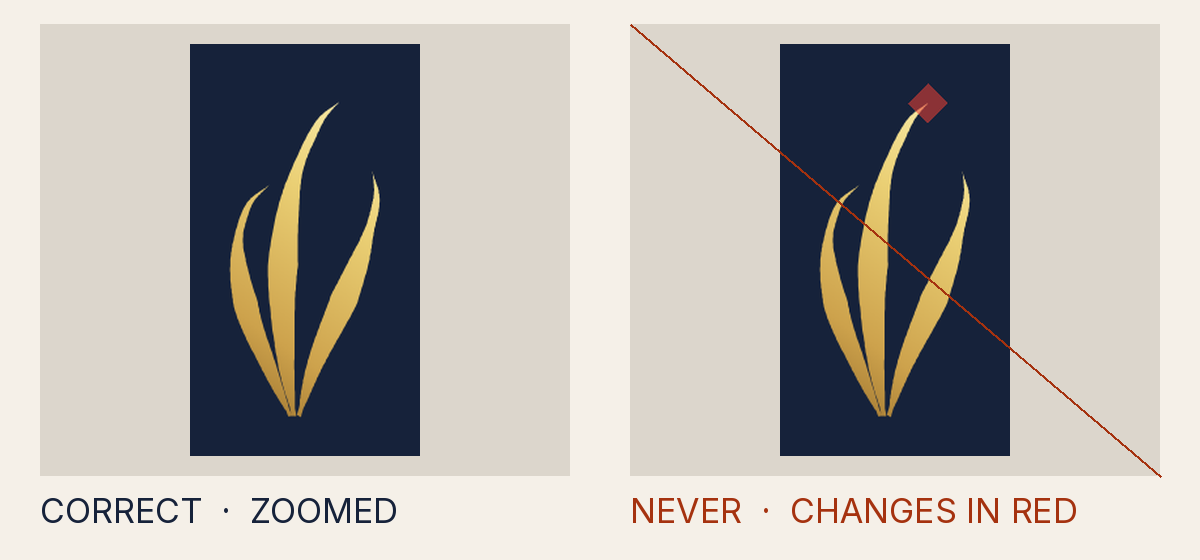
Why it is not allowed
- Measured
- a clip or mask on the mark (url(#cp))
- How to fix it
- Paint the mark with the canon foil or thread gradient, or one sanctioned solid token of the owning palette; remove stroke, filter, blend, opacity, clip, mask and pattern from the mark chain.
- Rule
- The mark is not painted in its canon colours
INV-3.mask_clip - Source
tests/attack-corpus/30-clip-trims-1px.svg
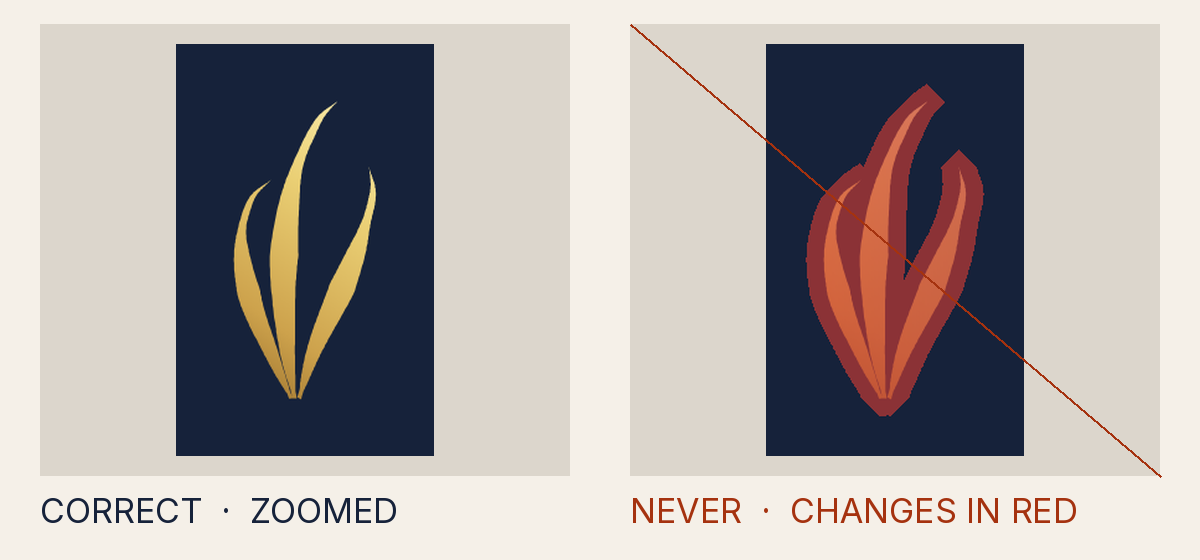
Why it is not allowed
- Measured
- a clip or mask on the mark (url(#mk))
- How to fix it
- Paint the mark with the canon foil or thread gradient, or one sanctioned solid token of the owning palette; remove stroke, filter, blend, opacity, clip, mask and pattern from the mark chain.
- Rule
- The mark is not painted in its canon colours
INV-3.mask_clip - Source
tests/attack-corpus/31-mask-fade.svg
Why it is not allowed
- Measured
- animateTransform
- How to fix it
- Animate only the opacity of a visible layer, as the shipped stings fade; never slide, scale or recolour.
- Rule
- Something in the file moves in a way other than a plain fade
INV-3.animation - Source
tests/attack-corpus/41-animation-in-static-file.svg
Why it is not allowed
- Measured
- crispEdges
- How to fix it
- Paint the mark with the canon foil or thread gradient, or one sanctioned solid token of the owning palette; remove stroke, filter, blend, opacity, clip, mask and pattern from the mark chain.
- Rule
- The mark is not painted in its canon colours
INV-3.rendering_hint - Source
tests/attack-corpus/42-shape-rendering-crisp.svg
Why it is not allowed
- Measured
- blend mode "difference"
- How to fix it
- Remove the blend layer: no blend modes or isolation anywhere in the file.
- Rule
- The mark is not painted in its canon colours
INV-3.blend - Source
tests/attack-corpus/66-difference-blend-layer-over-the-canvas.svg
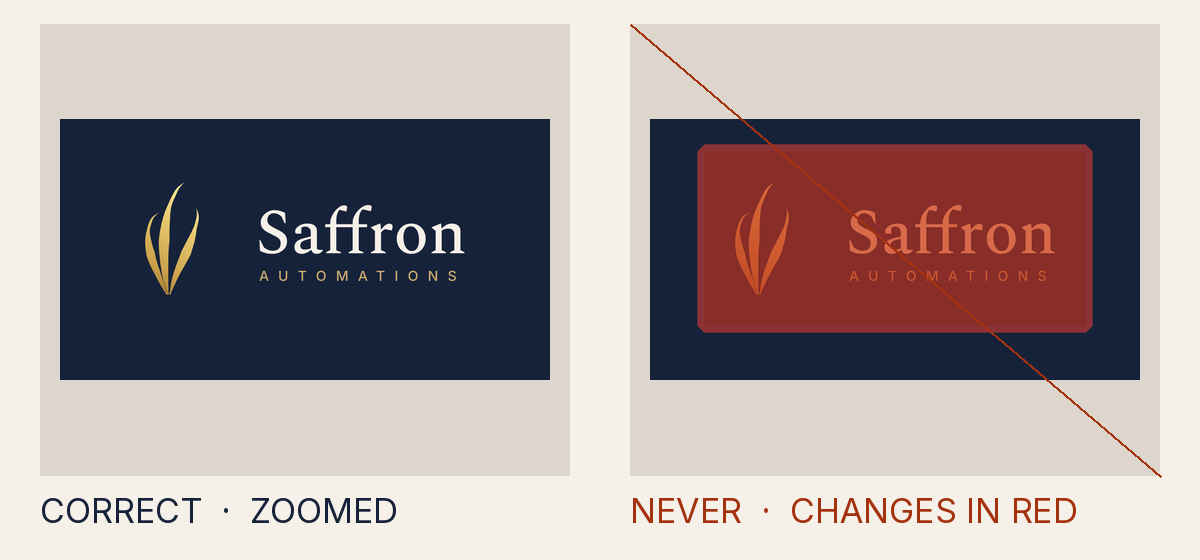
Why it is not allowed
- Measured
- blend mode "multiply"
- How to fix it
- Remove the blend layer: no blend modes or isolation anywhere in the file.
- Rule
- The mark is not painted in its canon colours
INV-3.blend - Source
tests/attack-corpus/67-multiply-scrim-over-the-lockup.svg
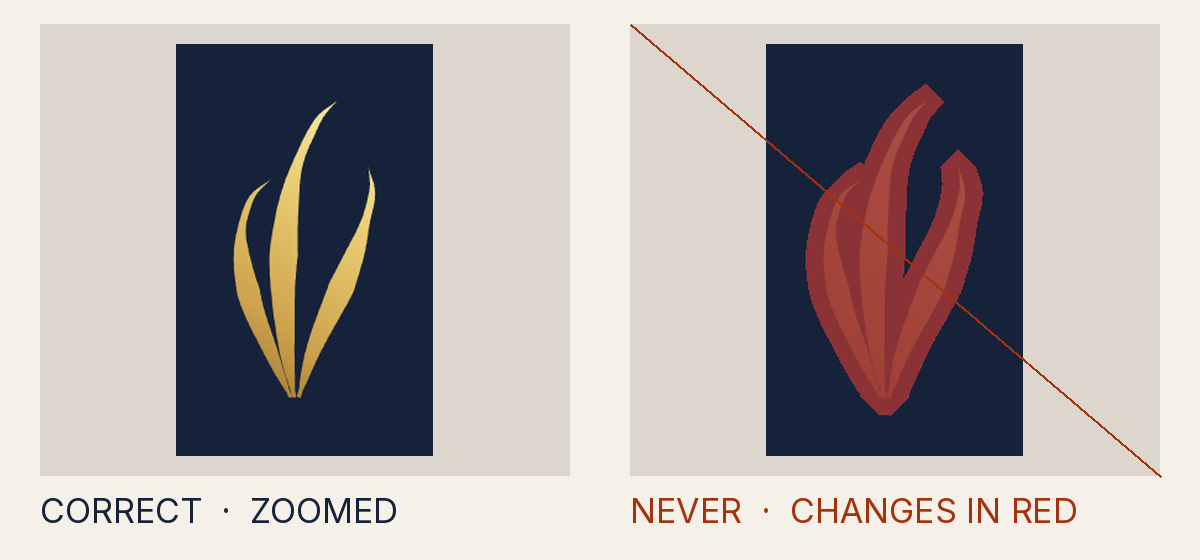
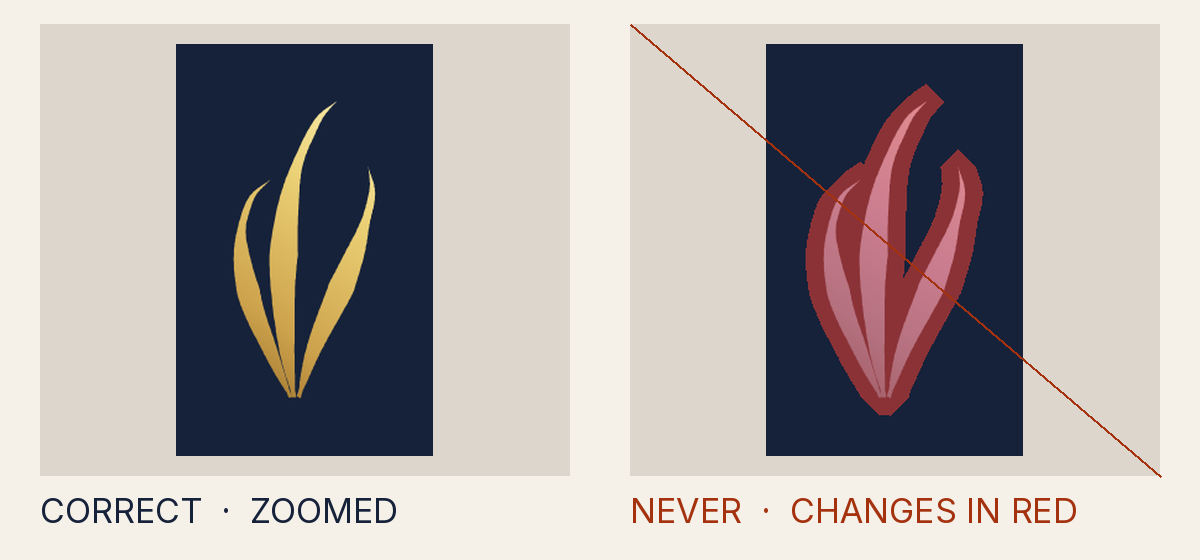
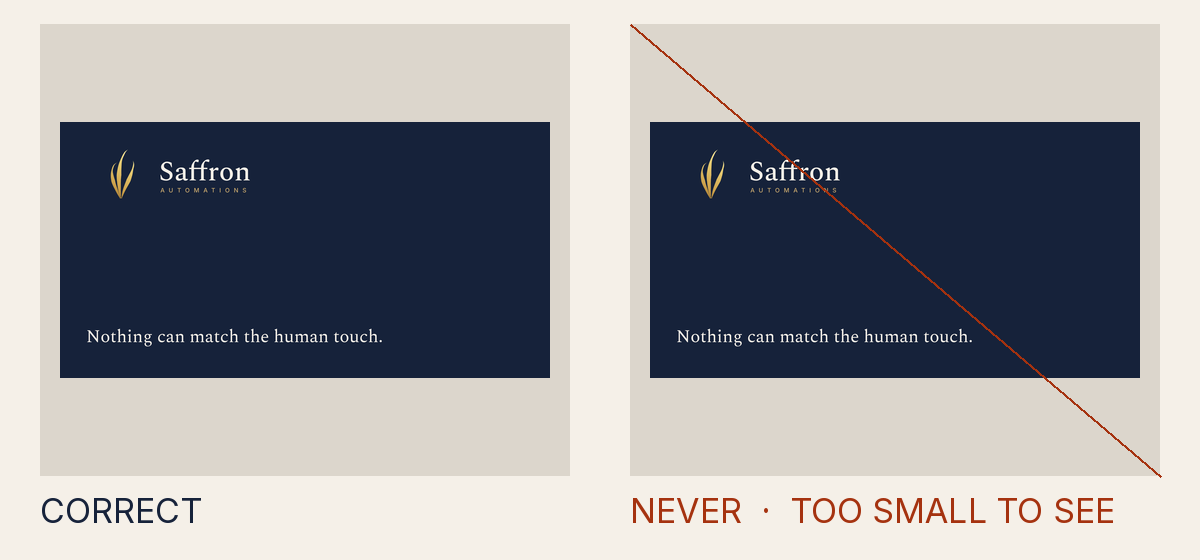
Why it is not allowed
- Measured
- a vendor-prefixed property, which the gate cannot verify
- How to fix it
- Use presentation attributes; a style attribute may carry only font-feature-settings, written plainly.
- Rule
- The mark is not painted in its canon colours
INV-3.style - Source
tests/attack-corpus/76-vendor-filter-on-the-mark.svg
Why it is not allowed
- Measured
- a mask, which the gate cannot verify
- How to fix it
- Use presentation attributes; a style attribute may carry only font-feature-settings, written plainly.
- Rule
- The mark is not painted in its canon colours
INV-3.style - Source
tests/attack-corpus/77-mask-image-on-the-mark.svg
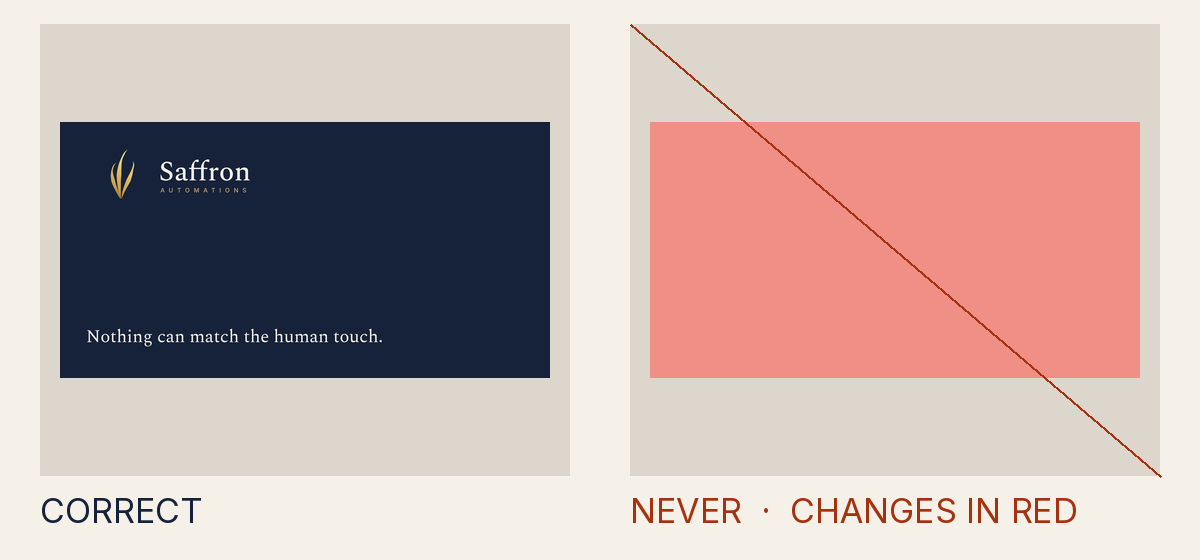
Why it is not allowed
- Measured
- a CSS variable, which the gate cannot verify
- How to fix it
- Use presentation attributes; a style attribute may carry only font-feature-settings, written plainly.
- Rule
- The mark is not painted in its canon colours
INV-3.style - Source
tests/attack-corpus/78-veil-with-opacity-from-a-variable.svg
Why it is not allowed
- Measured
- colour interpolation linearRGB (linear light), where the canon foil uses the default, sRGB
- How to fix it
- Paint the mark with the canon foil or thread gradient, or one sanctioned solid token of the owning palette; remove stroke, filter, blend, opacity, clip, mask and pattern from the mark chain.
- Rule
- The mark is not painted in its canon colours
INV-3.gradient_altered - Source
tests/attack-corpus/82-foil-interpolated-in-linear-light.svg
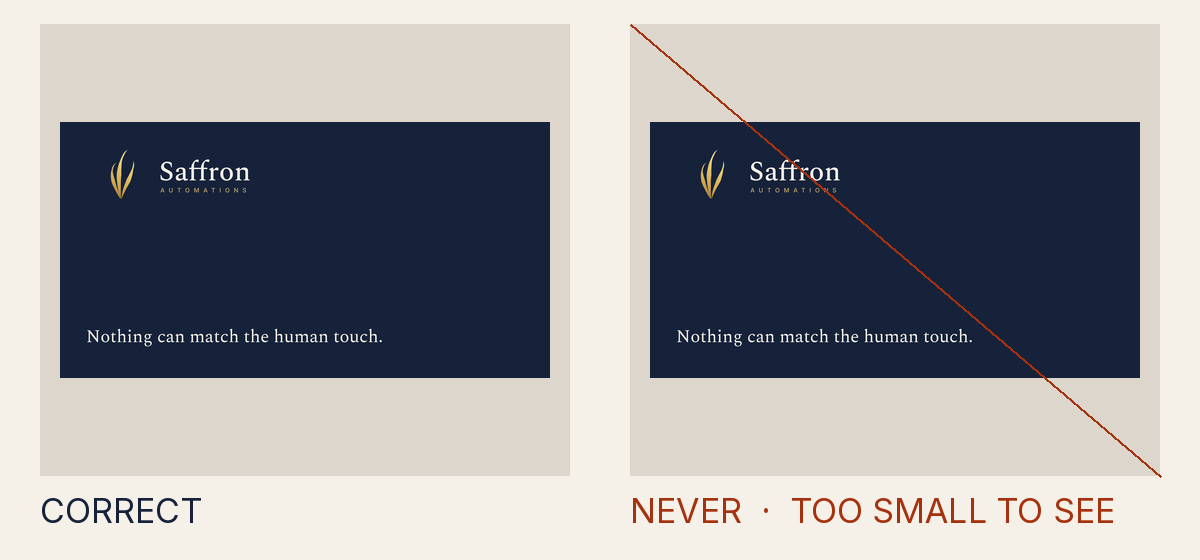
Why it is not allowed
- Measured
- a translate animation of transform, where only an opacity fade is allowed
- How to fix it
- Animate only the opacity of a visible layer, as the shipped stings fade; never slide, scale or recolour.
- Rule
- Something in the file moves in a way other than a plain fade
INV-3.animation - Source
tests/attack-corpus/106-mark-slides-onto-the-wordmark.svg
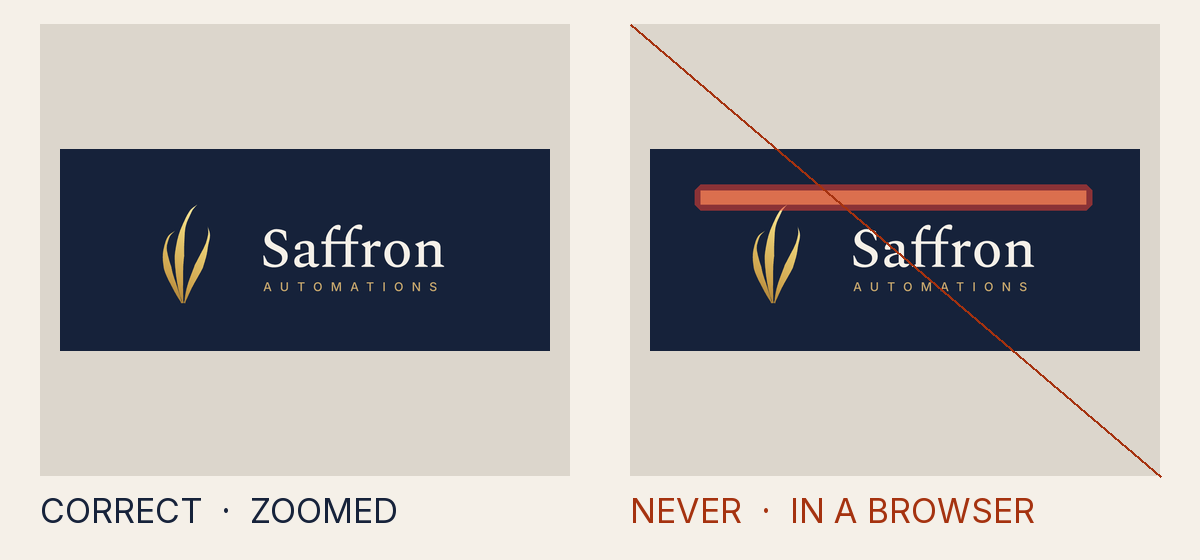
Why it is not allowed
- Measured
- an opacity fade inside a mask, where more opacity can hide more of the mark
- How to fix it
- Animate only the opacity of a visible layer, as the shipped stings fade; never slide, scale or recolour.
- Rule
- Something in the file moves in a way other than a plain fade
INV-3.animation - Source
tests/attack-corpus/121-fade-inside-a-mask-reveals-a-bar.svg
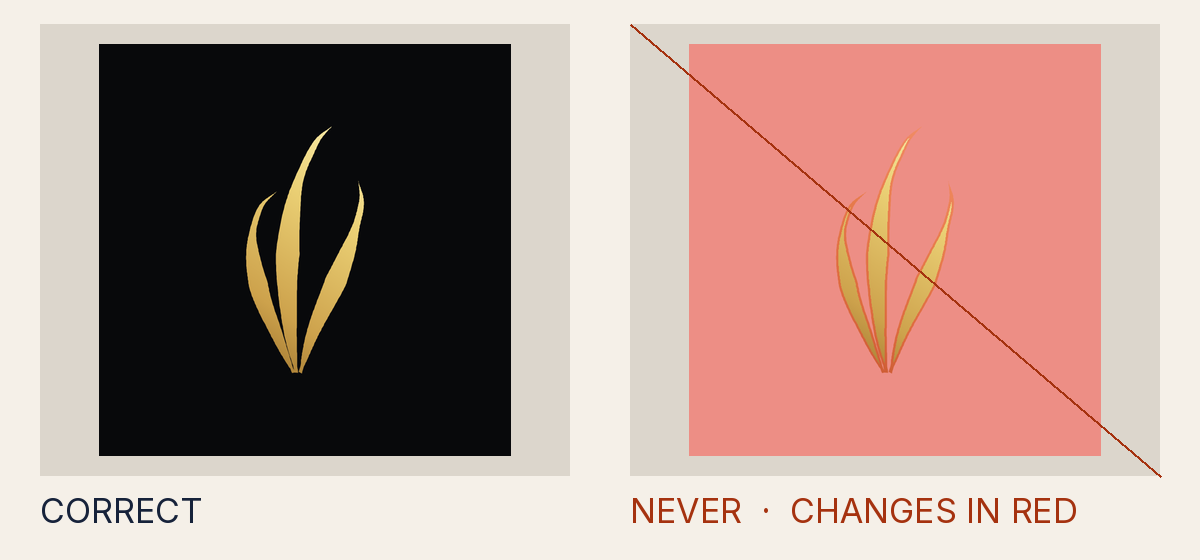
Why it is not allowed
- Measured
- 1.01
- How to fix it
- Paint the mark with the canon foil or thread gradient, or one sanctioned solid token of the owning palette; remove stroke, filter, blend, opacity, clip, mask and pattern from the mark chain.
- Rule
- The mark is not painted in its canon colours
INV-3.contrast - Source
dist/logo/misuse/forbidden-obsidian-foil-on-light.source.svg
Crowding and shrinking
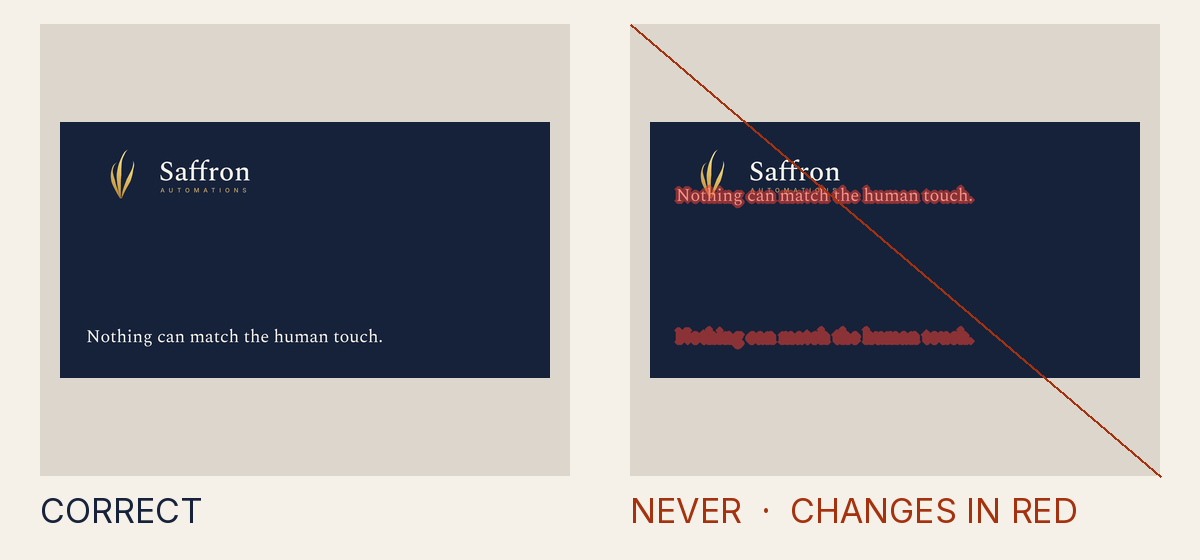
Why it is not allowed
- Measured
- something other than the ground covers 5.02% of the clear space, at up to 100% opacity
- How to fix it
- Move the shape out of the clear space, or make the layer the ground itself, a palette panel, or faint.
- Rule
- The clear space or minimum size is broken
INV-5.clear_space - Source
tests/attack-corpus/50-clear-space-intrusion.svg
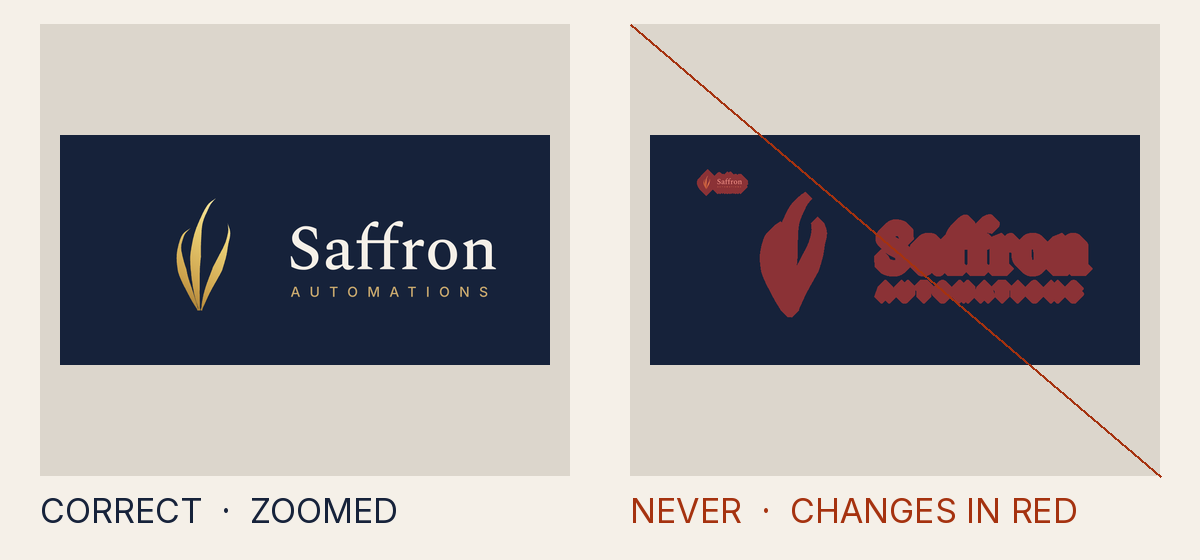
Why it is not allowed
- Measured
- 14.4
- How to fix it
- Move foreign elements out of the clear-space zone, keep the zone inside the canvas, and never render below the approved minimum size (use the favicon or minimal variant instead).
- Rule
- The clear space or minimum size is broken
INV-5.min_size - Source
tests/attack-corpus/51-below-minimum-size.svg
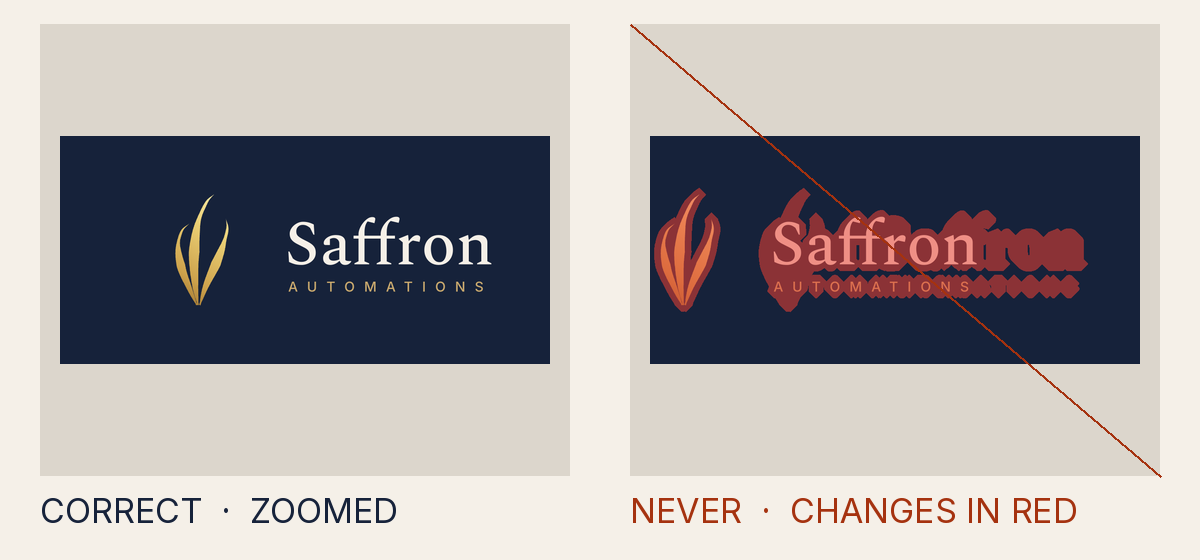
Why it is not allowed
- Measured
- -11.9, 44.4, 375.6, 211.1
- How to fix it
- Move foreign elements out of the clear-space zone, keep the zone inside the canvas, and never render below the approved minimum size (use the favicon or minimal variant instead).
- Rule
- The clear space or minimum size is broken
INV-5.edge - Source
tests/attack-corpus/52-clear-space-cut-by-edge.svg
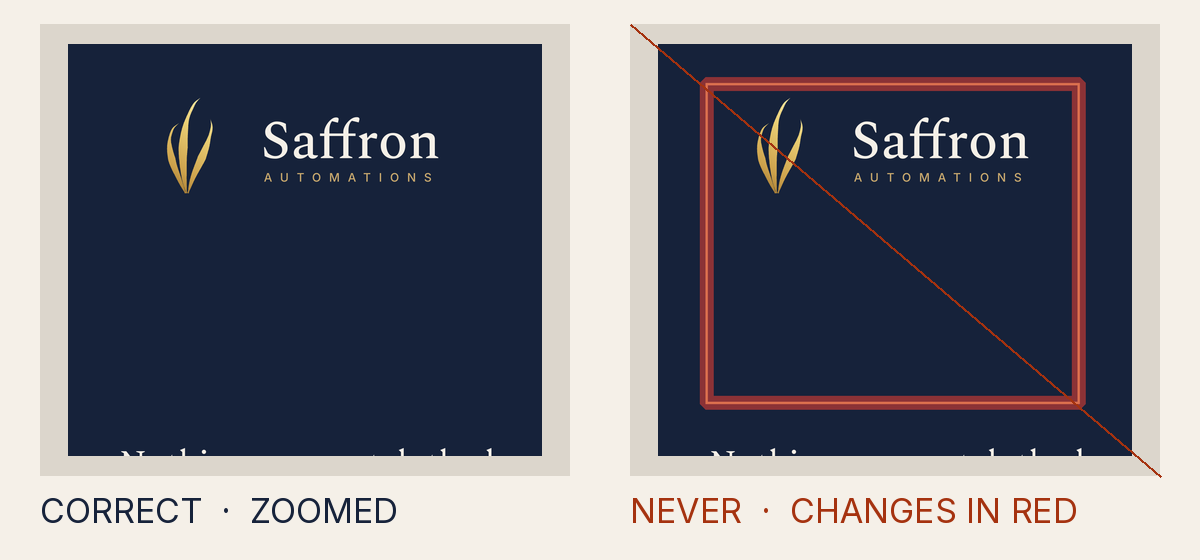
Why it is not allowed
- Measured
- something other than the ground covers 1.96% of the clear space, at up to 100% opacity
- How to fix it
- Move the shape out of the clear space, or make the layer the ground itself, a palette panel, or faint.
- Rule
- The clear space or minimum size is broken
INV-5.clear_space - Source
tests/attack-corpus/53-stroked-frame-through-clear-space.svg
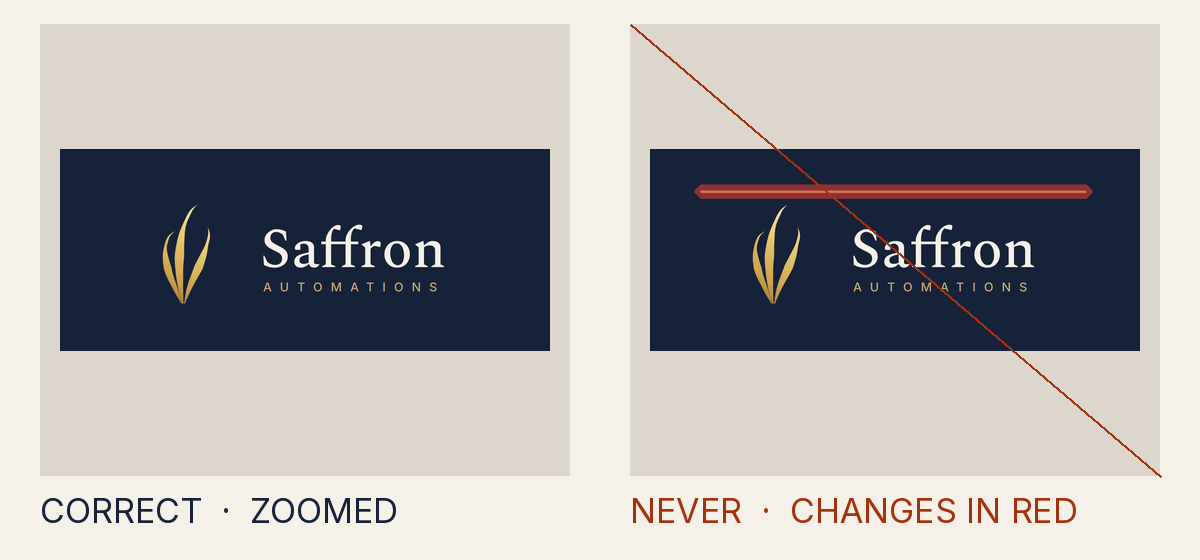
Why it is not allowed
- Measured
- something other than the ground covers 2.24% of the clear space, at up to 100% opacity
- How to fix it
- Move the shape out of the clear space, or make the layer the ground itself, a palette panel, or faint.
- Rule
- The clear space or minimum size is broken
INV-5.clear_space - Source
tests/attack-corpus/54-frame-filled-bar-through-clear-space.svg
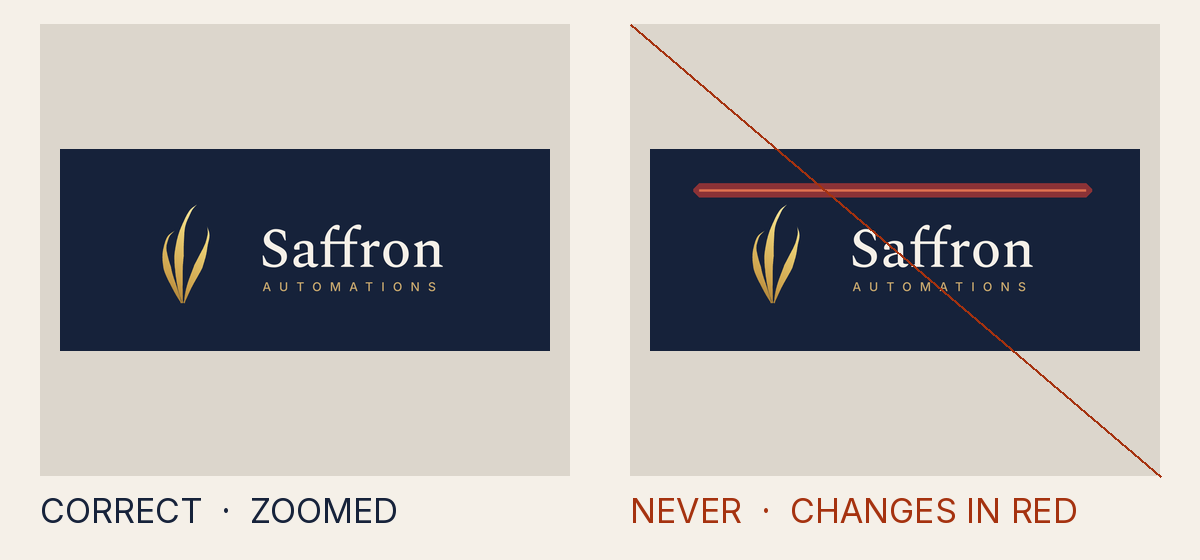
Why it is not allowed
- Measured
- something other than the ground covers 1.96% of the clear space, at up to 100% opacity
- How to fix it
- Move the shape out of the clear space, or make the layer the ground itself, a palette panel, or faint.
- Rule
- The clear space or minimum size is broken
INV-5.clear_space - Source
tests/attack-corpus/55-frame-fill-opacity-zero-through-clear-space.svg
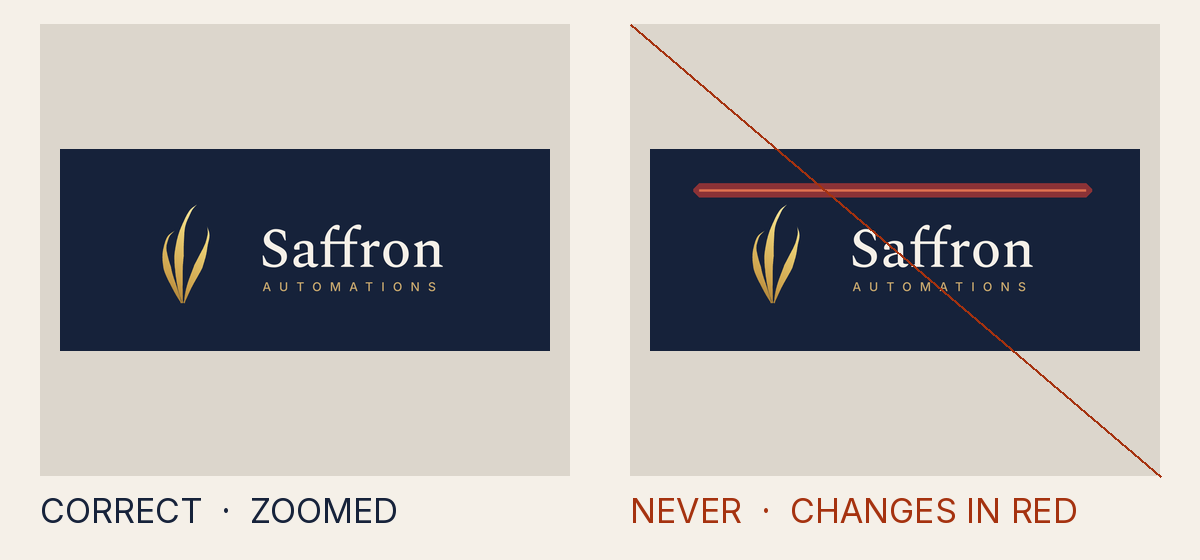
Why it is not allowed
- Measured
- something other than the ground covers 1.96% of the clear space, at up to 100% opacity
- How to fix it
- Move the shape out of the clear space, or make the layer the ground itself, a palette panel, or faint.
- Rule
- The clear space or minimum size is broken
INV-5.clear_space - Source
tests/attack-corpus/56-frame-fill-inherit-through-clear-space.svg
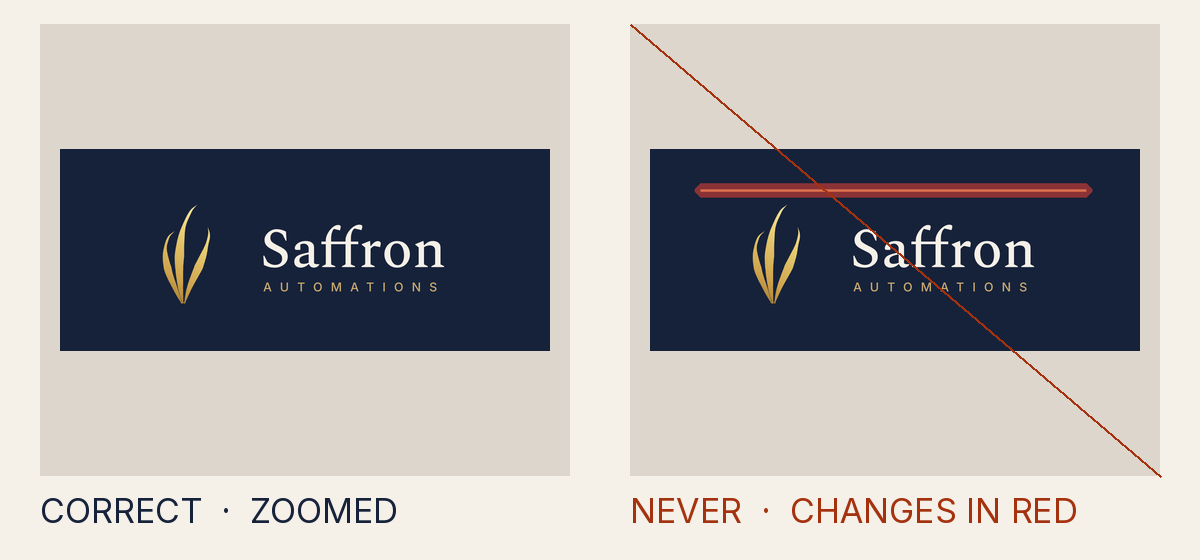
Why it is not allowed
- Measured
- something other than the ground covers 1.96% of the clear space, at up to 100% opacity
- How to fix it
- Move the shape out of the clear space, or make the layer the ground itself, a palette panel, or faint.
- Rule
- The clear space or minimum size is broken
INV-5.clear_space - Source
tests/attack-corpus/57-frame-line-with-ground-fill-through-clear-space.svg
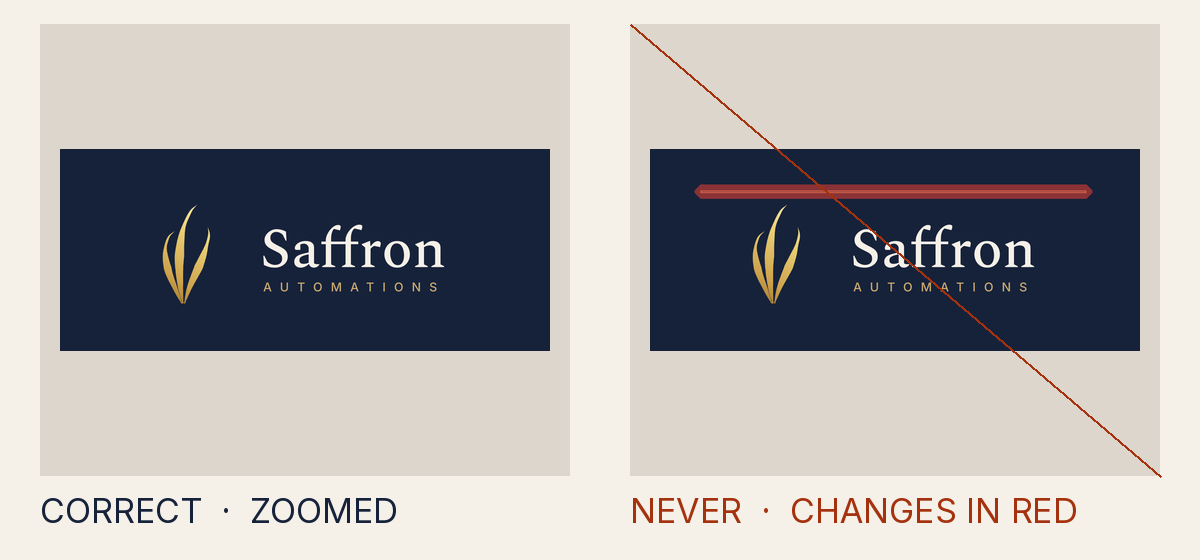
Why it is not allowed
- Measured
- something other than the ground covers 1.96% of the clear space, at up to 100% opacity
- How to fix it
- Move the shape out of the clear space, or make the layer the ground itself, a palette panel, or faint.
- Rule
- The clear space or minimum size is broken
INV-5.clear_space - Source
tests/attack-corpus/58-frame-thin-annulus-through-clear-space.svg
Why it is not allowed
- Measured
- something other than the ground covers 2.24% of the clear space, at up to 100% opacity
- How to fix it
- Move the shape out of the clear space, or make the layer the ground itself, a palette panel, or faint.
- Rule
- The clear space or minimum size is broken
INV-5.clear_space - Source
tests/attack-corpus/59-ground-bar-through-clear-space.svg
Why it is not allowed
- Measured
- something other than the ground covers 17.5% of the clear space, at up to 100% opacity
- How to fix it
- Move the shape out of the clear space, or make the layer the ground itself, a palette panel, or faint.
- Rule
- The clear space or minimum size is broken
INV-5.clear_space - Source
tests/attack-corpus/60-ground-stroke-reaching-into-clear-space.svg
Why it is not allowed
- Measured
- something other than the ground covers 100% of the clear space, at up to 100% opacity
- How to fix it
- Move the shape out of the clear space, or make the layer the ground itself, a palette panel, or faint.
- Rule
- The clear space or minimum size is broken
INV-5.clear_space - Source
tests/attack-corpus/61-ground-pattern-drawing-a-bar.svg
Why it is not allowed
- Measured
- something other than the ground covers 98.5% of the clear space, at up to 100% opacity
- How to fix it
- Move the shape out of the clear space, or make the layer the ground itself, a palette panel, or faint.
- Rule
- The clear space or minimum size is broken
INV-5.clear_space - Source
tests/attack-corpus/62-ground-with-a-hole-in-clear-space.svg
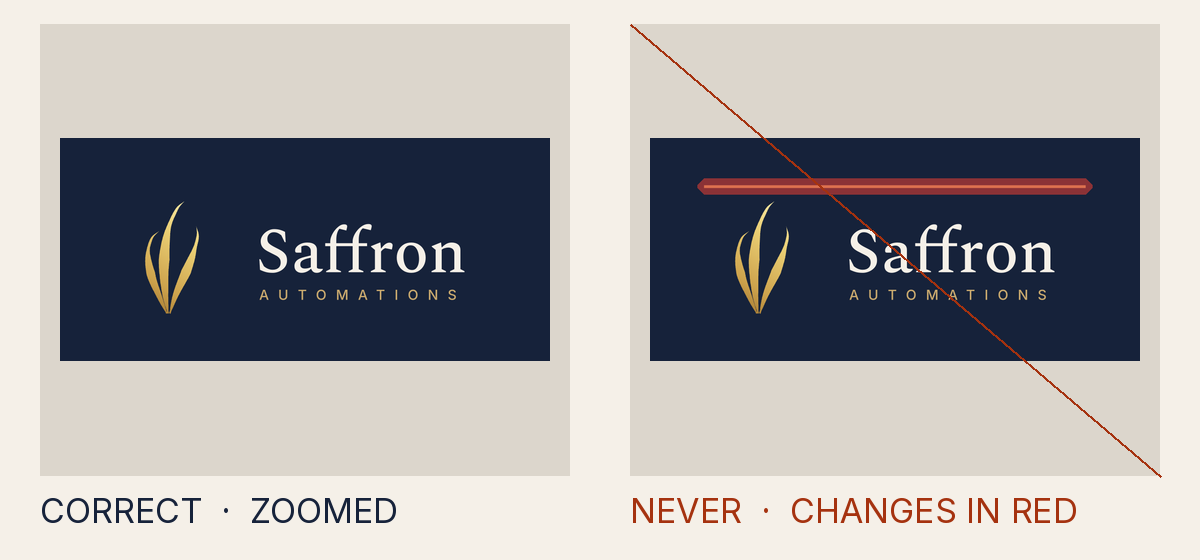
Why it is not allowed
- Measured
- something other than the ground covers 2.24% of the clear space, at up to 100% opacity
- How to fix it
- Move the shape out of the clear space, or make the layer the ground itself, a palette panel, or faint.
- Rule
- The clear space or minimum size is broken
INV-5.clear_space - Source
tests/attack-corpus/63-frame-bar-clipped-from-a-covering-rect.svg
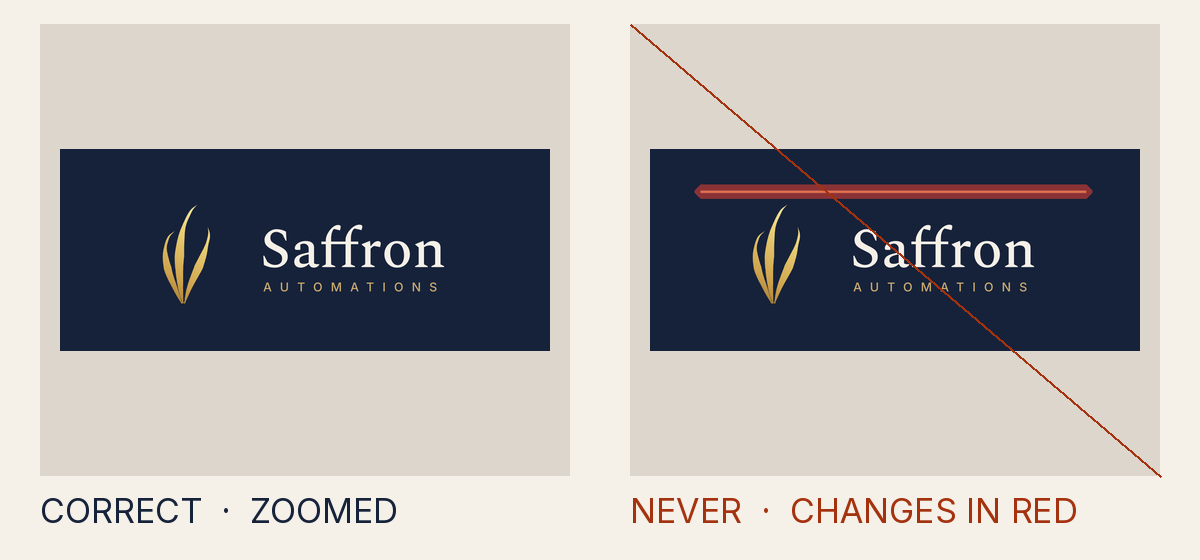
Why it is not allowed
- Measured
- something other than the ground covers 2.24% of the clear space, at up to 100% opacity
- How to fix it
- Move the shape out of the clear space, or make the layer the ground itself, a palette panel, or faint.
- Rule
- The clear space or minimum size is broken
INV-5.clear_space - Source
tests/attack-corpus/64-frame-filled-bar-painted-after-the-lockup.svg
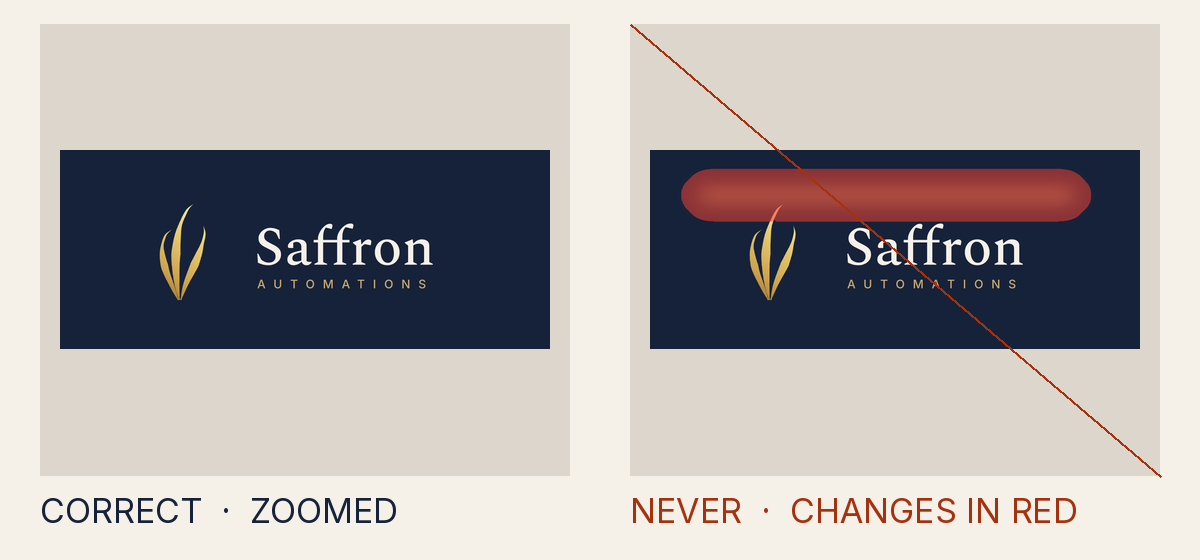
Why it is not allowed
- Measured
- a pale layer lifts the ground by 53.1 levels of lightness, where a faint layer may lift it by at most 14; it covers 25.5% of the clear space
- How to fix it
- Move the shape out of the clear space, or make the layer the ground itself, a palette panel, or faint.
- Rule
- The clear space or minimum size is broken
INV-5.clear_space - Source
tests/attack-corpus/68-blurred-gold-bar-under-the-lockup.svg
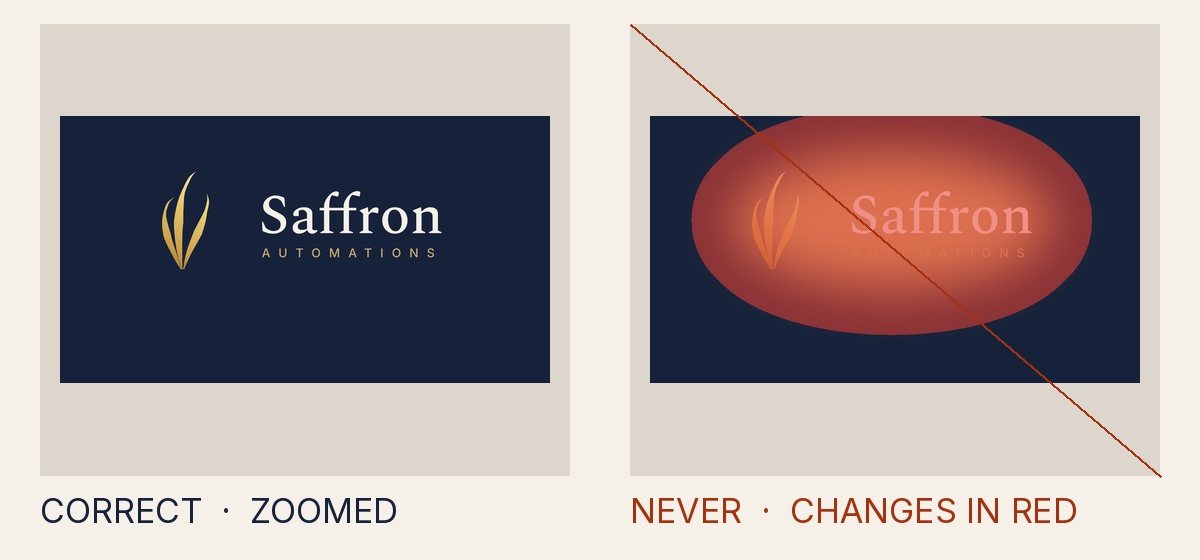
Why it is not allowed
- Measured
- a pale layer lifts the ground by 138.4 levels of lightness, where a faint layer may lift it by at most 14; it covers 100% of the clear space
- How to fix it
- Move the shape out of the clear space, or make the layer the ground itself, a palette panel, or faint.
- Rule
- The clear space or minimum size is broken
INV-5.clear_space - Source
tests/attack-corpus/69-full-strength-glow-under-the-mark.svg
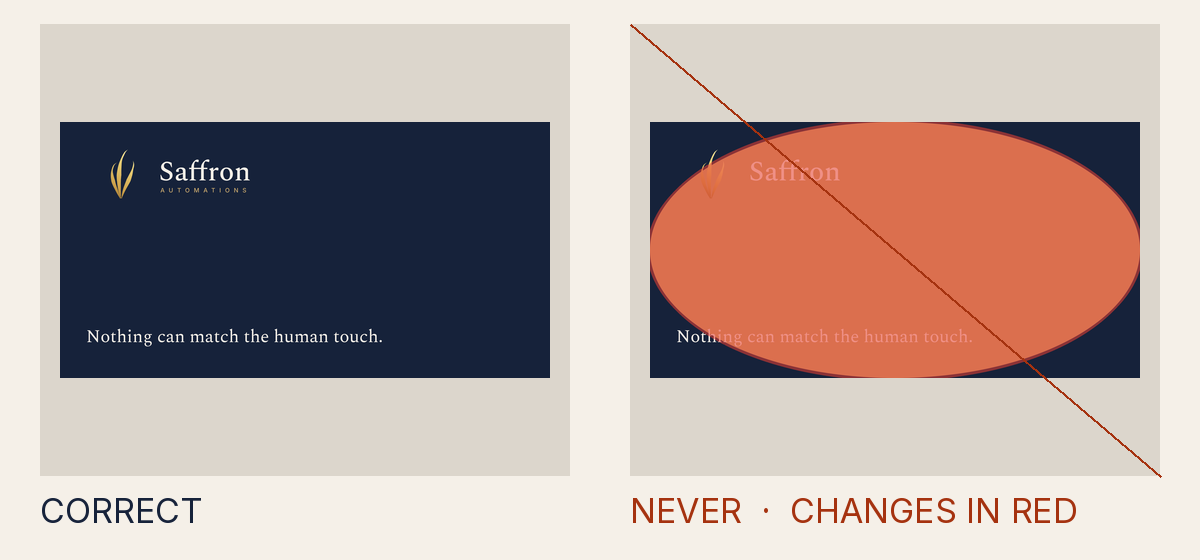
Why it is not allowed
- Measured
- something other than the ground covers 88% of the clear space, at up to 100% opacity
- How to fix it
- Move the shape out of the clear space, or make the layer the ground itself, a palette panel, or faint.
- Rule
- The clear space or minimum size is broken
INV-5.clear_space - Source
tests/attack-corpus/70-canvas-ellipse-posing-as-the-substrate.svg
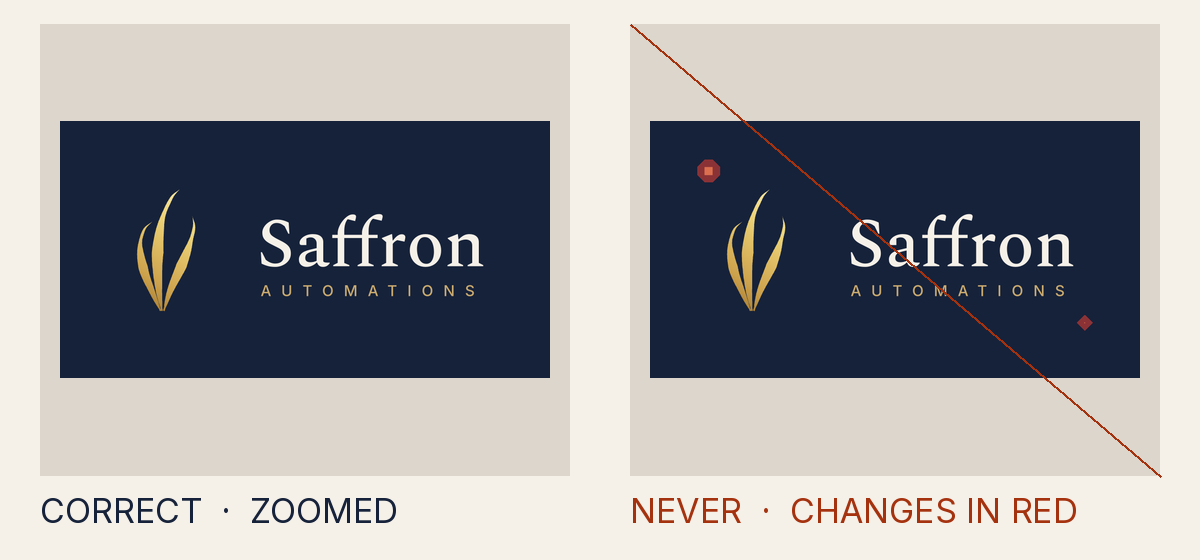
Why it is not allowed
- Measured
- something other than the ground covers 0.1% of the clear space, at up to 100% opacity
- How to fix it
- Move the shape out of the clear space, or make the layer the ground itself, a palette panel, or faint.
- Rule
- The clear space or minimum size is broken
INV-5.clear_space - Source
tests/attack-corpus/71-stray-seal-ring-dot-earns-no-disc.svg
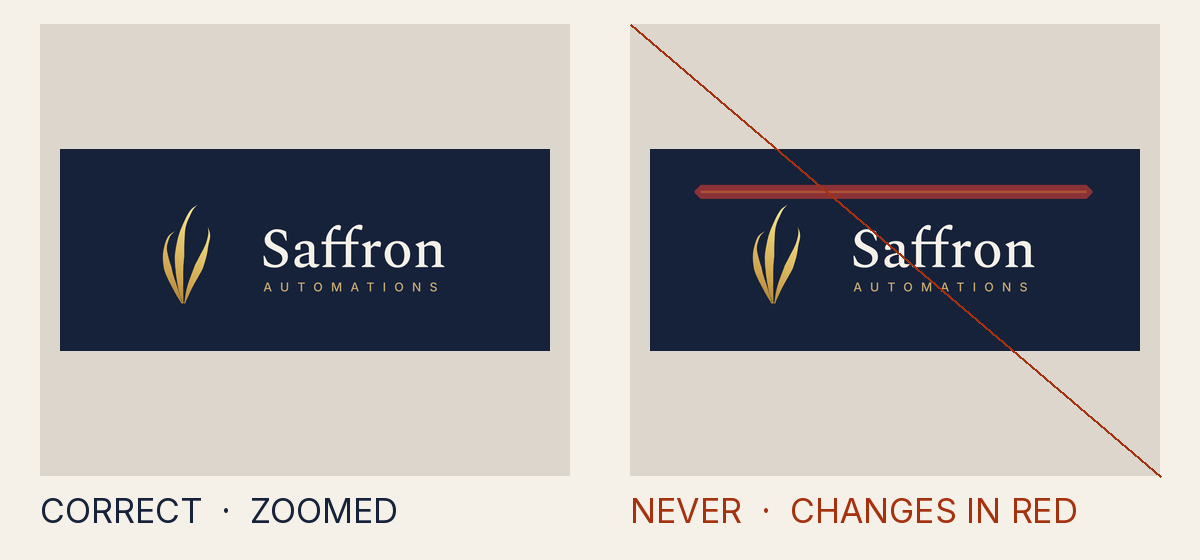
Why it is not allowed
- Measured
- something other than the ground covers 1.96% of the clear space, at up to 51.8% opacity
- How to fix it
- Move the shape out of the clear space, or make the layer the ground itself, a palette panel, or faint.
- Rule
- The clear space or minimum size is broken
INV-5.clear_space - Source
tests/attack-corpus/72-faint-bars-stacked-into-a-strong-one.svg
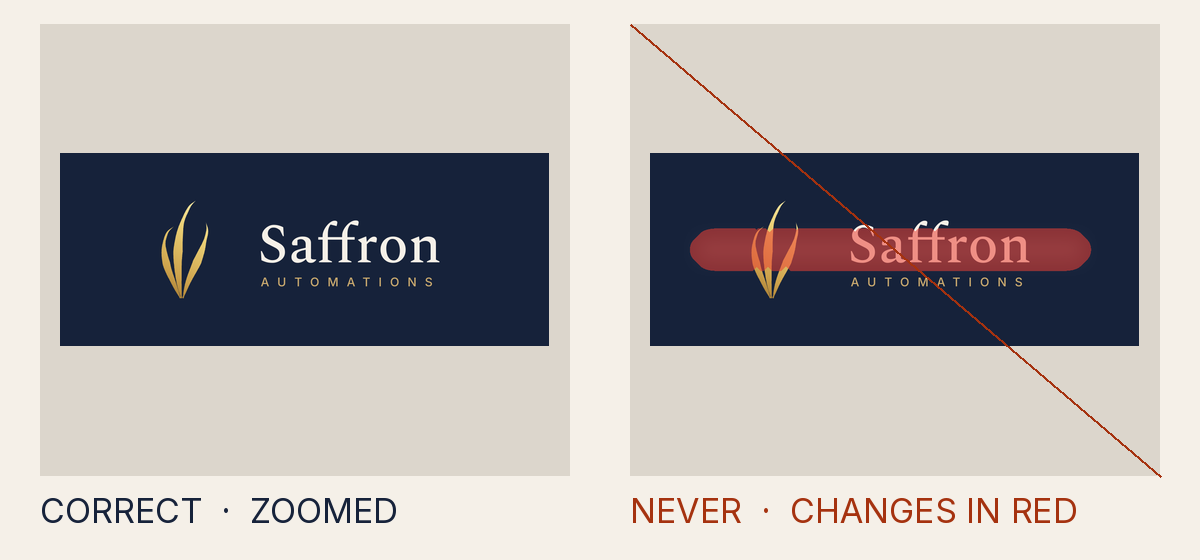
Why it is not allowed
- Measured
- a pale layer lifts the ground by 20.8 levels of lightness, where a faint layer may lift it by at most 14; it covers 30.8% of the clear space
- How to fix it
- Move the shape out of the clear space, or make the layer the ground itself, a palette panel, or faint.
- Rule
- The clear space or minimum size is broken
INV-5.clear_space - Source
tests/attack-corpus/83-faint-ivory-band-behind-the-lockup.svg
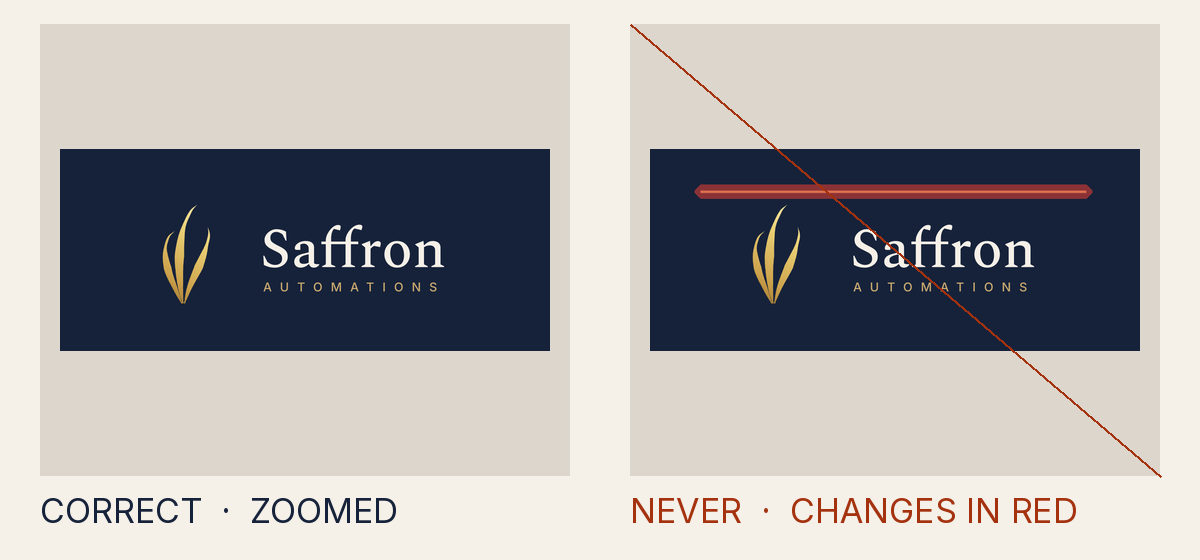
Why it is not allowed
- Measured
- something other than the ground covers 0% of the clear space, at up to 100% opacity
- How to fix it
- Move the shape out of the clear space, or make the layer the ground itself, a palette panel, or faint.
- Rule
- The clear space or minimum size is broken
INV-5.clear_space - Source
tests/attack-corpus/84-seal-dot-inside-its-clear-space-disc.svg
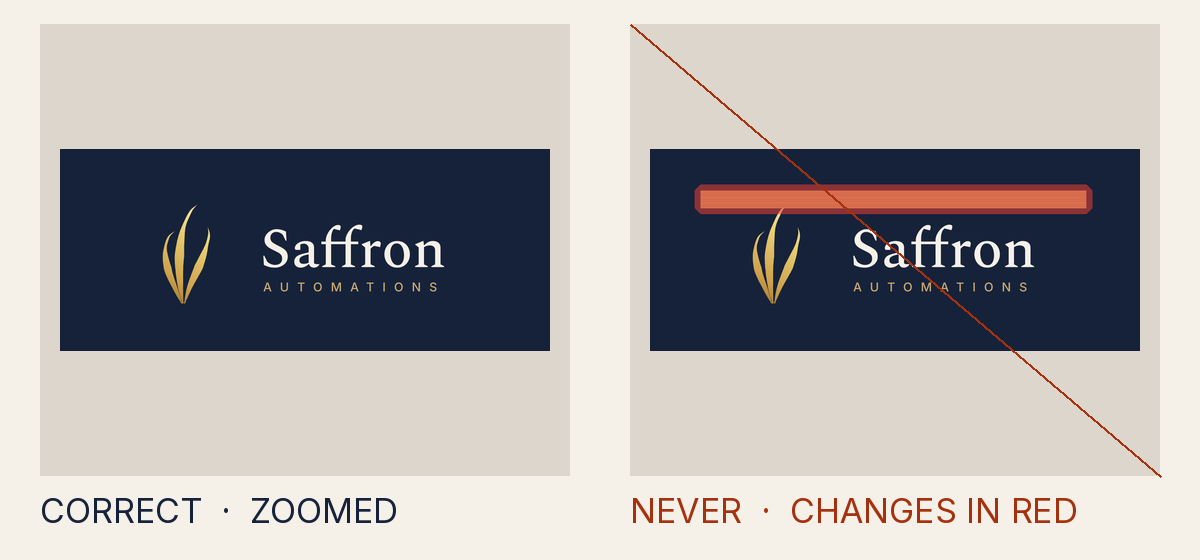
Why it is not allowed
- Measured
- something other than the ground covers 2.24% of the clear space, at up to 100% opacity
- How to fix it
- Move the shape out of the clear space, or make the layer the ground itself, a palette panel, or faint.
- Rule
- The clear space or minimum size is broken
INV-5.clear_space - Source
tests/attack-corpus/88-gold-bar-labelled-as-a-guide.svg
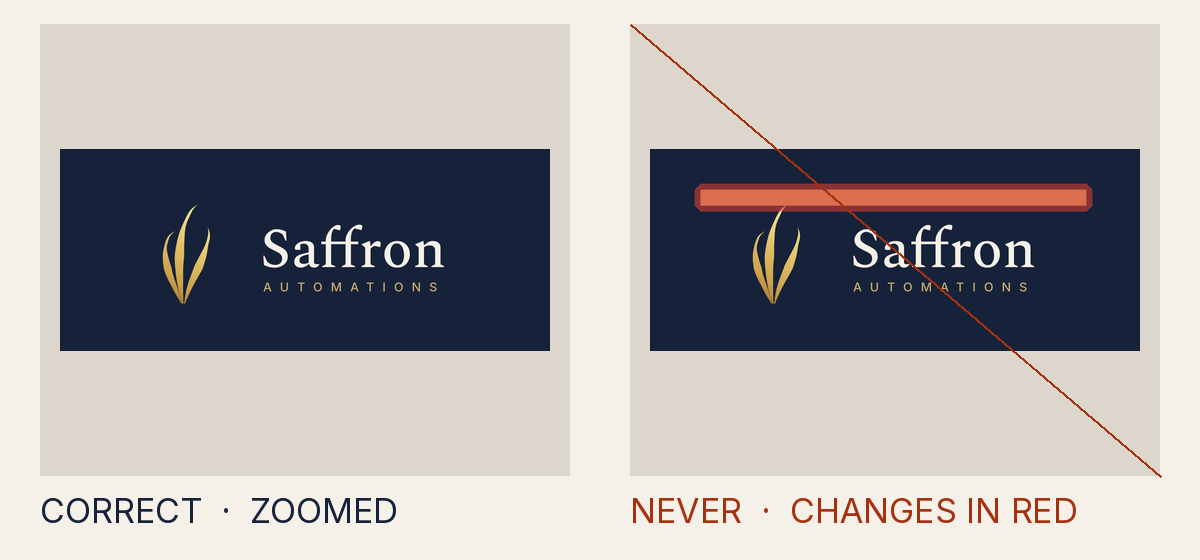
Why it is not allowed
- Measured
- something other than the ground covers 13.2% of the clear space, at up to 100% opacity
- How to fix it
- Move the shape out of the clear space, or make the layer the ground itself, a palette panel, or faint.
- Rule
- The clear space or minimum size is broken
INV-5.clear_space - Source
tests/attack-corpus/89-guide-hairlines-stacked-into-a-bar.svg
Why it is not allowed
- Measured
- something other than the ground covers 11.8% of the clear space, at up to 100% opacity
- How to fix it
- Move the shape out of the clear space, or make the layer the ground itself, a palette panel, or faint.
- Rule
- The clear space or minimum size is broken
INV-5.clear_space - Source
tests/attack-corpus/90-guide-outline-hatched-into-a-bar.svg
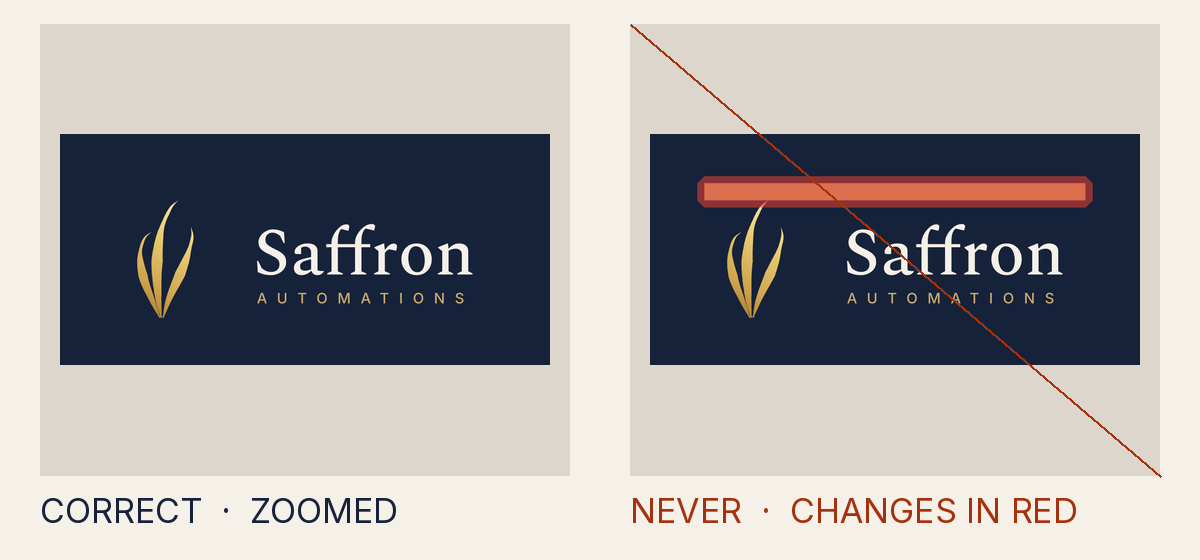
Why it is not allowed
- Measured
- something other than the ground covers 10.6% of the clear space, at up to 100% opacity
- How to fix it
- Move the shape out of the clear space, or make the layer the ground itself, a palette panel, or faint.
- Rule
- The clear space or minimum size is broken
INV-5.clear_space - Source
tests/attack-corpus/91-guide-hairline-carrying-a-marker.svg
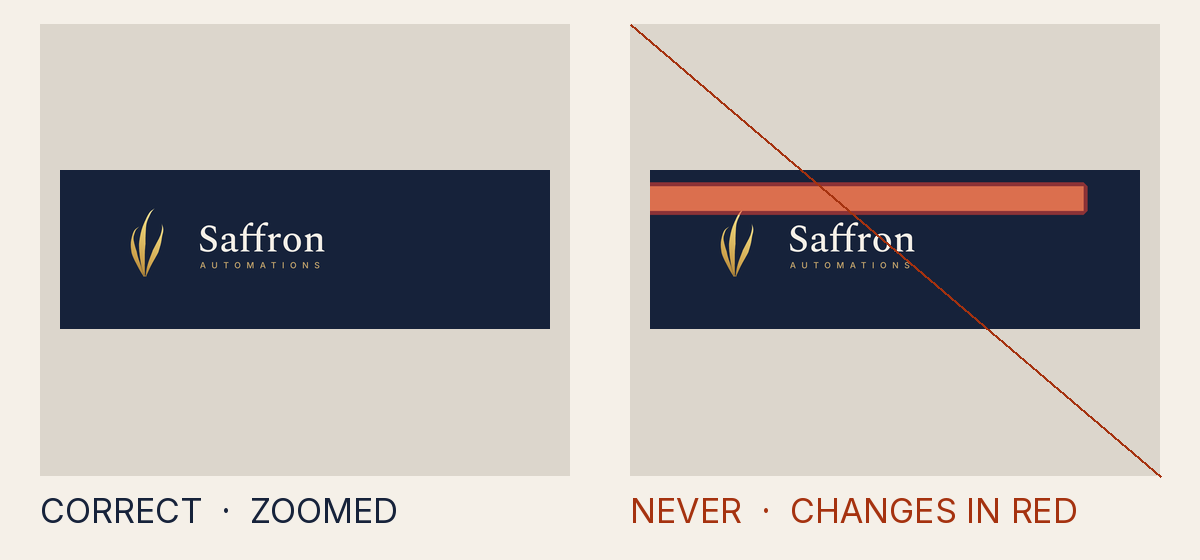
Why it is not allowed
- Measured
- something other than the ground covers 16.8% of the clear space, at up to 100% opacity
- How to fix it
- Move the shape out of the clear space, or make the layer the ground itself, a palette panel, or faint.
- Rule
- The clear space or minimum size is broken
INV-5.clear_space - Source
tests/attack-corpus/92-guide-hairline-with-a-flood-filter.svg
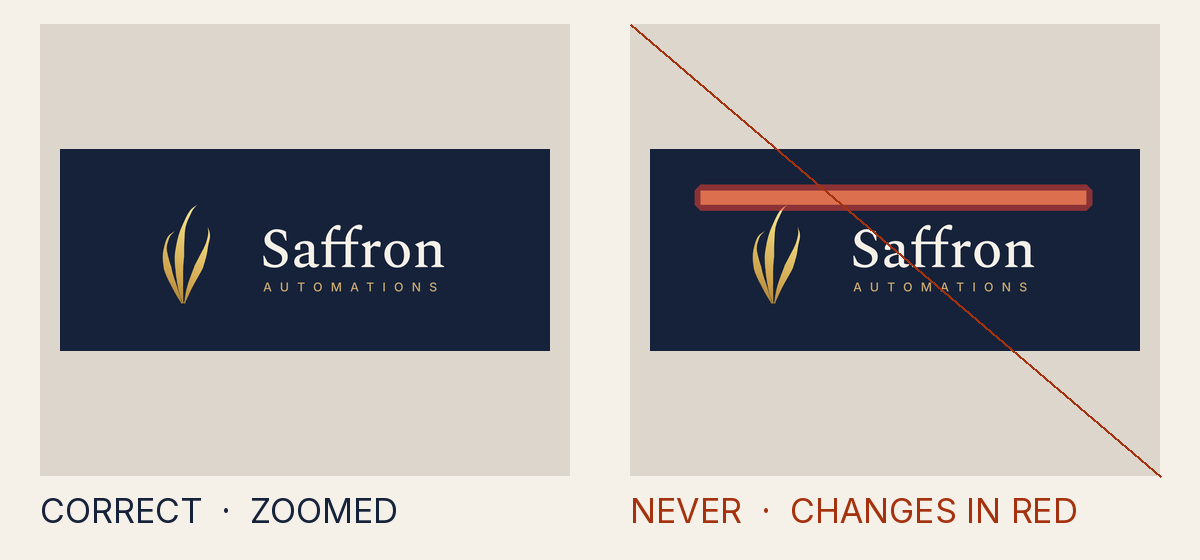
Why it is not allowed
- Measured
- something other than the ground covers 5.04% of the clear space, at up to 100% opacity
- How to fix it
- Move the shape out of the clear space, or make the layer the ground itself, a palette panel, or faint.
- Rule
- The clear space or minimum size is broken
INV-5.clear_space - Source
tests/attack-corpus/93-guide-with-a-non-scaling-stroke.svg
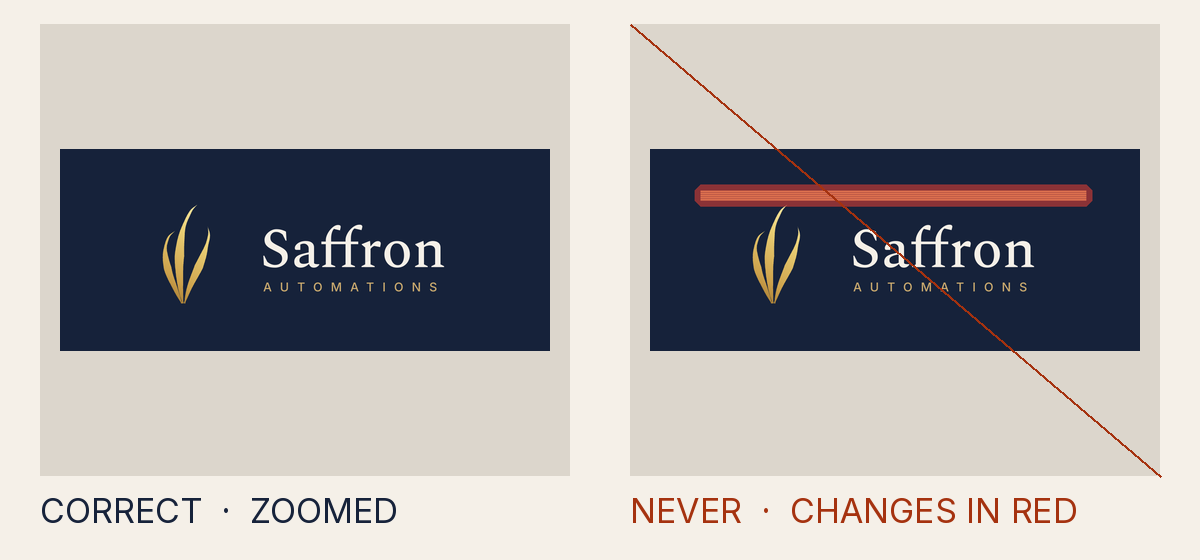
Why it is not allowed
- Measured
- something other than the ground covers 7.56% of the clear space, at up to 100% opacity
- How to fix it
- Move the shape out of the clear space, or make the layer the ground itself, a palette panel, or faint.
- Rule
- The clear space or minimum size is broken
INV-5.clear_space - Source
tests/attack-corpus/94-guide-strips-split-by-pixel-gaps.svg
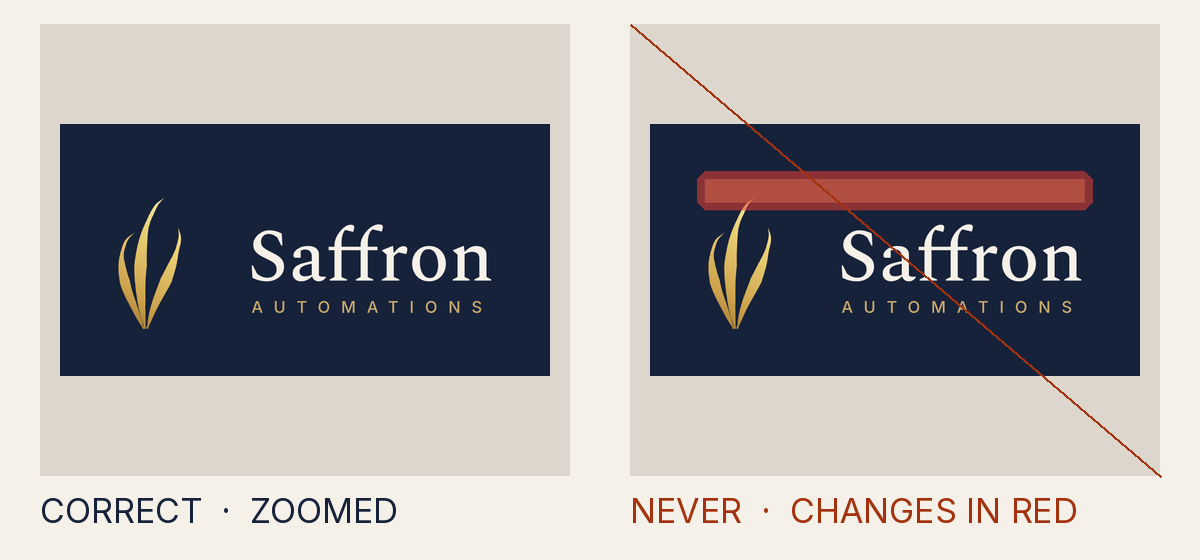
Why it is not allowed
- Measured
- something other than the ground covers 11.8% of the clear space, at up to 49% opacity
- How to fix it
- Move the shape out of the clear space, or make the layer the ground itself, a palette panel, or faint.
- Rule
- The clear space or minimum size is broken
INV-5.clear_space - Source
tests/attack-corpus/95-guide-block-at-half-strength.svg
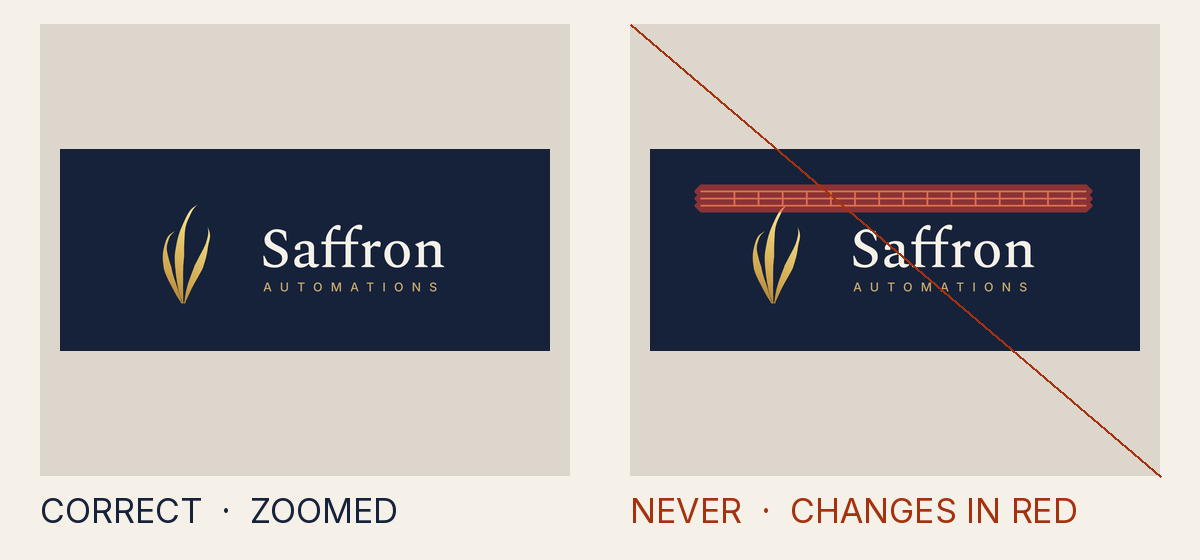
Why it is not allowed
- Measured
- something other than the ground covers 5.45% of the clear space, at up to 100% opacity
- How to fix it
- Move the shape out of the clear space, or make the layer the ground itself, a palette panel, or faint.
- Rule
- The clear space or minimum size is broken
INV-5.clear_space - Source
tests/attack-corpus/96-guide-lattice-in-the-clear-space.svg
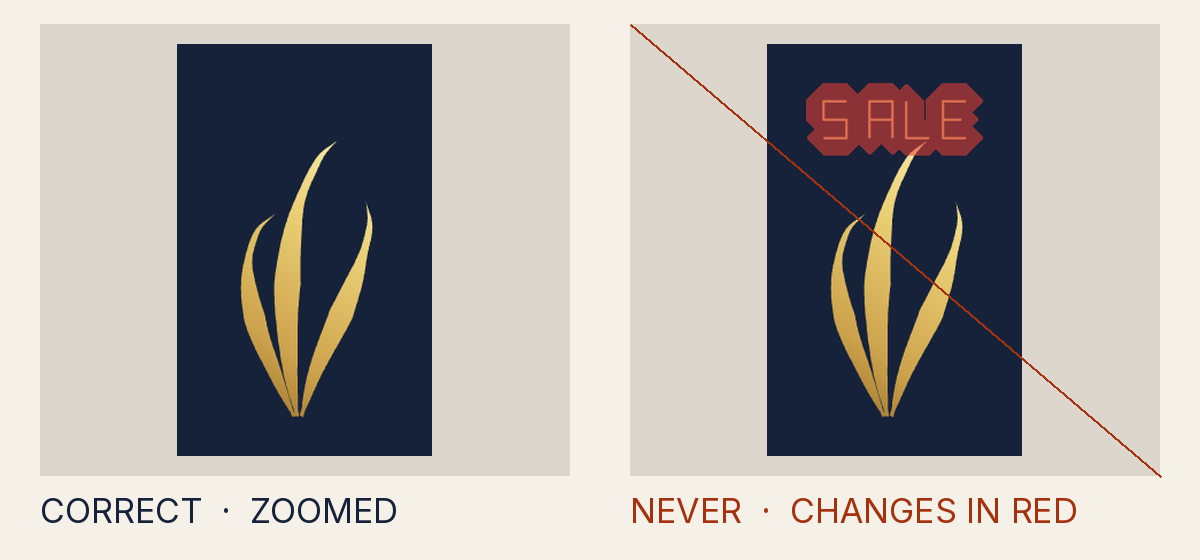
Why it is not allowed
- Measured
- something other than the ground covers 0.37% of the clear space, at up to 100% opacity
- How to fix it
- Move the shape out of the clear space, or make the layer the ground itself, a palette panel, or faint.
- Rule
- The clear space or minimum size is broken
INV-5.clear_space - Source
tests/attack-corpus/97-guide-hairline-lettering.svg
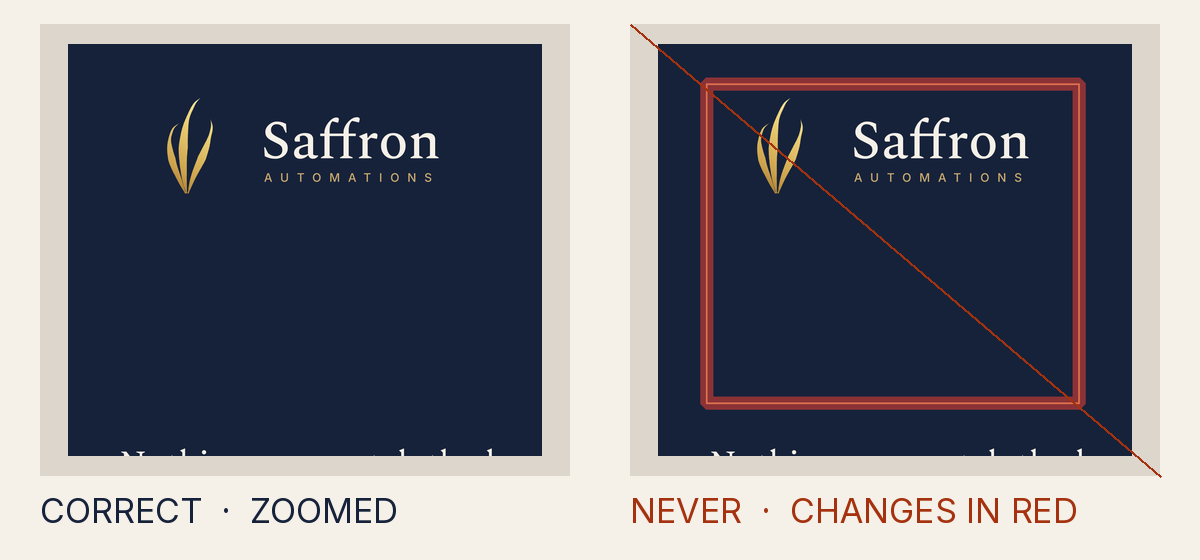
Why it is not allowed
- Measured
- something other than the ground covers 1.4% of the clear space, at up to 100% opacity
- How to fix it
- Move the shape out of the clear space, or make the layer the ground itself, a palette panel, or faint.
- Rule
- The clear space or minimum size is broken
INV-5.clear_space - Source
tests/attack-corpus/98-guide-frame-in-artwork.svg
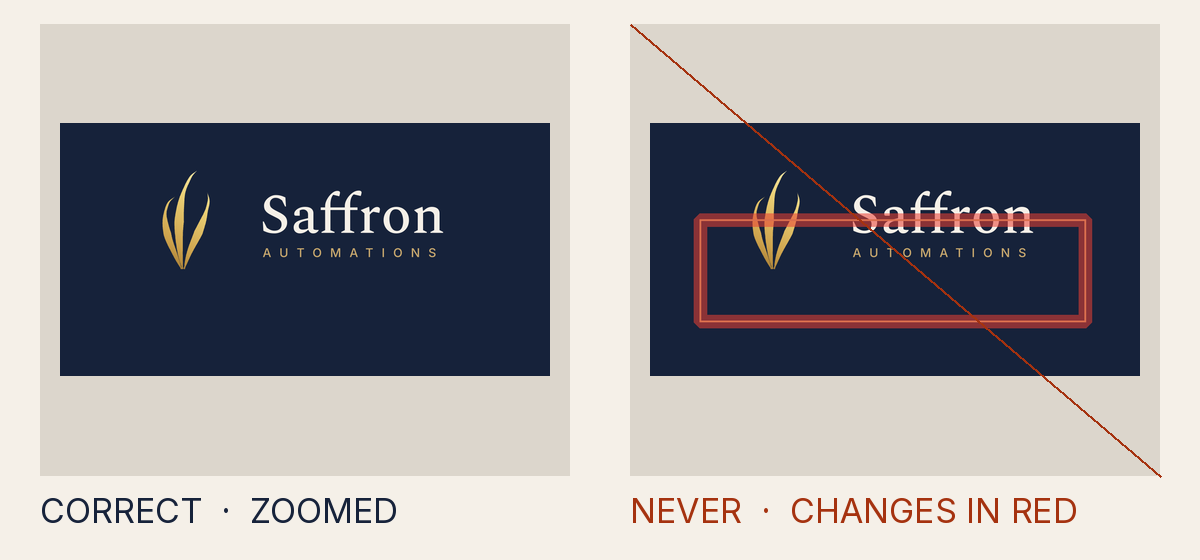
Why it is not allowed
- Measured
- something other than the ground covers 1.4% of the clear space, at up to 100% opacity
- How to fix it
- Move the shape out of the clear space, or make the layer the ground itself, a palette panel, or faint.
- Rule
- The clear space or minimum size is broken
INV-5.clear_space - Source
tests/attack-corpus/99-guide-frame-struck-through-the-wordmark.svg
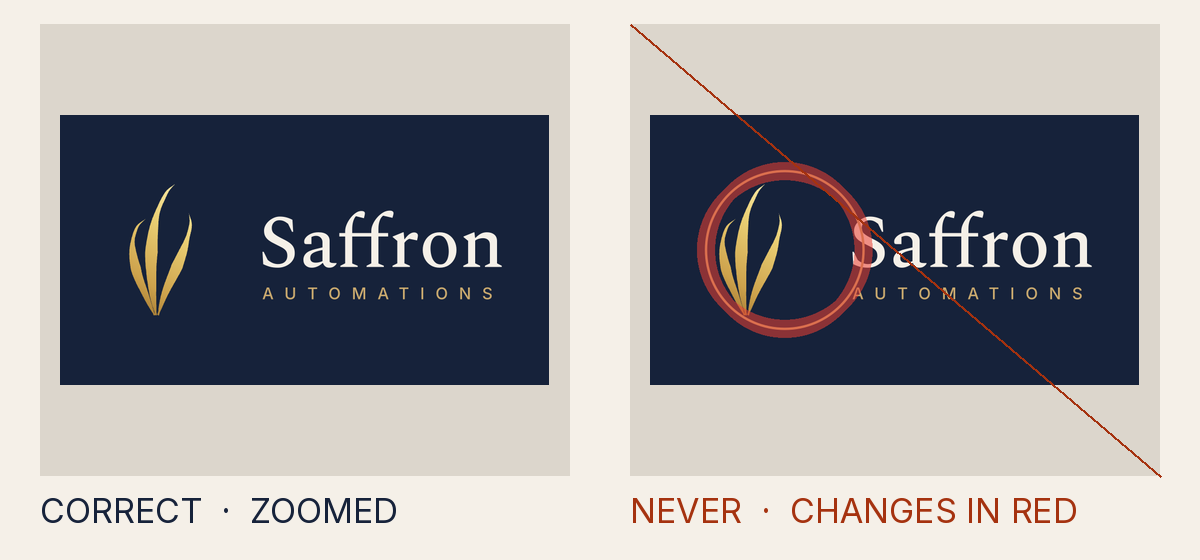
Why it is not allowed
- Measured
- something other than the ground covers 1.86% of the clear space, at up to 100% opacity
- How to fix it
- Move the shape out of the clear space, or make the layer the ground itself, a palette panel, or faint.
- Rule
- The clear space or minimum size is broken
INV-5.clear_space - Source
tests/attack-corpus/100-guide-ring-over-the-mark.svg
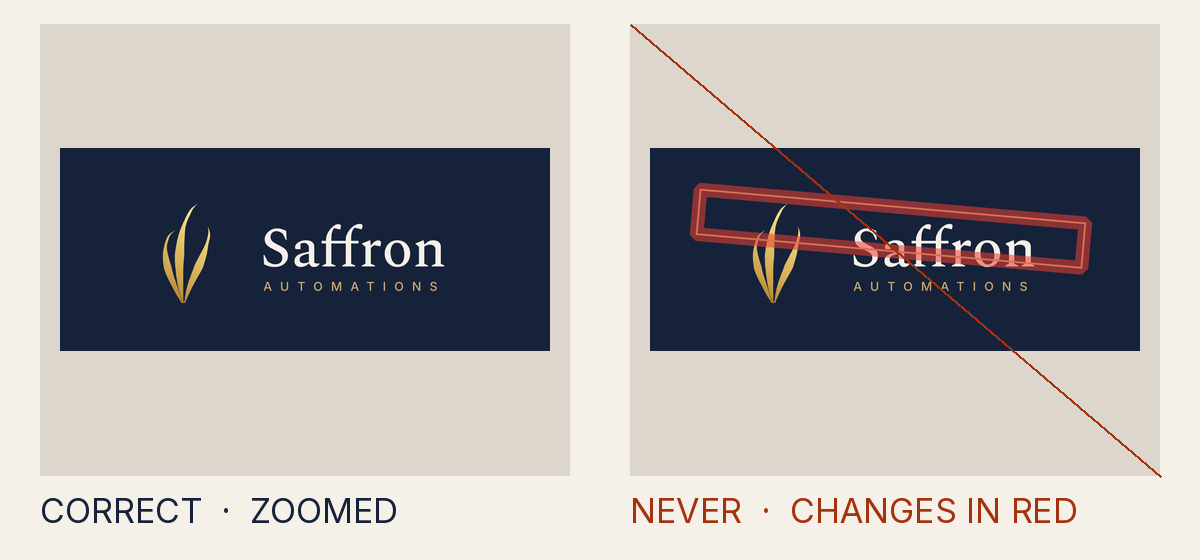
Why it is not allowed
- Measured
- something other than the ground covers 3.15% of the clear space, at up to 100% opacity
- How to fix it
- Move the shape out of the clear space, or make the layer the ground itself, a palette panel, or faint.
- Rule
- The clear space or minimum size is broken
INV-5.clear_space - Source
tests/attack-corpus/101-guide-turned-into-a-slanted-line.svg
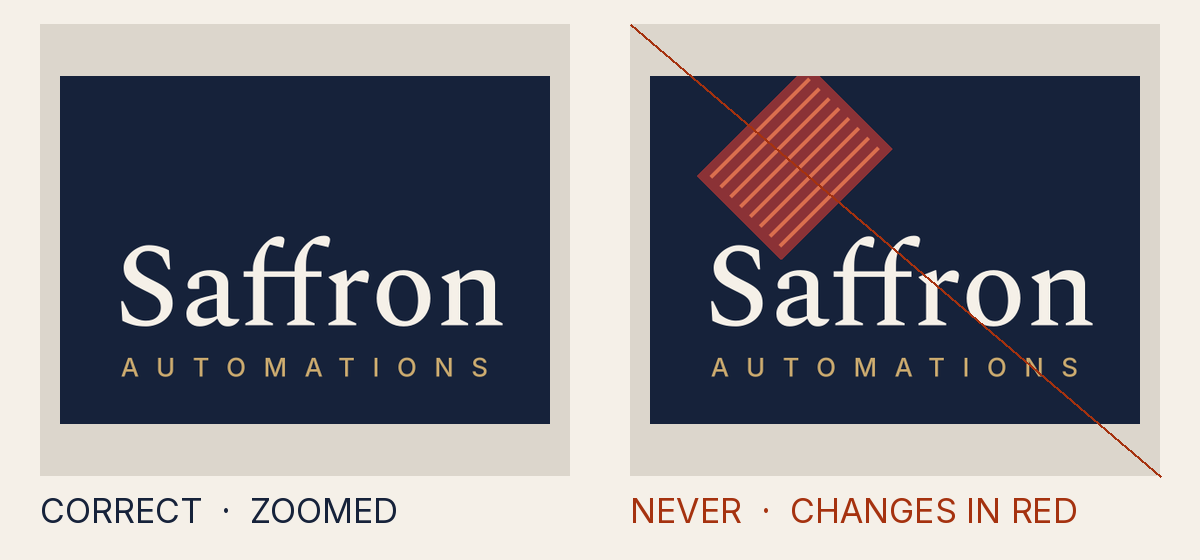
Why it is not allowed
- Measured
- something other than the ground covers 1.6% of the clear space, at up to 100% opacity
- How to fix it
- Move the shape out of the clear space, or make the layer the ground itself, a palette panel, or faint.
- Rule
- The clear space or minimum size is broken
INV-5.clear_space - Source
tests/attack-corpus/102-guide-diagonal-stripes.svg
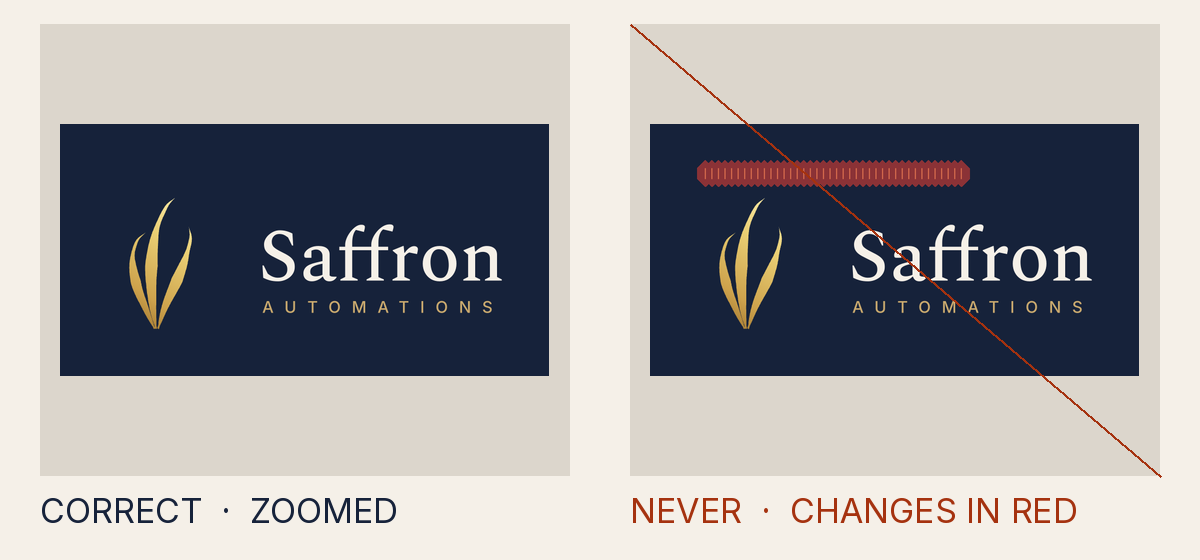
Why it is not allowed
- Measured
- something other than the ground covers 0.57% of the clear space, at up to 100% opacity
- How to fix it
- Move the shape out of the clear space, or make the layer the ground itself, a palette panel, or faint.
- Rule
- The clear space or minimum size is broken
INV-5.clear_space - Source
tests/attack-corpus/103-guide-tick-comb-along-the-edge.svg
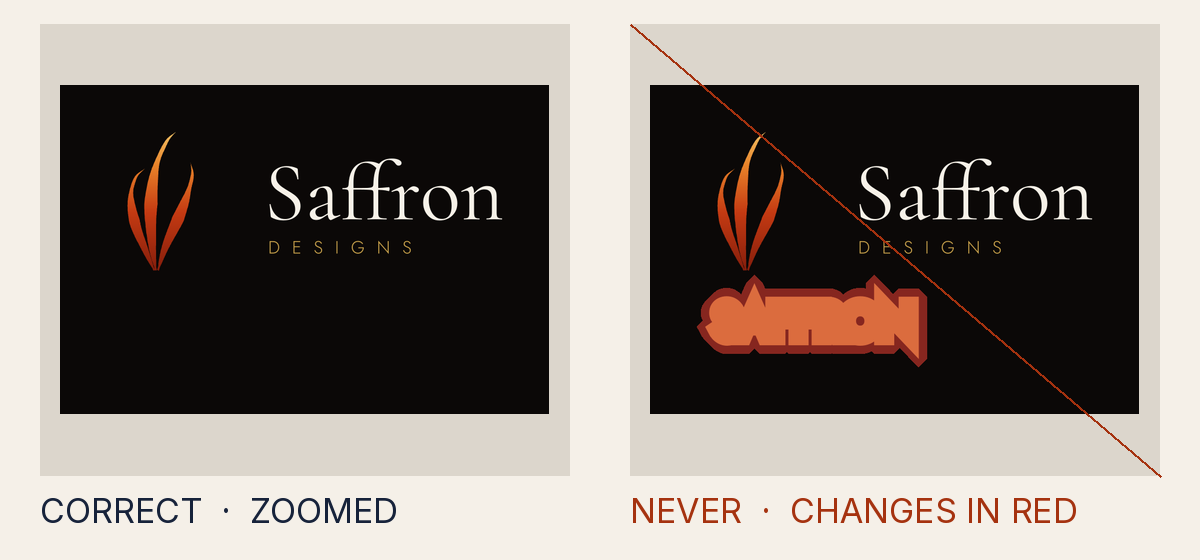
Why it is not allowed
- Measured
- something other than the ground covers 0.53% of the clear space, at up to 100% opacity
- How to fix it
- Move the shape out of the clear space, or make the layer the ground itself, a palette panel, or faint.
- Rule
- The clear space or minimum size is broken
INV-5.clear_space - Source
tests/attack-corpus/117-lettering-stroke-reaches-into-the-clear-space.svg
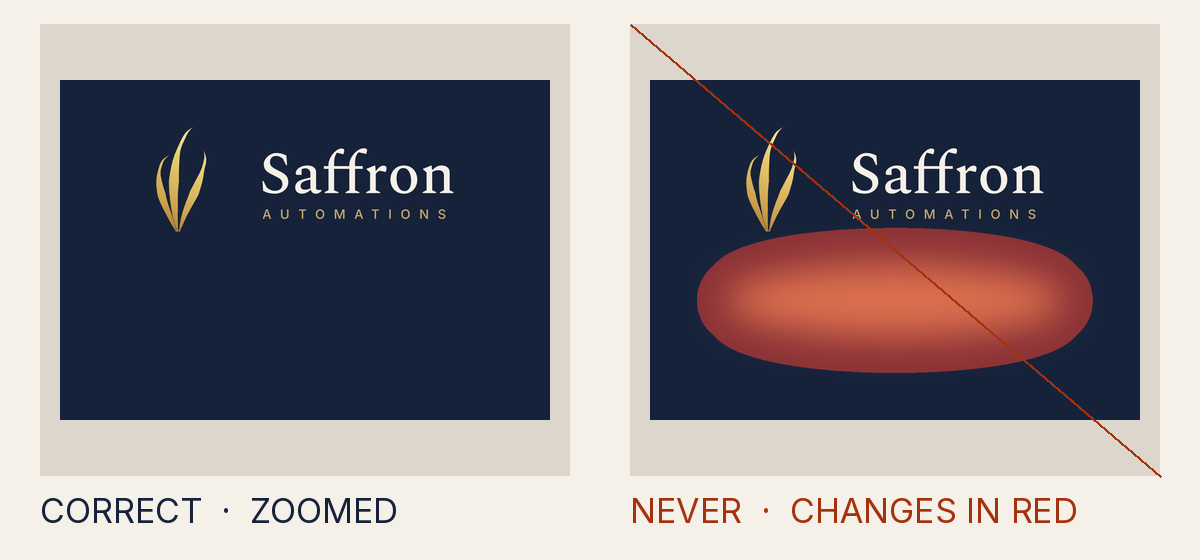
Why it is not allowed
- Measured
- a pale layer lifts the ground by 31.1 levels of lightness, where a faint layer may lift it by at most 14; it covers 12.8% of the clear space
- How to fix it
- Move the shape out of the clear space, or make the layer the ground itself, a palette panel, or faint.
- Rule
- The clear space or minimum size is broken
INV-5.clear_space - Source
tests/attack-corpus/120-glow-from-outside-bleeds-into-the-clear-space.svg
Covering or replacing the mark
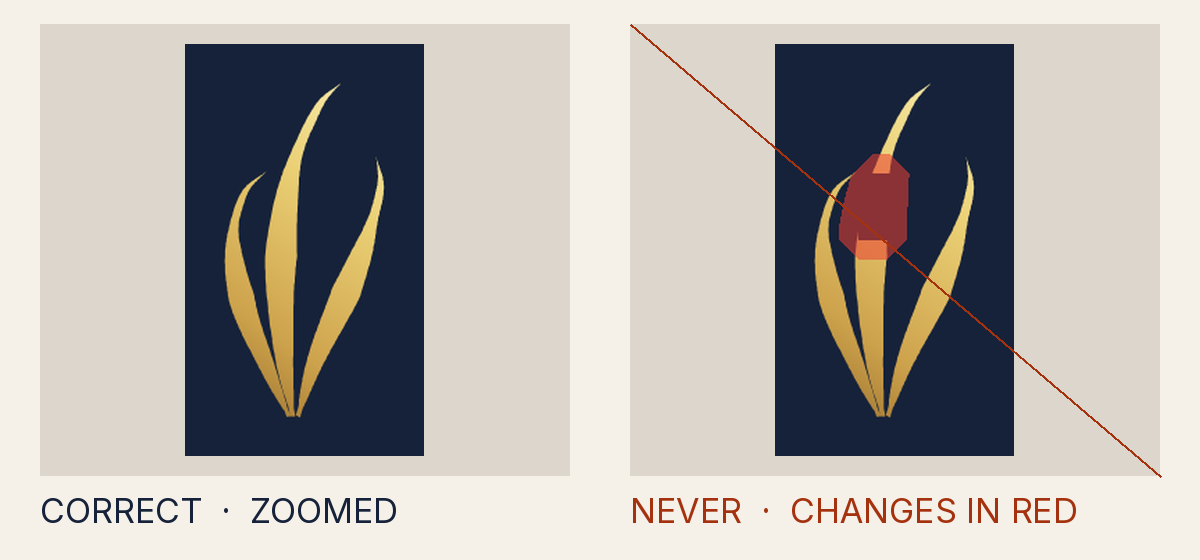
Why it is not allowed
- Measured
- only 88.3% of the mark stays visible; all of it must
- How to fix it
- Paint nothing over the mark: every other layer goes beneath it, or clear of it.
- Rule
- Something covers or replaces the mark
INV-4.overpaint - Source
tests/attack-corpus/37-overpaint-rect.svg
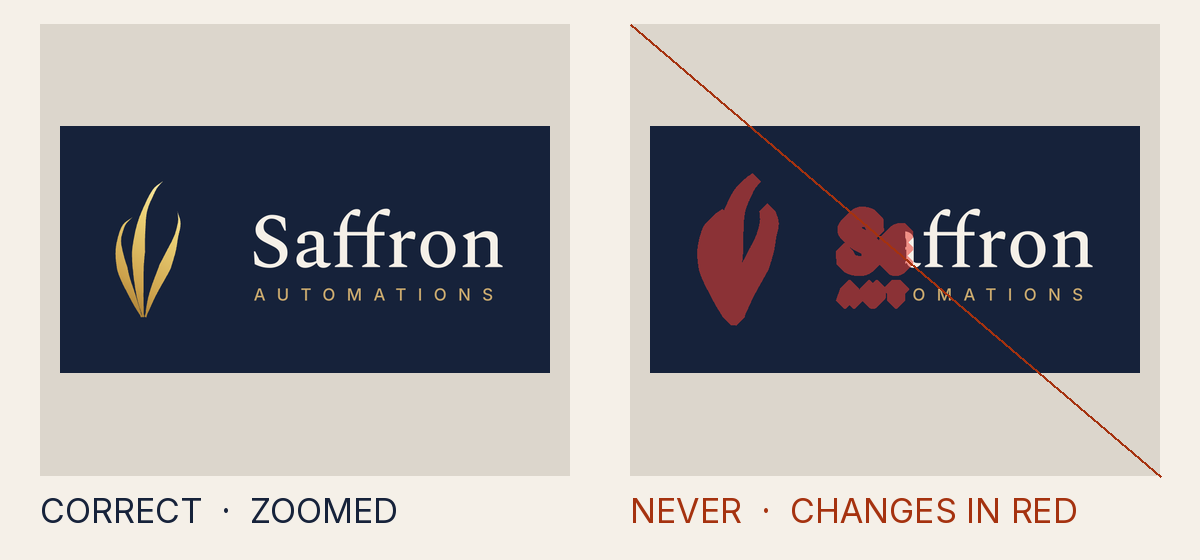
Why it is not allowed
- Measured
- only 0% of the mark stays visible; all of it must
- How to fix it
- Paint nothing over the mark: every other layer goes beneath it, or clear of it.
- Rule
- Something covers or replaces the mark
INV-4.overpaint - Source
tests/attack-corpus/40-ground-painted-after-mark.svg
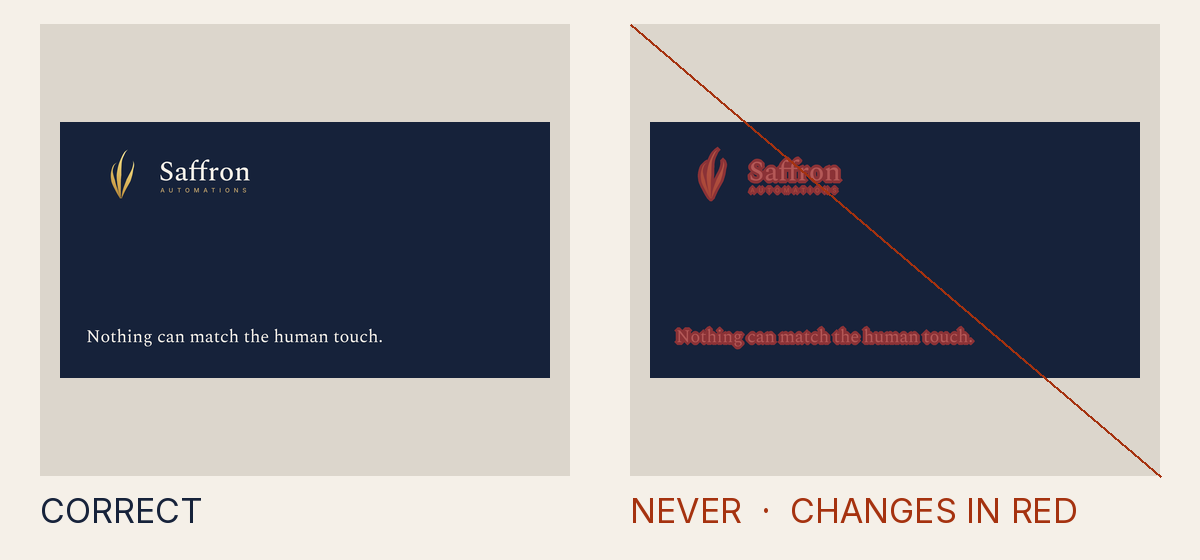
Why it is not allowed
- Measured
- a layer painted over the mark, at up to 60% opacity; nothing may touch it
- How to fix it
- Paint nothing over the mark: every other layer goes beneath it, or clear of it.
- Rule
- Something covers or replaces the mark
INV-4.overpaint - Source
tests/attack-corpus/65-veil-painted-over-the-mark.svg
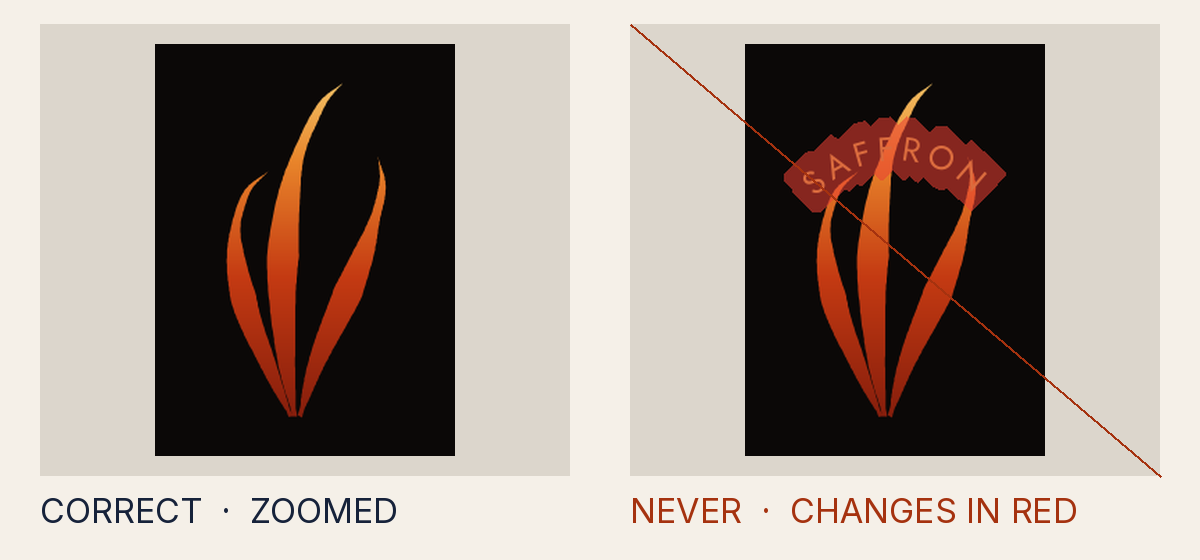
Why it is not allowed
- Measured
- only 99.4% of the mark stays visible; all of it must
- How to fix it
- Paint nothing over the mark: every other layer goes beneath it, or clear of it.
- Rule
- Something covers or replaces the mark
INV-4.overpaint - Source
tests/attack-corpus/118-ring-lettering-drawn-over-the-mark.svg
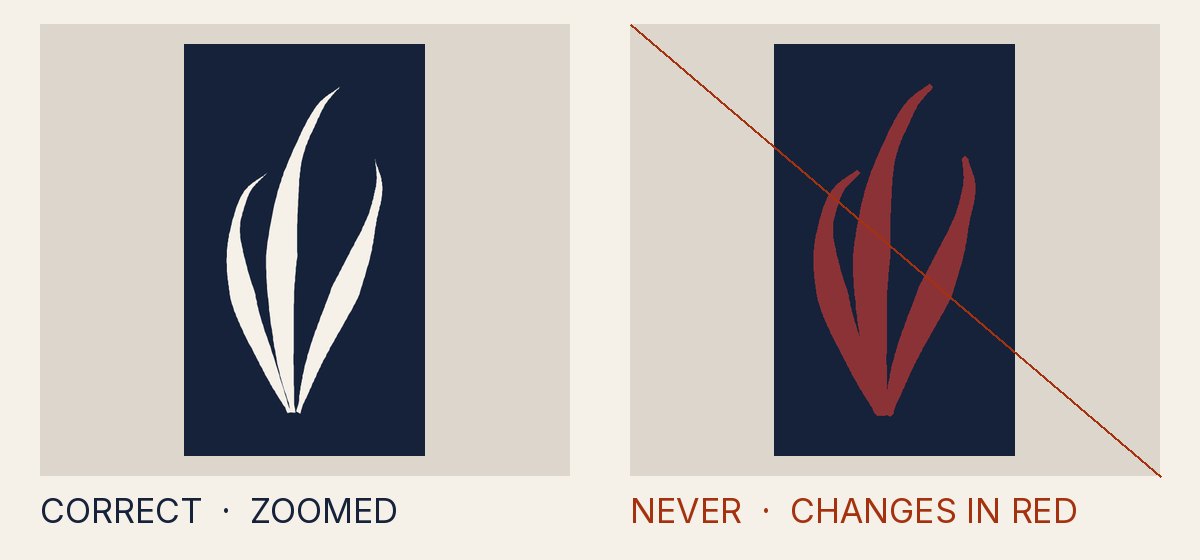
Why it is not allowed
- Measured
- only 0% of the mark stays visible; all of it must
- How to fix it
- Paint nothing over the mark: every other layer goes beneath it, or clear of it.
- Rule
- Something covers or replaces the mark
INV-4.overpaint - Source
dist/logo/misuse/forbidden-same-as-ground.source.svg
Lettering, files and naming
Why it is not allowed
- Measured
- data:image/png;base64,iVBORw0KGgoAAAANSU
- How to fix it
- Typeset wordmarks from the sanctioned font files only; no raster, traced or glyph-based marks; declare every element with data-saffron-role.
- Rule
- The lettering or format is not the sanctioned one
INV-7.raster_mark - Source
tests/attack-corpus/32-raster-mark-upscaled-from-64px.svg
Why it is not allowed
- Measured
- lettering in Inter with automatic optical sizing
- How to fix it
- Write lettering as it reads, in a pinned face and weight, at an explicit size a browser draws; keep ring text within its semicircle.
- Rule
- The lettering is written so a browser lays it out where the gate cannot set it
INV-7.text_unset - Source
tests/attack-corpus/44-inter-on-designs-wordmark.svg
Why it is not allowed
- Measured
- lettering in Fraunces at weight 400, a weight no pinned font file sets, so a browser draws it from another file
- How to fix it
- Write lettering as it reads, in a pinned face and weight, at an explicit size a browser draws; keep ring text within its semicircle.
- Rule
- The lettering is written so a browser lays it out where the gate cannot set it
INV-7.text_unset - Source
tests/attack-corpus/45-fraunces-wordmark.svg
Why it is not allowed
- Measured
- image
- How to fix it
- Typeset wordmarks from the sanctioned font files only; no raster, traced or glyph-based marks; declare every element with data-saffron-role.
- Rule
- The lettering or format is not the sanctioned one
INV-7.undeclared_element - Source
tests/attack-corpus/33-base64-png-mark-in-svg.svg
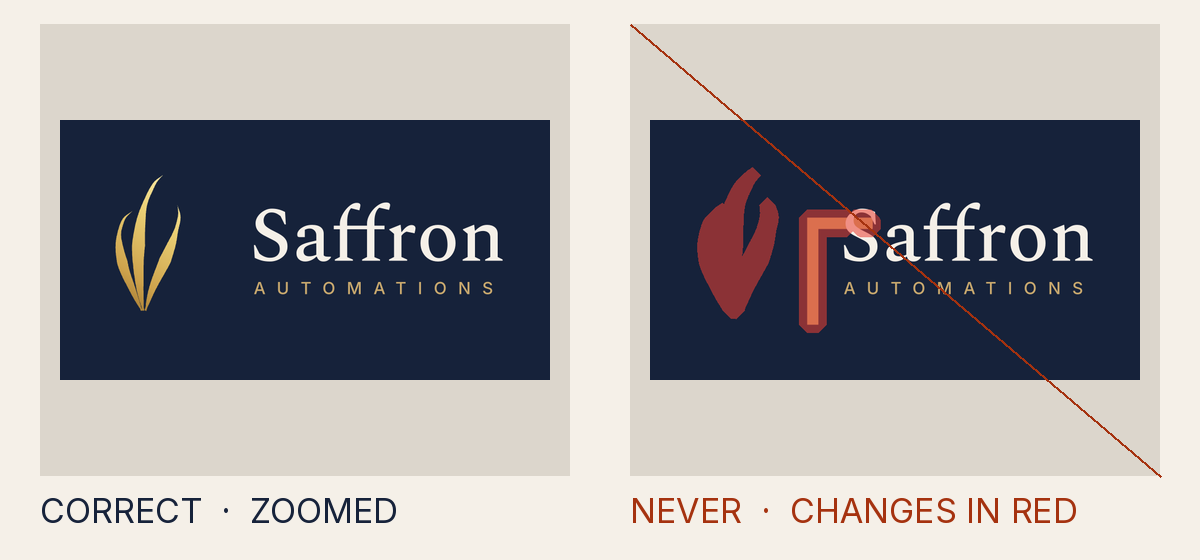
Why it is not allowed
- Measured
- lettering in SaffronGlyphs at weight 400, a weight no pinned font file sets, so a browser draws it from another file
- How to fix it
- Write lettering as it reads, in a pinned face and weight, at an explicit size a browser draws; keep ring text within its semicircle.
- Rule
- The lettering is written so a browser lays it out where the gate cannot set it
INV-7.text_unset - Source
tests/attack-corpus/35-mark-as-font-glyph.svg
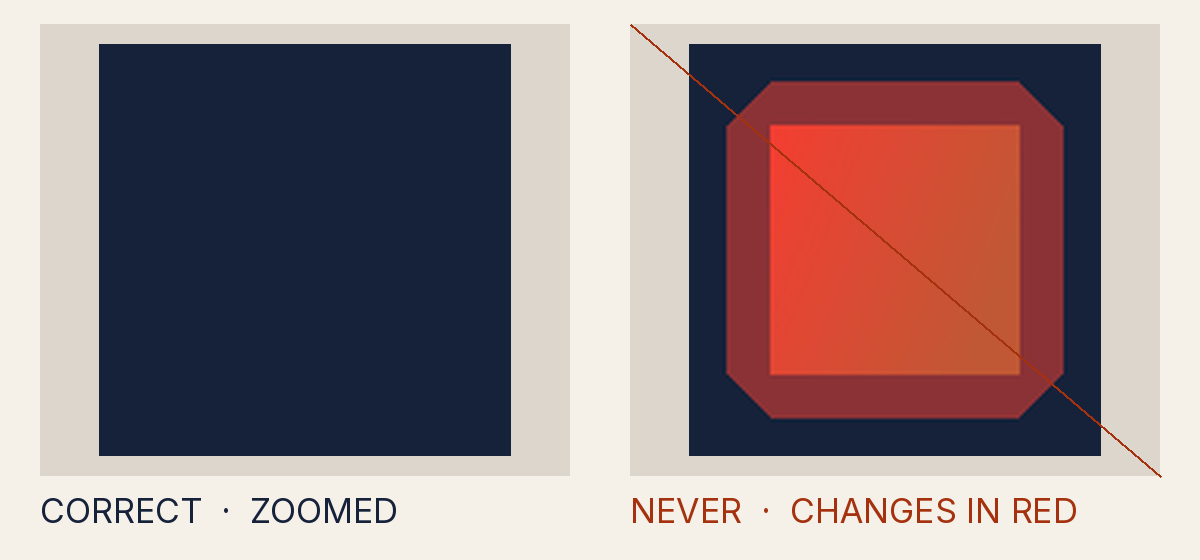
Why it is not allowed
- Measured
- ft
- How to fix it
- Declare the derivative (data-saffron-* root attributes) and remove unsupported constructs.
- Rule
- The file does not declare what it contains truthfully
CONTRACT.off_palette_paint - Source
tests/attack-corpus/39-forged-text-gradient-named-ft.svg
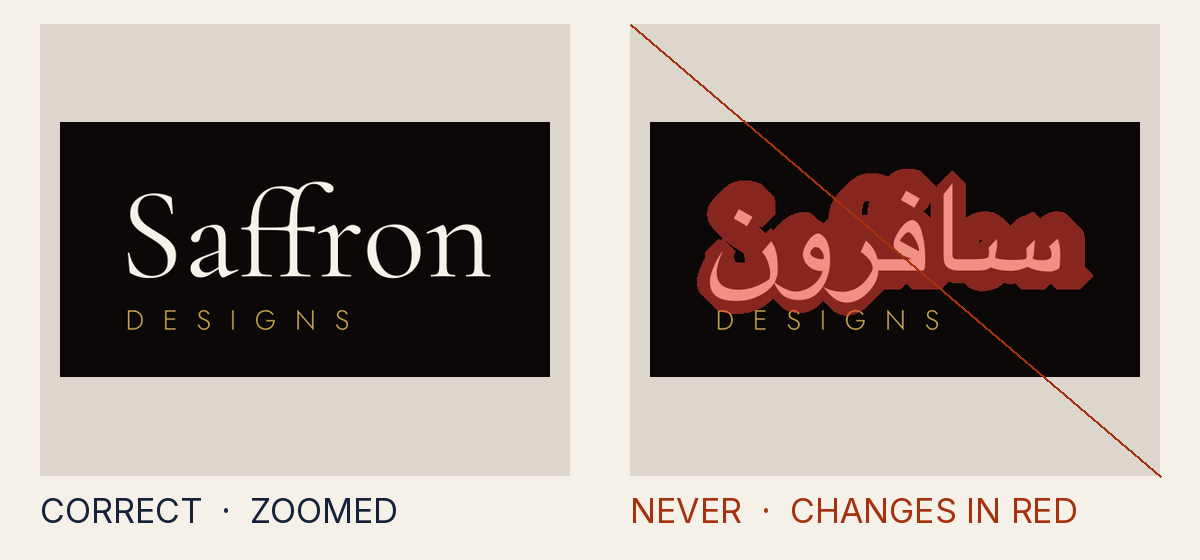
Why it is not allowed
- Measured
- سافرون
- How to fix it
- Typeset wordmarks from the sanctioned font files only; no raster, traced or glyph-based marks; declare every element with data-saffron-role.
- Rule
- The lettering or format is not the sanctioned one
INV-7.transliteration - Source
tests/attack-corpus/46-transliteration-safroon.svg
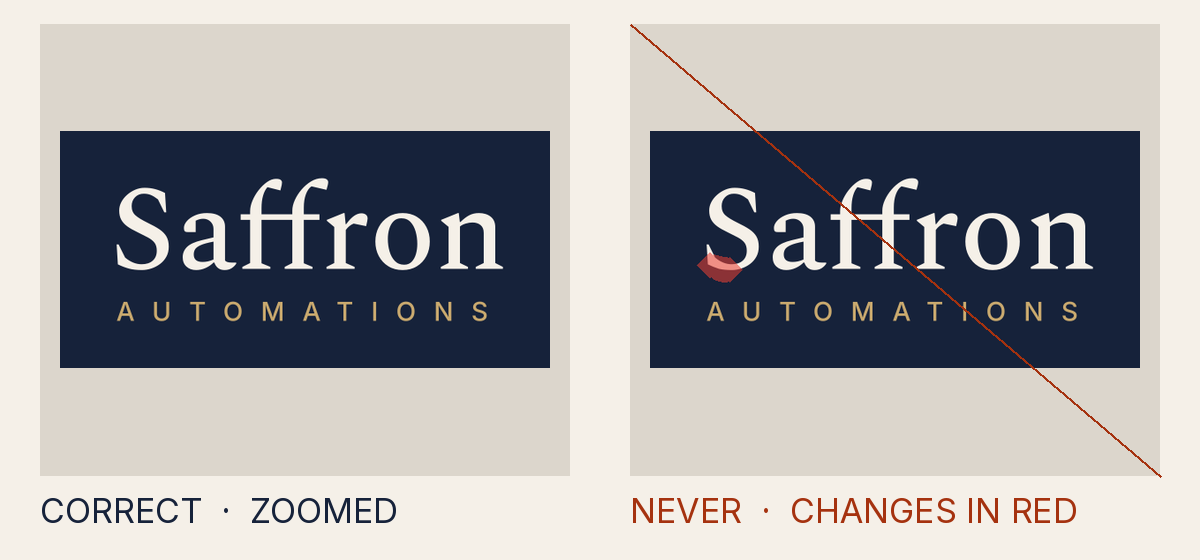
Why it is not allowed
- Measured
- the lettering differs from the typeset canon wordmark
- How to fix it
- Typeset wordmarks from the sanctioned font files only; no raster, traced or glyph-based marks; declare every element with data-saffron-role.
- Rule
- The lettering or format is not the sanctioned one
INV-7.typeset_mismatch - Source
tests/attack-corpus/47-outlined-wordmark-edited.svg
Why it is not allowed
- Measured
- the lettering differs from the typeset canon wordmark
- How to fix it
- Typeset wordmarks from the sanctioned font files only; no raster, traced or glyph-based marks; declare every element with data-saffron-role.
- Rule
- The lettering or format is not the sanctioned one
INV-7.typeset_mismatch - Source
tests/attack-corpus/48-outlined-wordmark-wrong-font-sha.svg
Why it is not allowed
- Measured
- lettering in Inter with automatic optical sizing
- How to fix it
- Write lettering as it reads, in a pinned face and weight, at an explicit size a browser draws; keep ring text within its semicircle.
- Rule
- The lettering is written so a browser lays it out where the gate cannot set it
INV-7.text_unset - Source
tests/attack-corpus/49-live-text-in-outlined-final.svg
Why it is not allowed
- Measured
- 467 long and 3 thick; a rule may be at most 2.4 thick and 122.4 long
- How to fix it
- Give each lockup member its true role: text is text, a rule a hairline, a partner slot an empty frame.
- Rule
- The lettering or format is not the sanctioned one
INV-7.unit_member - Source
tests/attack-corpus/79-gold-bar-labelled-as-a-rule.svg
Why it is not allowed
- Measured
- #c9a96e
- How to fix it
- Give each lockup member its true role: text is text, a rule a hairline, a partner slot an empty frame.
- Rule
- The lettering or format is not the sanctioned one
INV-7.unit_member - Source
tests/attack-corpus/80-gold-panel-labelled-as-a-partner-slot.svg
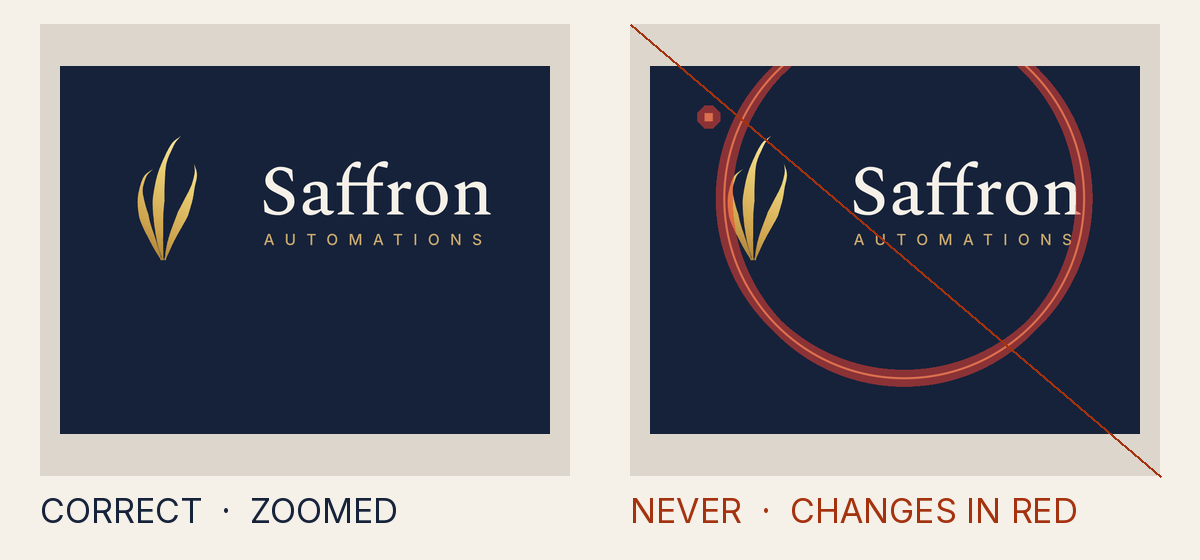
Why it is not allowed
- Measured
- descriptor, seal-ring, wordmark
- How to fix it
- A seal ring and ring text belong only to a seal.
- Rule
- The lettering or format is not the sanctioned one
INV-7.unit_roles - Source
tests/attack-corpus/81-seal-ring-drawn-around-a-lockup.svg
Why it is not allowed
- Measured
- [the legacy group name]
- How to fix it
- Declare the derivative (data-saffron-* root attributes) and remove unsupported constructs.
- Rule
- The file does not declare what it contains truthfully
CONTRACT.naming - Source
tests/attack-corpus/85-saffron-group-accessible-name.svg
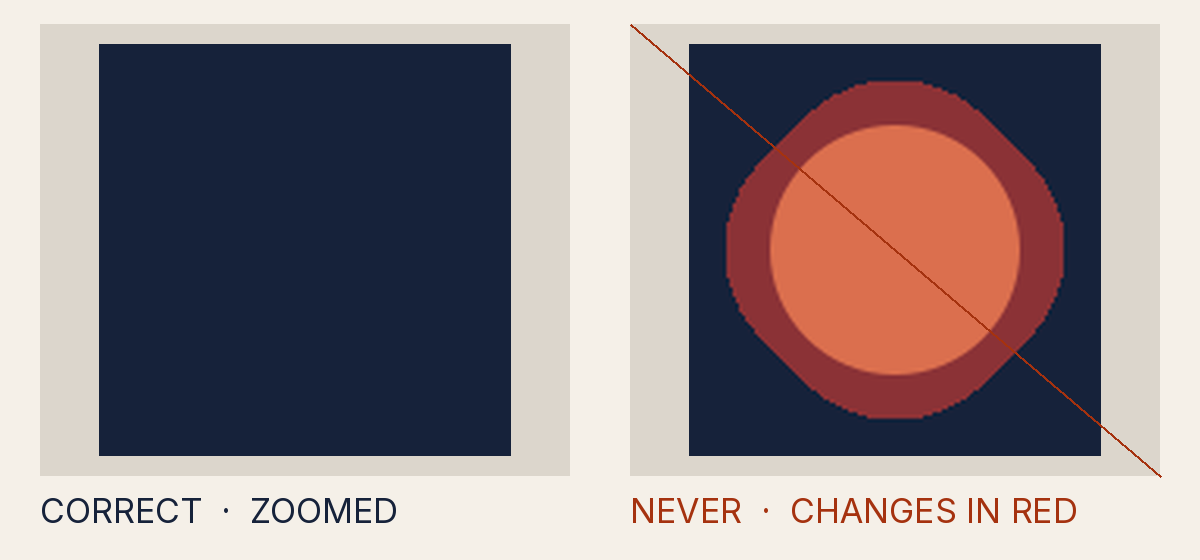
Why it is not allowed
- Measured
- circle
- How to fix it
- Typeset wordmarks from the sanctioned font files only; no raster, traced or glyph-based marks; declare every element with data-saffron-role.
- Rule
- The lettering or format is not the sanctioned one
INV-7.undeclared_element - Source
tests/attack-corpus/86-undeclared-element.svg
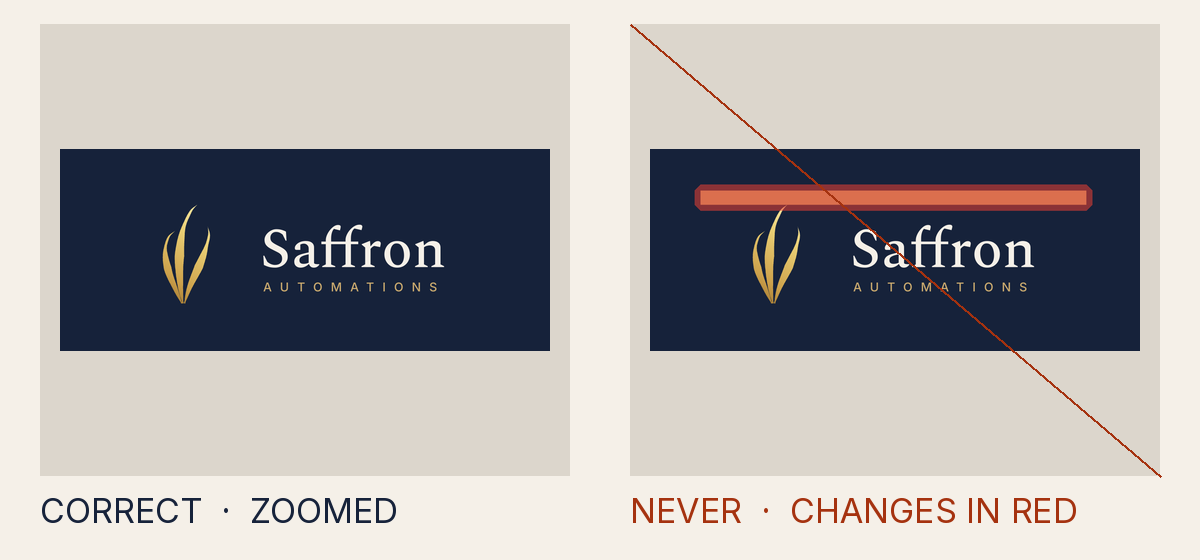
Why it is not allowed
- Measured
- a <switch>, so what shows depends on the viewer
- How to fix it
- Remove <switch> and every conditional attribute: every viewer must see the same content.
- Rule
- The file can show different content to different viewers
CONTRACT.conditional - Source
tests/attack-corpus/104-switch-shows-a-bar-to-some-viewers.svg
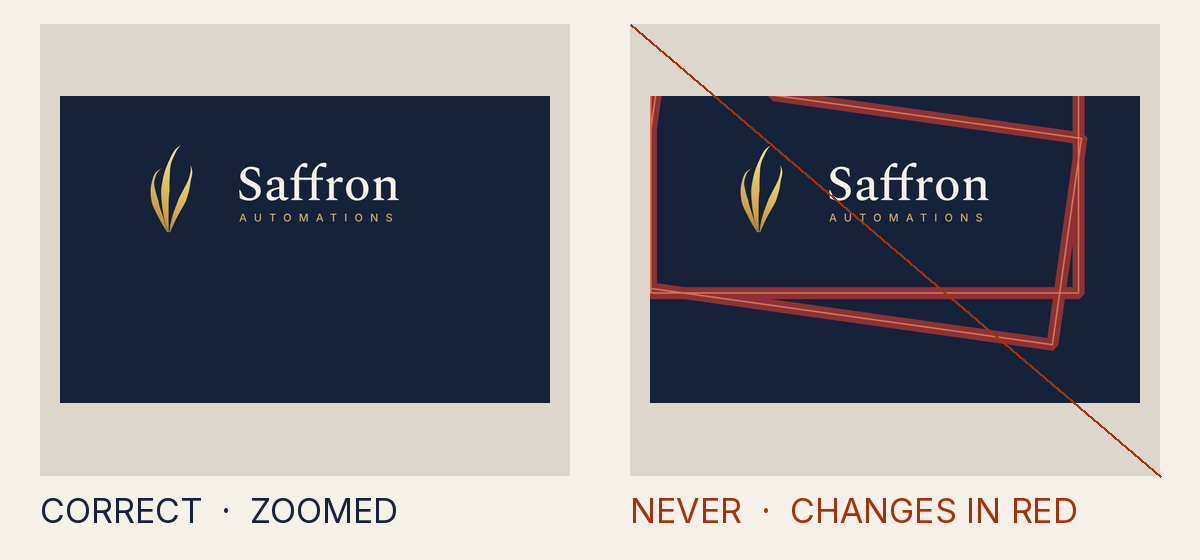
Why it is not allowed
- Measured
- a <use> copy of "gcopy", which is not the canon mark
- How to fix it
- Draw each shape once, in place; <use> may only place the canon mark symbol.
- Rule
- A shape is copied with <use>, which only the canon mark may be
CONTRACT.use_target - Source
tests/attack-corpus/107-guide-copied-by-use-into-a-slanted-line.svg
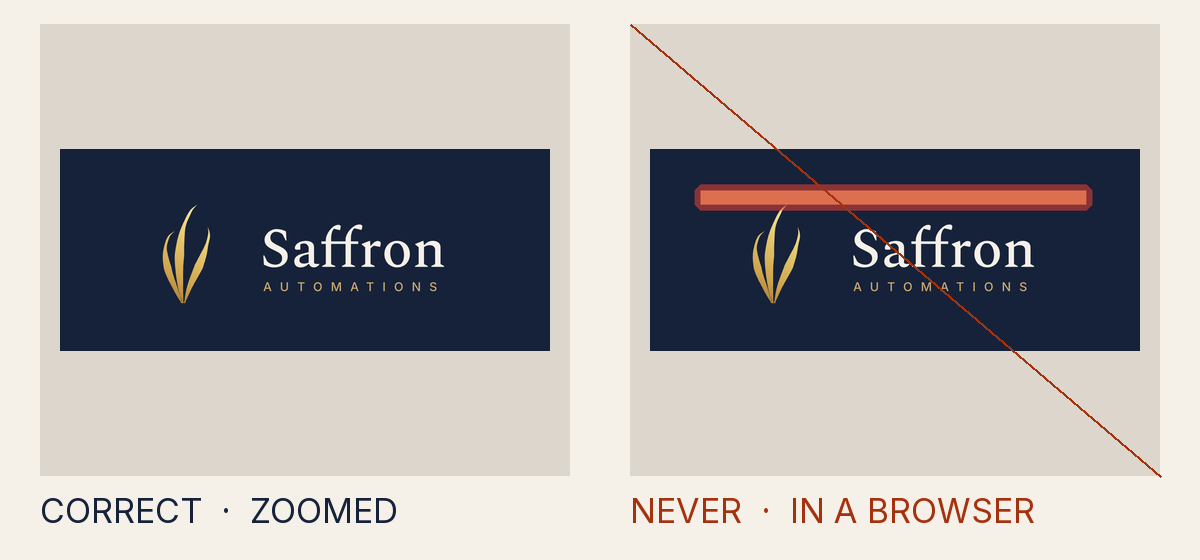
Why it is not allowed
- Measured
- the pathLength attribute, which is not part of the SVG the gate reads
- How to fix it
- Use only the SVG the brand library itself uses: no style sheets, embedded fonts or other elements and attributes.
- Rule
- The file uses svg the gate does not read, which a browser may draw differently
CONTRACT.vocabulary - Source
tests/attack-corpus/108-dash-measured-by-path-length-draws-a-bar.svg
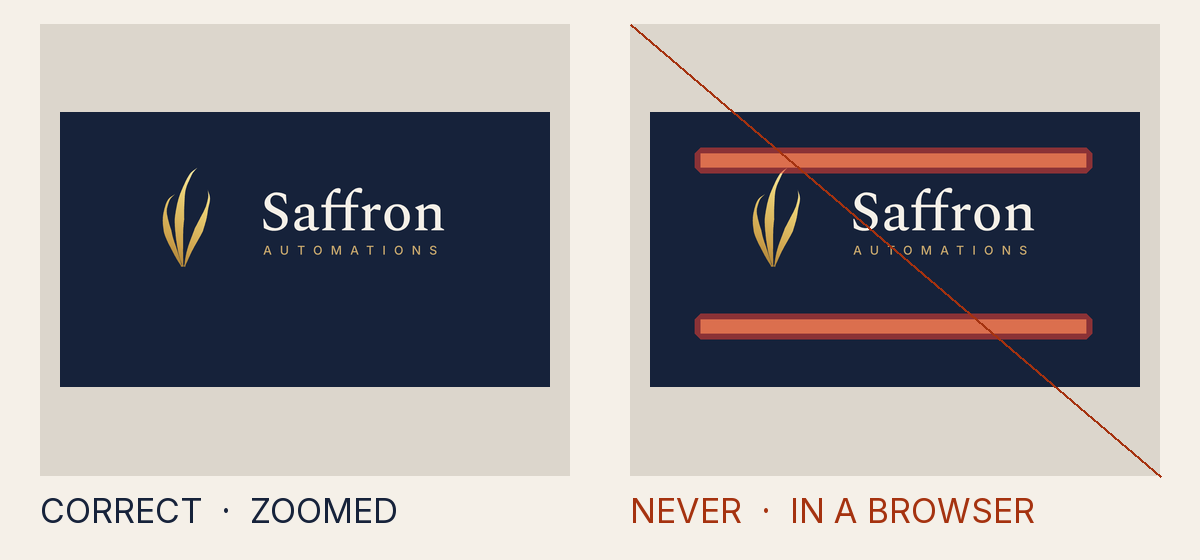
Why it is not allowed
- Measured
- filter on <rect> written as "drop-shadow(0px -200.675px 0px #C9A96E)", a form the gate does not read
- How to fix it
- Write each value as the library does: plain numbers, hex colours, url(#id) references, translate() and scale().
- Rule
- A value is written in a form the gate does not read, which a browser may draw differently
CONTRACT.value_form - Source
tests/attack-corpus/109-shadow-function-casts-a-bar-into-the-clear-space.svg
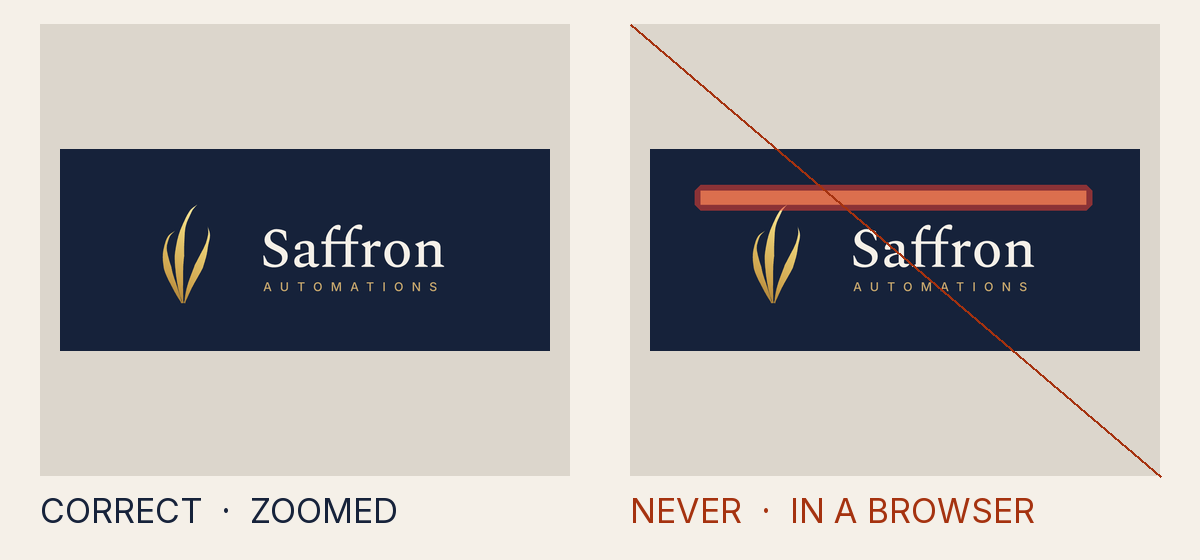
Why it is not allowed
- Measured
- <feOffset>, which is not part of the SVG the gate reads
- How to fix it
- Use only the SVG the brand library itself uses: no style sheets, embedded fonts or other elements and attributes.
- Rule
- The file uses svg the gate does not read, which a browser may draw differently
CONTRACT.vocabulary - Source
tests/attack-corpus/110-offset-filter-lifts-a-bar-into-the-clear-space.svg
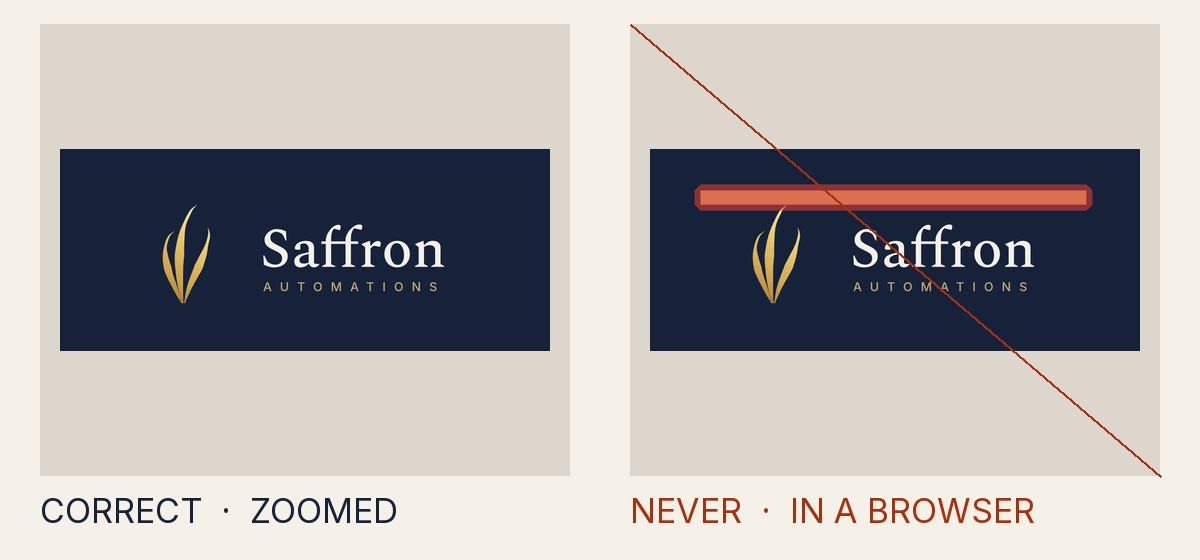
Why it is not allowed
- Measured
- width on <rect> written as "calc(466.987px + 0px)", a form the gate does not read
- How to fix it
- Write each value as the library does: plain numbers, hex colours, url(#id) references, translate() and scale().
- Rule
- A value is written in a form the gate does not read, which a browser may draw differently
CONTRACT.value_form - Source
tests/attack-corpus/111-calculated-width-draws-a-bar.svg
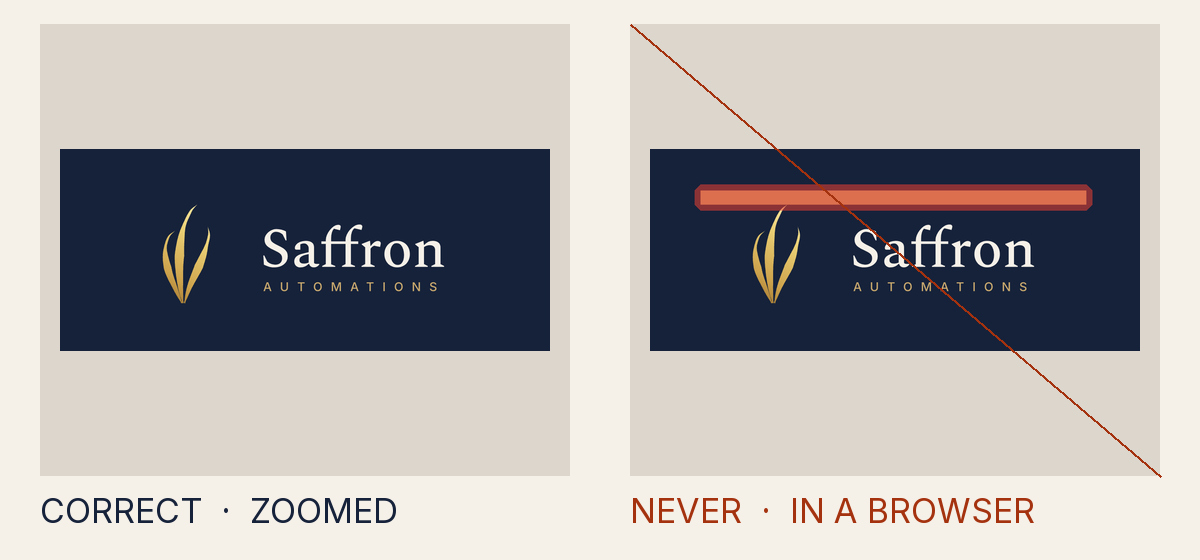
Why it is not allowed
- Measured
- width on <rect> written as "29.187rem", a form the gate does not read
- How to fix it
- Write each value as the library does: plain numbers, hex colours, url(#id) references, translate() and scale().
- Rule
- A value is written in a form the gate does not read, which a browser may draw differently
CONTRACT.value_form - Source
tests/attack-corpus/112-rem-width-draws-a-bar.svg
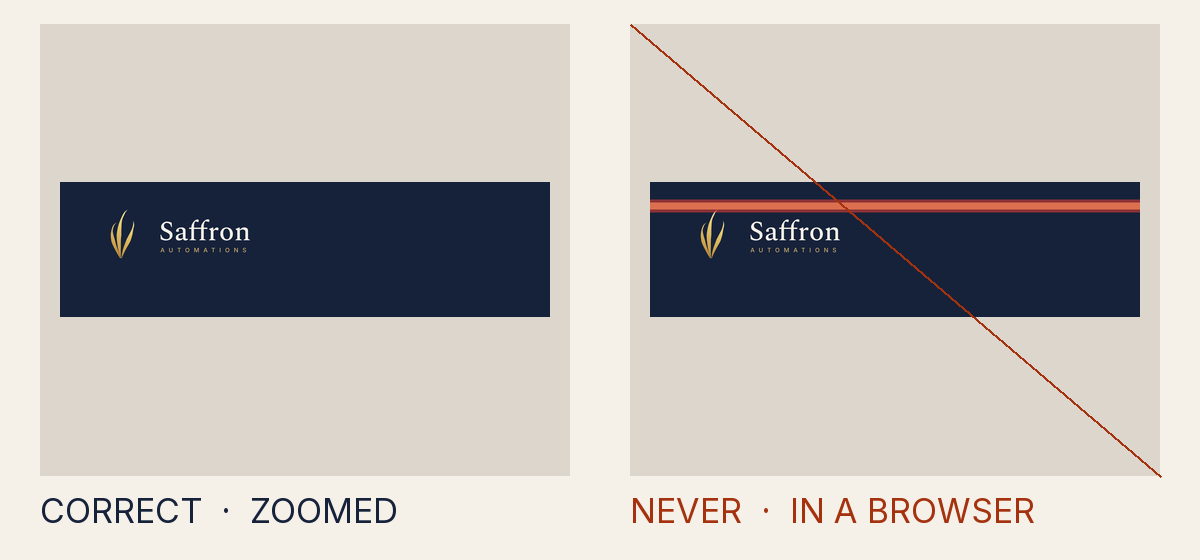
Why it is not allowed
- Measured
- width on <rect> written as "100vw", a form the gate does not read
- How to fix it
- Write each value as the library does: plain numbers, hex colours, url(#id) references, translate() and scale().
- Rule
- A value is written in a form the gate does not read, which a browser may draw differently
CONTRACT.value_form - Source
tests/attack-corpus/113-viewport-width-draws-a-bar.svg
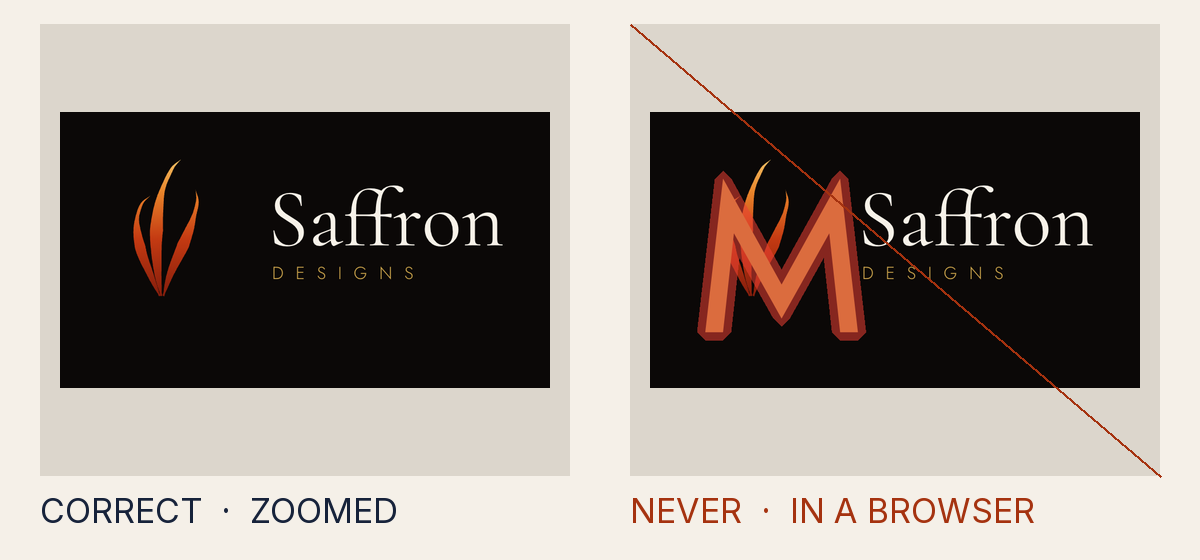
Why it is not allowed
- Measured
- a style sheet, which is not part of the SVG the gate reads
- How to fix it
- Use only the SVG the brand library itself uses: no style sheets, embedded fonts or other elements and attributes.
- Rule
- The file uses svg the gate does not read, which a browser may draw differently
CONTRACT.vocabulary - Source
tests/attack-corpus/114-media-query-grows-the-lettering.svg
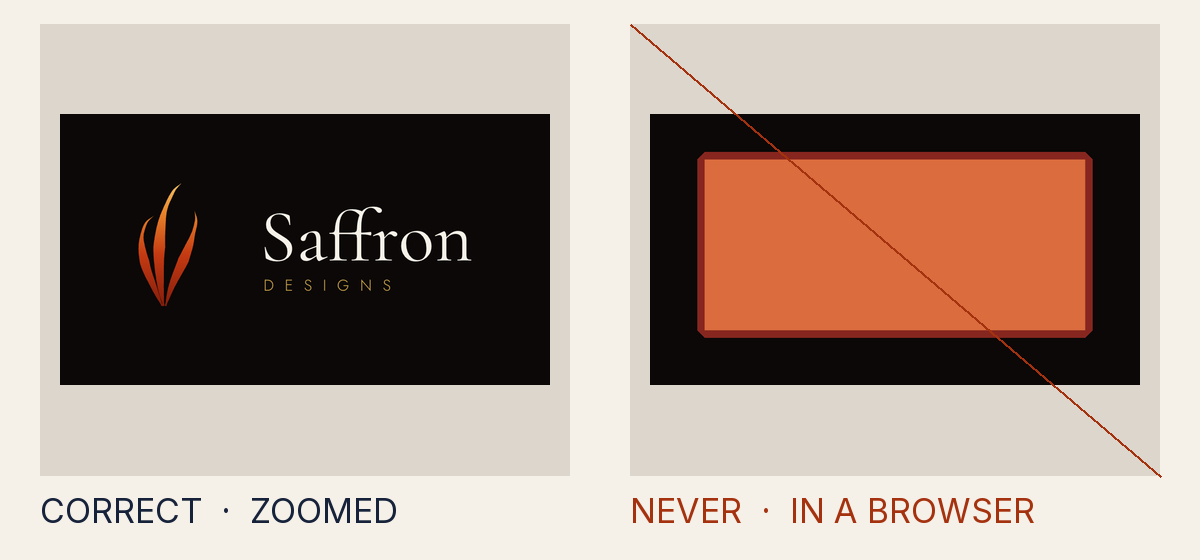
Why it is not allowed
- Measured
- a style sheet, which is not part of the SVG the gate reads
- How to fix it
- Use only the SVG the brand library itself uses: no style sheets, embedded fonts or other elements and attributes.
- Rule
- The file uses svg the gate does not read, which a browser may draw differently
CONTRACT.vocabulary - Source
tests/attack-corpus/115-embedded-font-draws-a-block-over-the-logo.svg
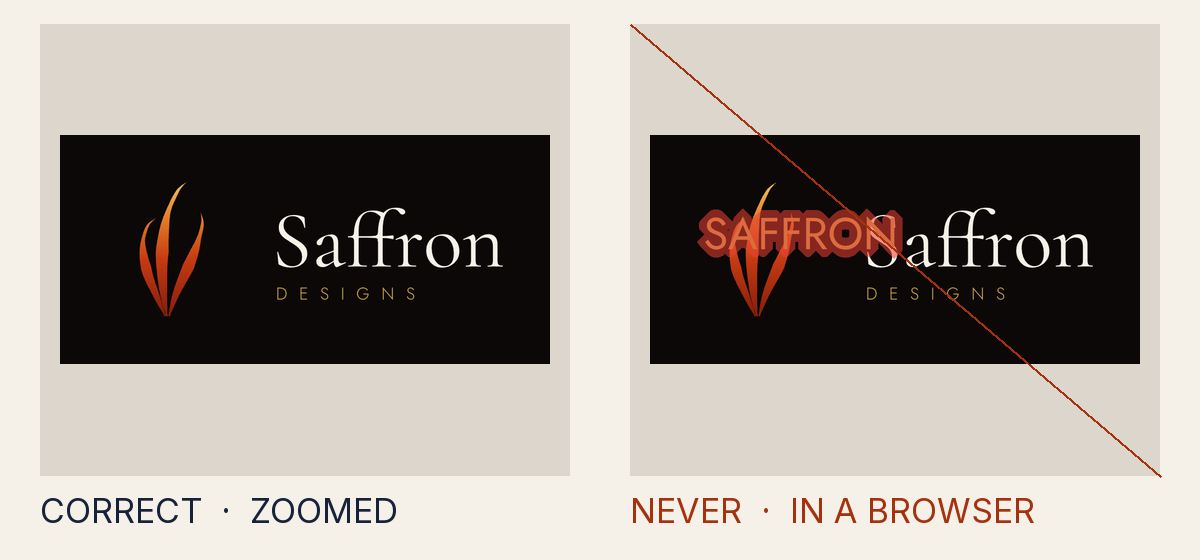
Why it is not allowed
- Measured
- the dy attribute, which is not part of the SVG the gate reads
- How to fix it
- Use only the SVG the brand library itself uses: no style sheets, embedded fonts or other elements and attributes.
- Rule
- The file uses svg the gate does not read, which a browser may draw differently
CONTRACT.vocabulary - Source
tests/attack-corpus/116-lettering-moved-into-the-clear-space-by-dy.svg
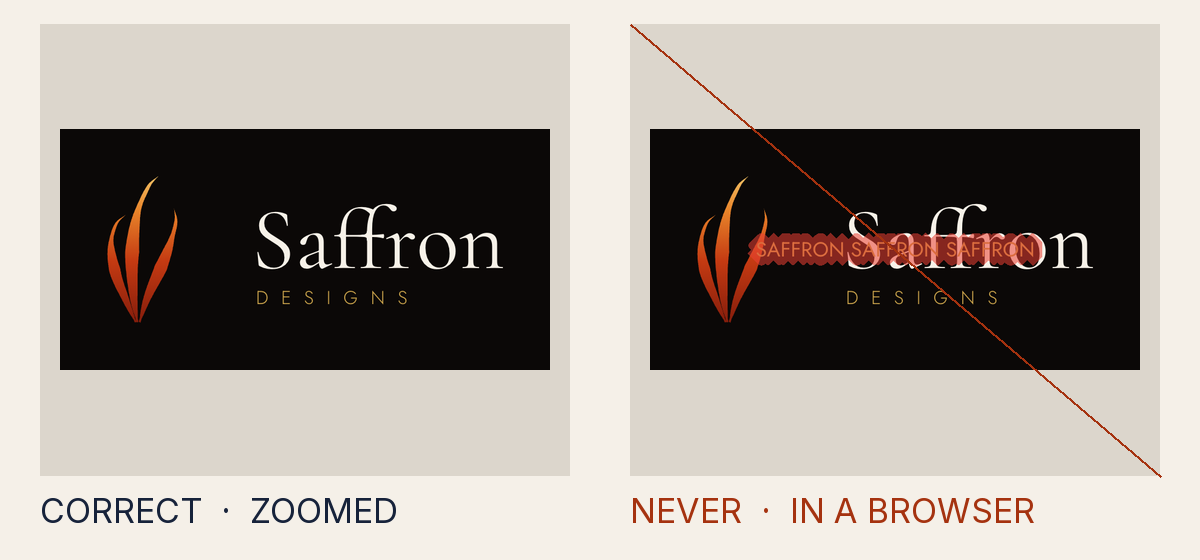
Why it is not allowed
- Measured
- lettering run along a path that is not a centred semicircle, which only the seal rings use
- How to fix it
- Write each value as the library does: plain numbers, hex colours, url(#id) references, translate() and scale().
- Rule
- A value is written in a form the gate does not read, which a browser may draw differently
CONTRACT.value_form - Source
tests/attack-corpus/119-ring-lettering-on-a-line-across-the-logo.svg
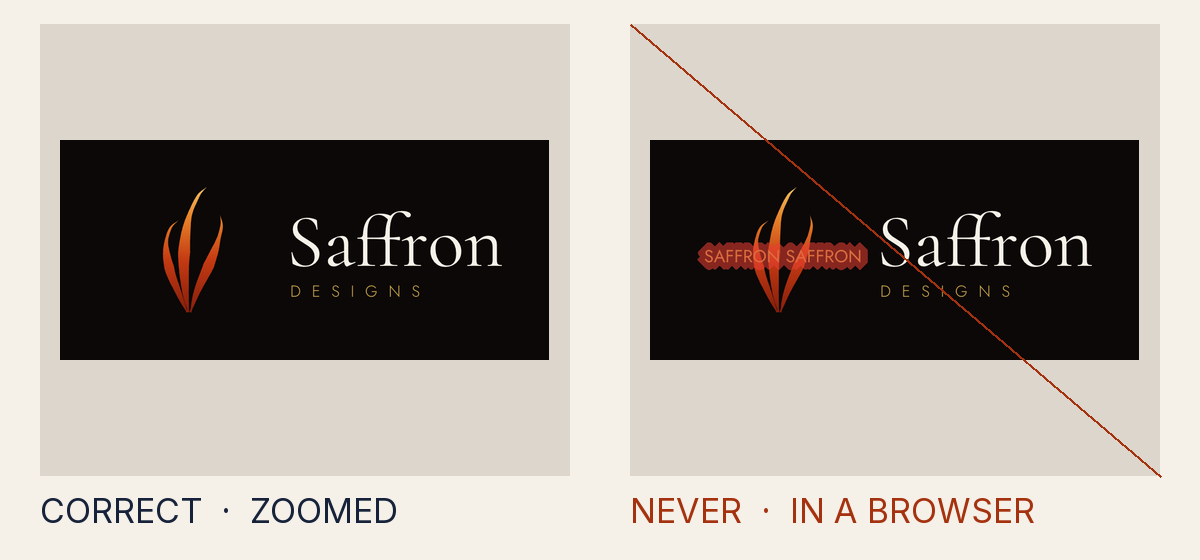
Why it is not allowed
- Measured
- lettering with a run of spaces, which a browser closes up, so the words land where the gate does not set them
- How to fix it
- Write lettering as it reads, in a pinned face and weight, at an explicit size a browser draws; keep ring text within its semicircle.
- Rule
- The lettering is written so a browser lays it out where the gate cannot set it
INV-7.text_unset - Source
tests/attack-corpus/122-lettering-spaced-off-the-page-by-a-run-of-blanks.svg
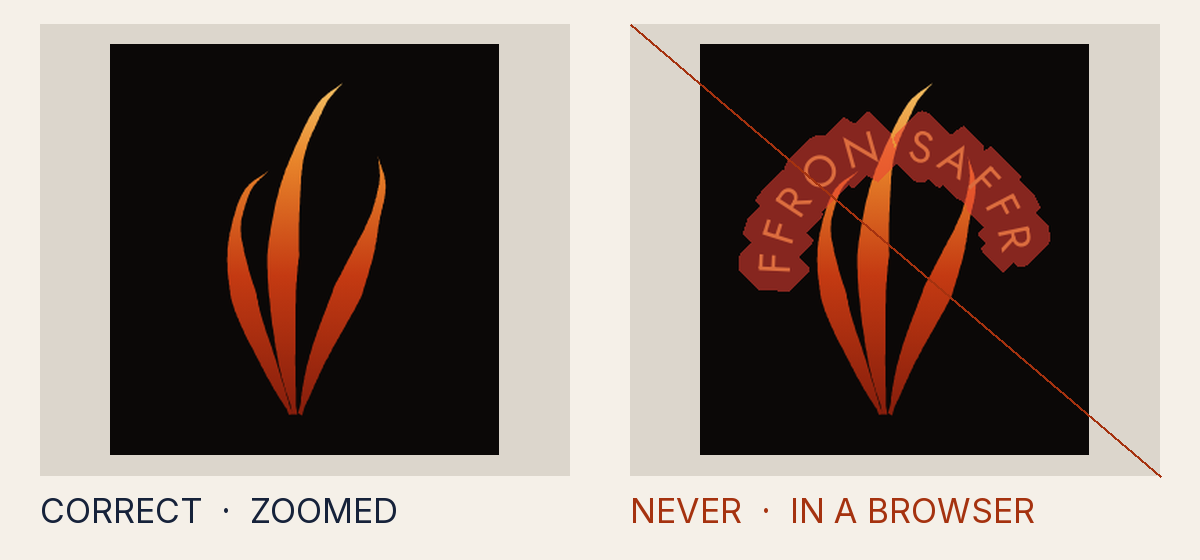
Why it is not allowed
- Measured
- lettering with no size, which a browser draws at its own default size
- How to fix it
- Write lettering as it reads, in a pinned face and weight, at an explicit size a browser draws; keep ring text within its semicircle.
- Rule
- The lettering is written so a browser lays it out where the gate cannot set it
INV-7.text_unset - Source
tests/attack-corpus/123-ring-lettering-without-a-size.svg
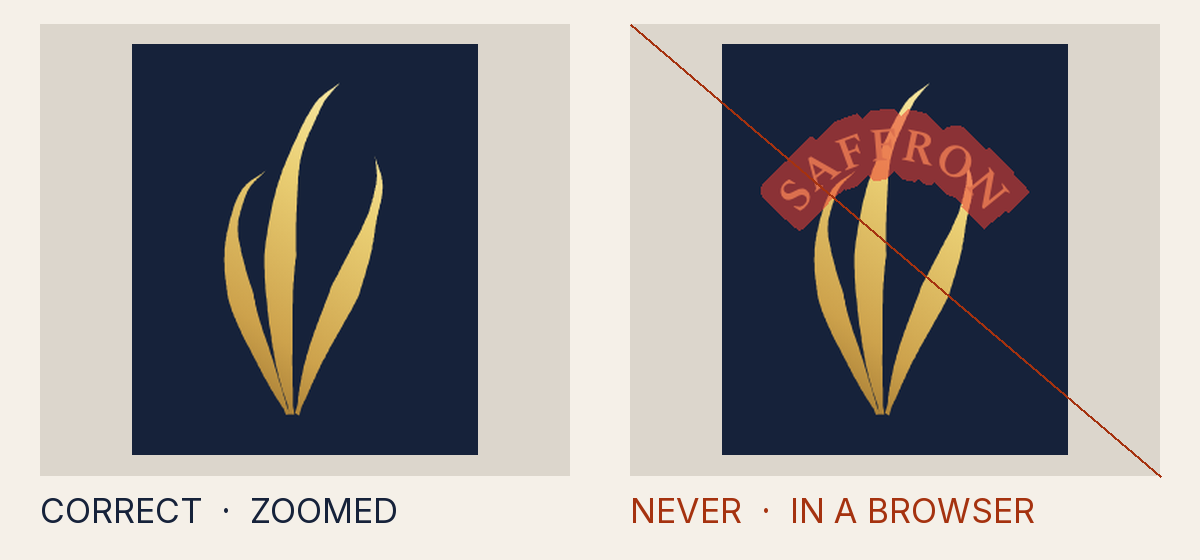
Why it is not allowed
- Measured
- lettering in Spectral at weight 700, a weight no pinned font file sets, so a browser draws it from another file
- How to fix it
- Write lettering as it reads, in a pinned face and weight, at an explicit size a browser draws; keep ring text within its semicircle.
- Rule
- The lettering is written so a browser lays it out where the gate cannot set it
INV-7.text_unset - Source
tests/attack-corpus/124-ring-lettering-in-a-weight-no-file-sets.svg
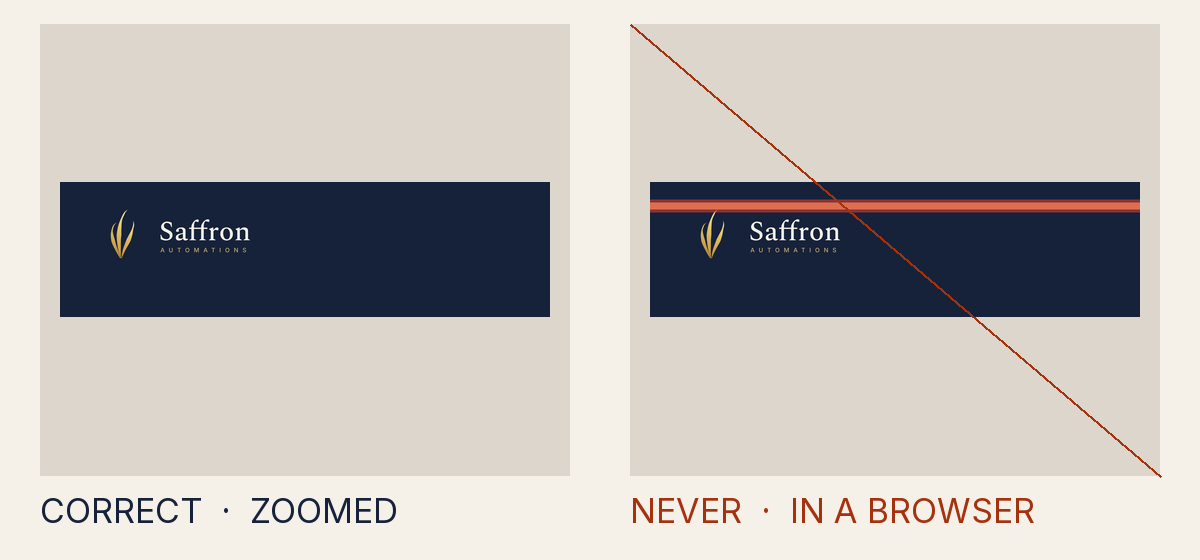
Why it is not allowed
- Measured
- a shape drawn 1,000,000 times its own size, which Chrome draws and the gate's renderer drops
- How to fix it
- Draw every shape at the page's own scale: no stacked scale() that sends a shape, or a blur, far past the page.
- Rule
- A shape is scaled so far that one renderer draws it and another drops it
CONTRACT.magnitude - Source
tests/attack-corpus/125-bar-scaled-a-million-times-past-the-page.svg
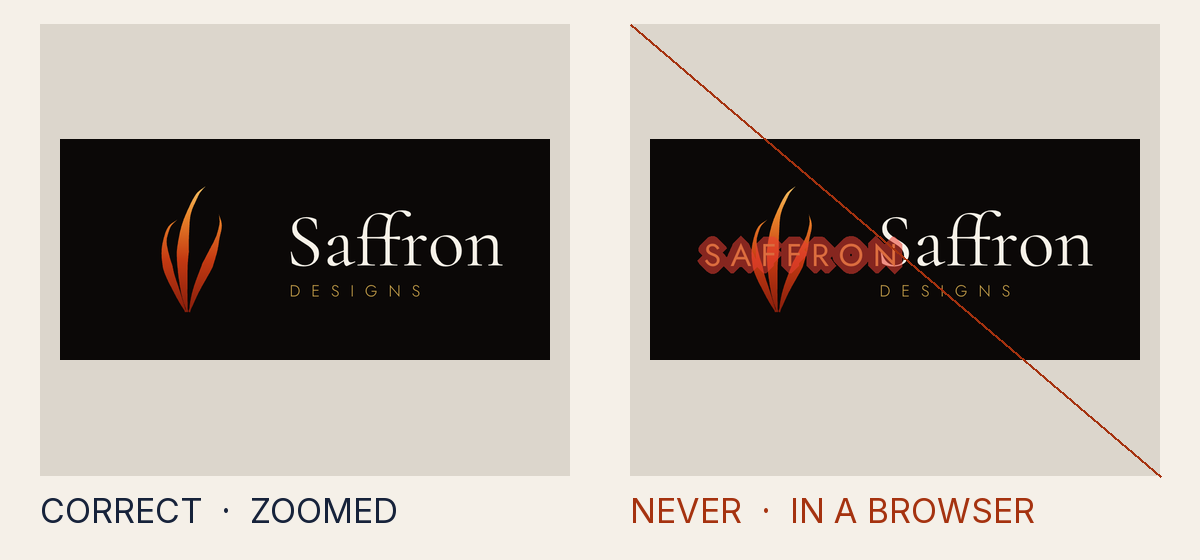
Why it is not allowed
- Measured
- lettering sized above 10,000, larger than any browser draws, so it lands where the gate does not set it
- How to fix it
- Write lettering as it reads, in a pinned face and weight, at an explicit size a browser draws; keep ring text within its semicircle.
- Rule
- The lettering is written so a browser lays it out where the gate cannot set it
INV-7.text_unset - Source
tests/attack-corpus/126-lettering-sized-past-what-a-browser-draws.svg
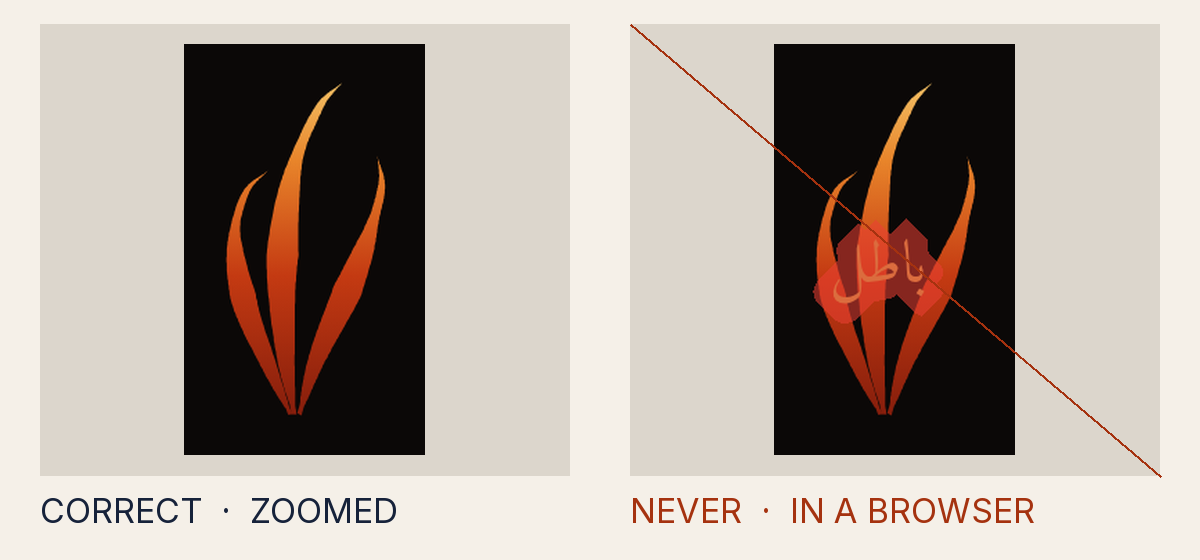
Why it is not allowed
- Measured
- right-to-left and left-to-right letters mixed, which a browser reorders
- How to fix it
- Write lettering as it reads, in a pinned face and weight, at an explicit size a browser draws; keep ring text within its semicircle.
- Rule
- The lettering is written so a browser lays it out where the gate cannot set it
INV-7.text_unset - Source
tests/attack-corpus/127-arabic-lettering-pushed-to-the-far-end-by-blank-spaces.svg
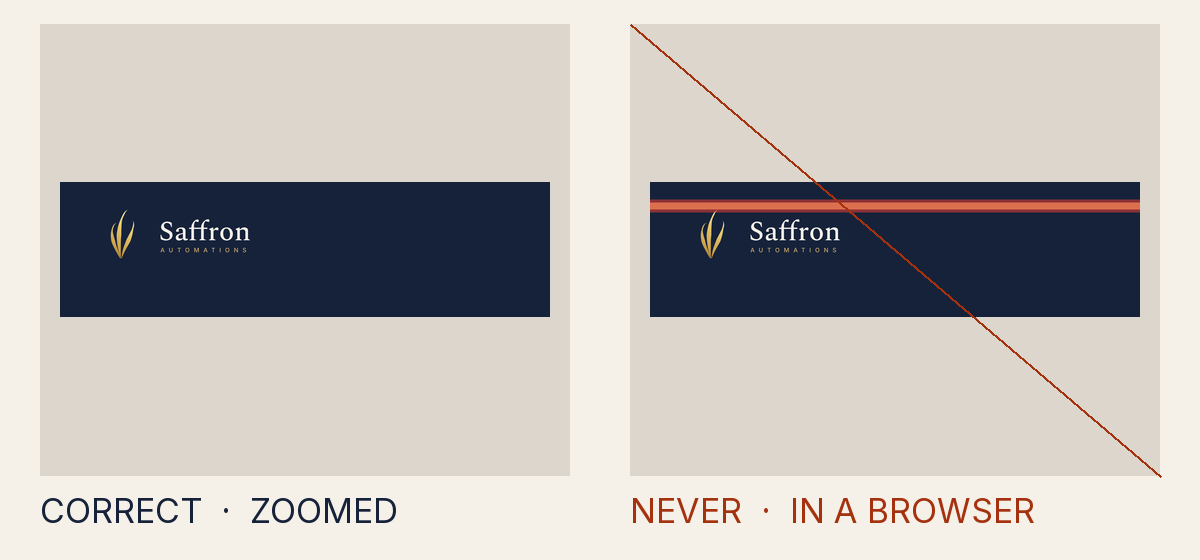
Why it is not allowed
- Measured
- a shape reaching 200,000,068 pixels past the page, which Chrome draws and the gate's renderer drops
- How to fix it
- Draw every shape at the page's own scale: no stacked scale() that sends a shape, or a blur, far past the page.
- Rule
- A shape is scaled so far that one renderer draws it and another drops it
CONTRACT.magnitude - Source
tests/attack-corpus/128-stroke-scaled-into-a-bar-across-the-logo.svg
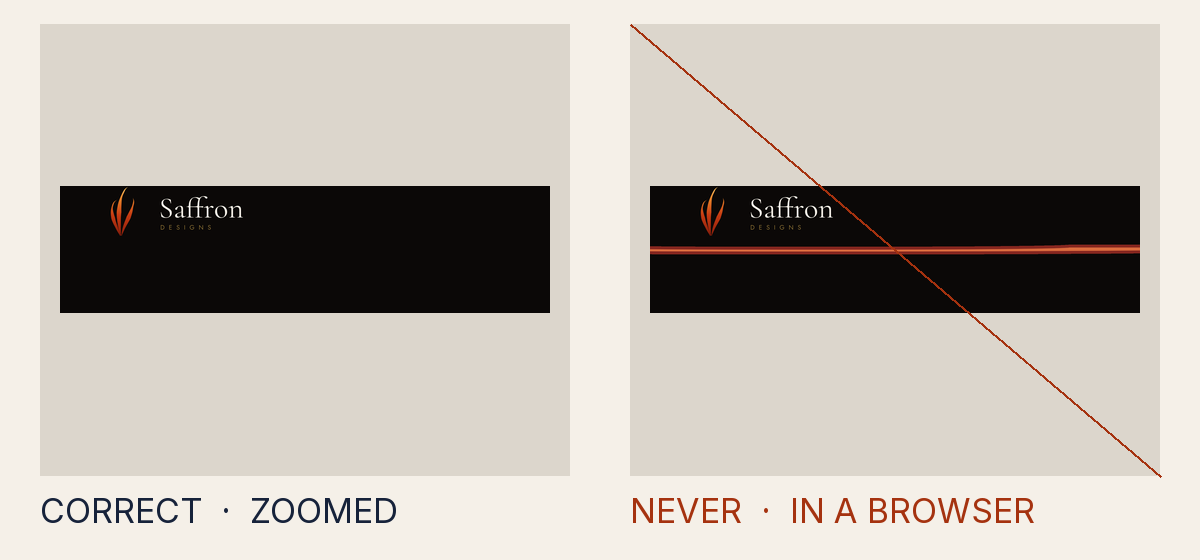
Why it is not allowed
- Measured
- lettering stretched or skewed
- How to fix it
- Write lettering as it reads, in a pinned face and weight, at an explicit size a browser draws; keep ring text within its semicircle.
- Rule
- The lettering is written so a browser lays it out where the gate cannot set it
INV-7.text_unset - Source
tests/attack-corpus/129-lettering-stretched-so-a-browser-sizes-it-differently.svg
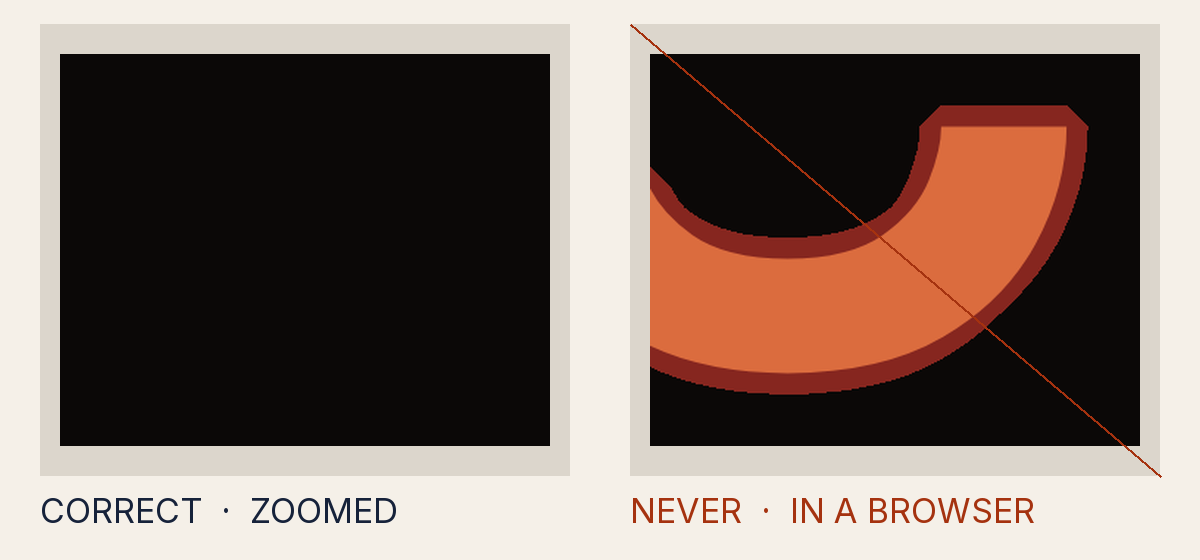
Why it is not allowed
- Measured
- lettering drawn 600 canvas pixels tall, above 500, larger than a browser draws it
- How to fix it
- Write lettering as it reads, in a pinned face and weight, at an explicit size a browser draws; keep ring text within its semicircle.
- Rule
- The lettering is written so a browser lays it out where the gate cannot set it
INV-7.text_unset - Source
tests/attack-corpus/130-lettering-larger-than-a-browser-zooms-cleanly.svg
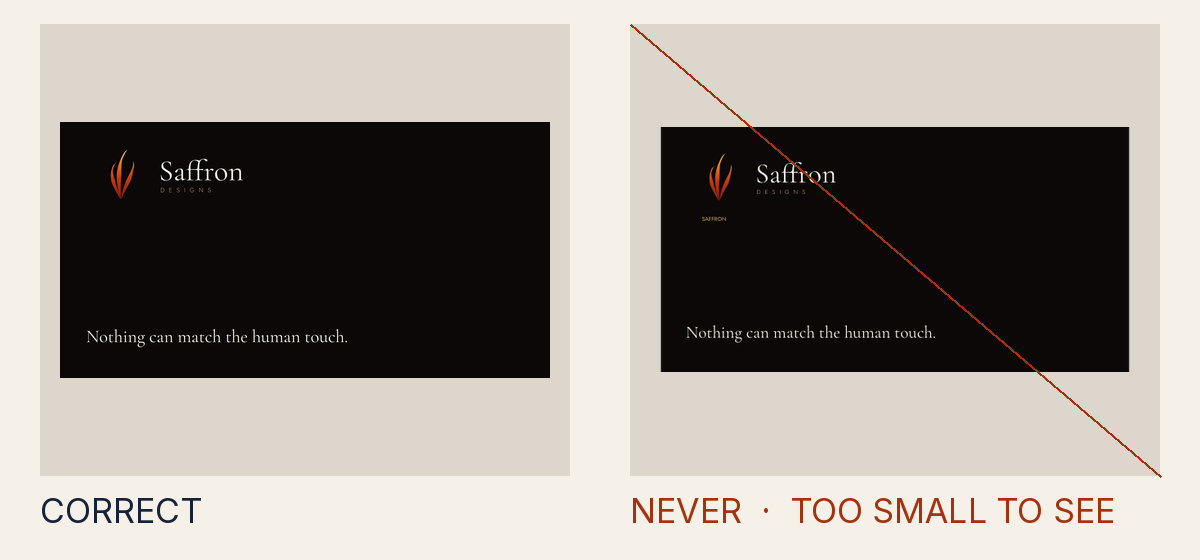
Why it is not allowed
- Measured
- lettering in a file that states no width and height of its own
- How to fix it
- Write lettering as it reads, in a pinned face and weight, at an explicit size a browser draws; keep ring text within its semicircle.
- Rule
- The lettering is written so a browser lays it out where the gate cannot set it
INV-7.text_unset - Source
tests/attack-corpus/131-lettering-in-a-file-with-no-size-of-its-own.svg
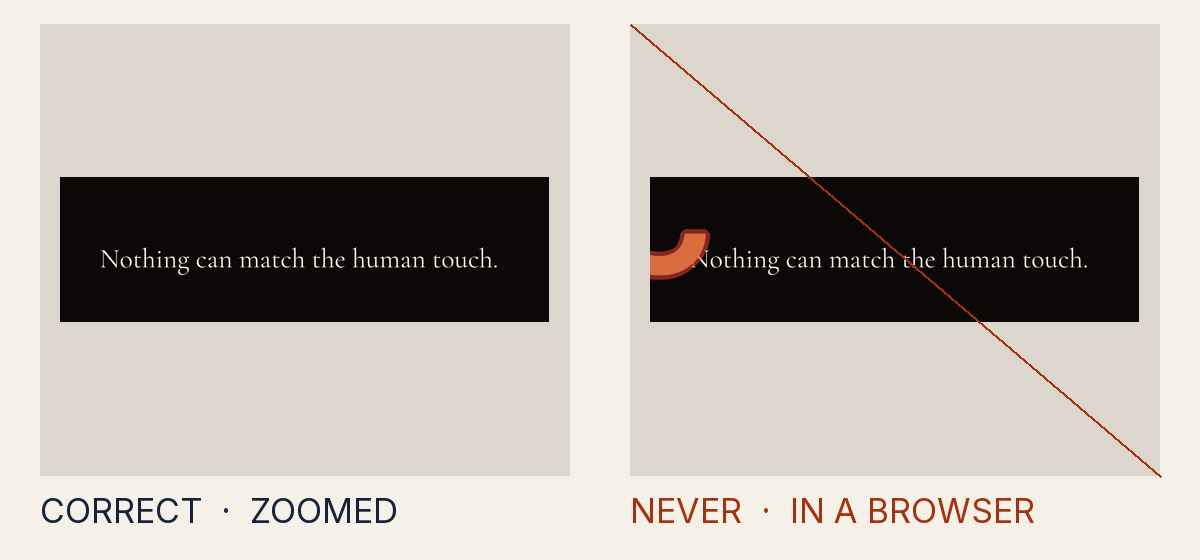
Why it is not allowed
- Measured
- lettering drawn 0.4 of the page's long side, above 0.3, larger than a browser draws it
- How to fix it
- Write lettering as it reads, in a pinned face and weight, at an explicit size a browser draws; keep ring text within its semicircle.
- Rule
- The lettering is written so a browser lays it out where the gate cannot set it
INV-7.text_unset - Source
tests/attack-corpus/132-lettering-larger-than-its-page-allows.svg